19
4
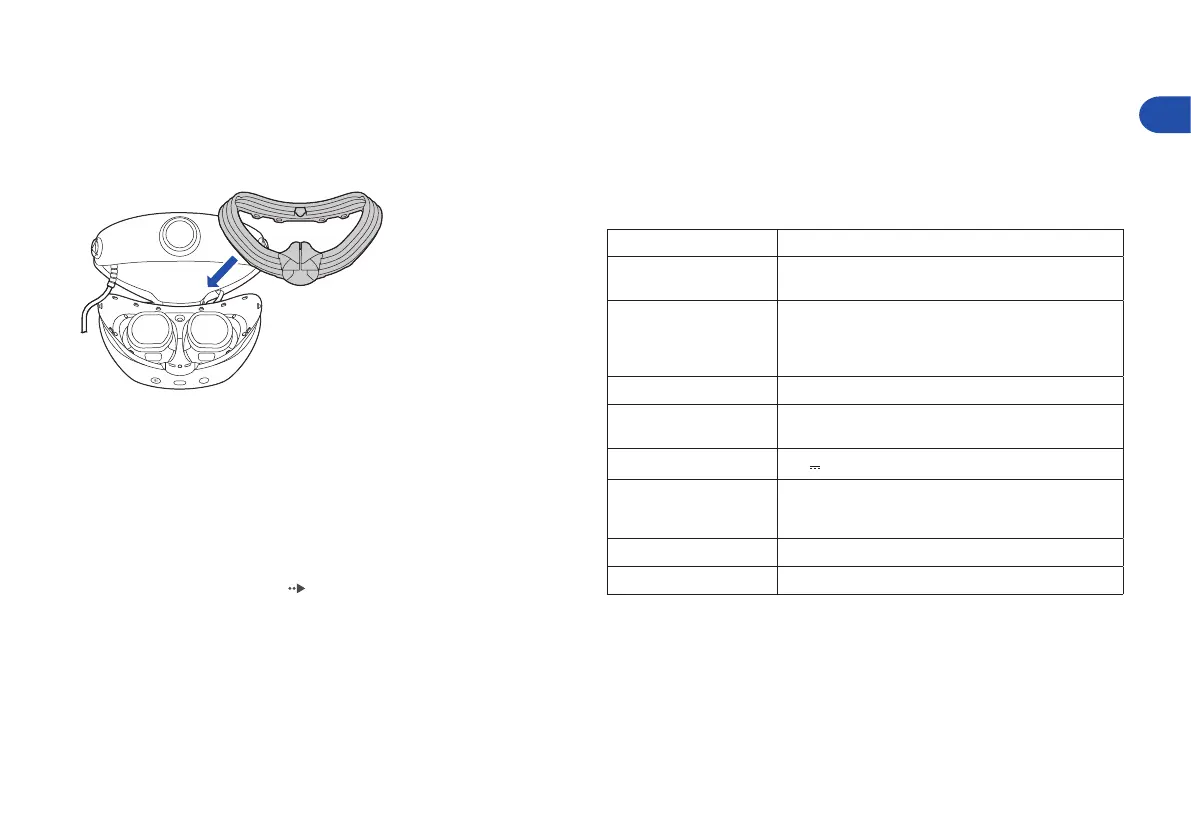
Attach the light shield to the VR headset�
Insert the 14 protrusions on the VR headset into the holes of the light
shield, and push the protrusion on the nose part of the light shield into
the groove on the VR headset.
Vents
Remove dust build-up from the vents using a handheld vacuum cleaner or
similar product.
Earpieces
Remove the earpieces from the stereo headphones and wash them by hand
with a mild detergent. Dry them completely with a soft cloth before
reattaching them to the headphones. For details on removing the earpieces,
refer to “Changing the earpieces” ( page 17).
Specifications
Design and specifications are subject to change without notice.
The operating instructions may vary depending on which software version
you use, whether the system software of your PS5 console, or the device
software of the VR headset and PS VR2 Sense controller. The actual product
may vary from the illustrations in this manual.
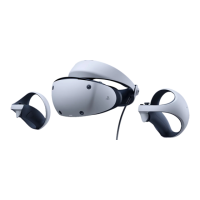
PlayStation VR2
Screen 2 000 × 2 040 per eye
Sensor
6-axis motion sensing system
(3-axis gyroscope, 3-axis accelerometer)
Cameras
Tracking camera × 4
(for VR headset, controller tracking)
IR camera × 2
(for eye tracking)
Input/output USB Type-C® connector
Audio
Input: Built-in microphone
Output: Stereo headphone jack
Input power rating
12V
0.6A
External dimensions
Approx. 212 × 158 × 278 mm
(width × height × depth / excluding projecting parts /
at shortest headband length)
Mass Approx. 560 g (excluding cables)
Operating temperature 5 °C to 35 °C
EN


 To Next Page