9
EN
Let’s get started
2
Turn on�
PS5™ console
Press the (power) button on your PS5 console.
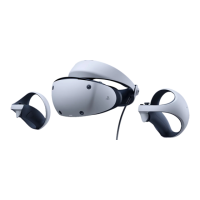
VR headset
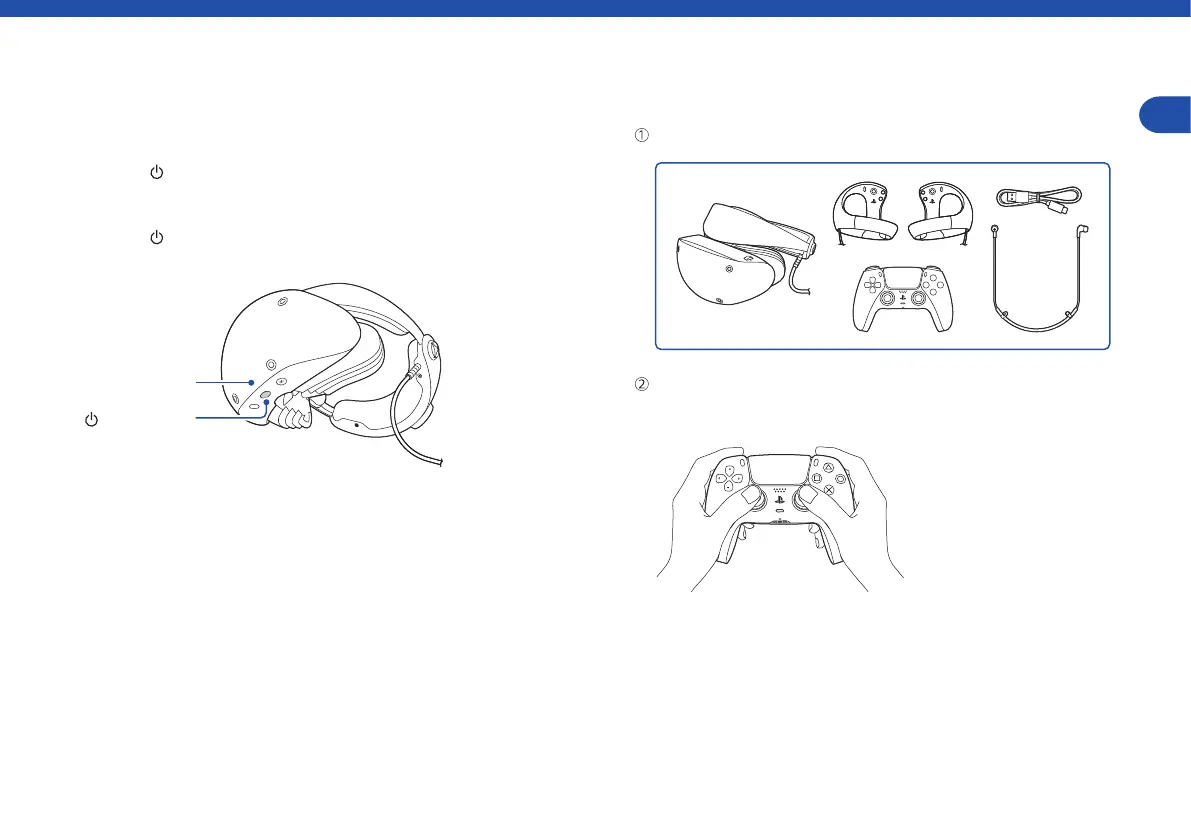
Press the (power) button on your VR headset. The power indicator
blinks white and then turns solid white.
Power indicator
(power) button
3
Set up PS VR2�
Make sure you have the necessary accessories for setup.
Start by using the DualSense™ wireless controller included with your
PS5 console, and follow the instructions displayed on your TV to
complete setup.


 To Next Page