Basic Operations8
GB
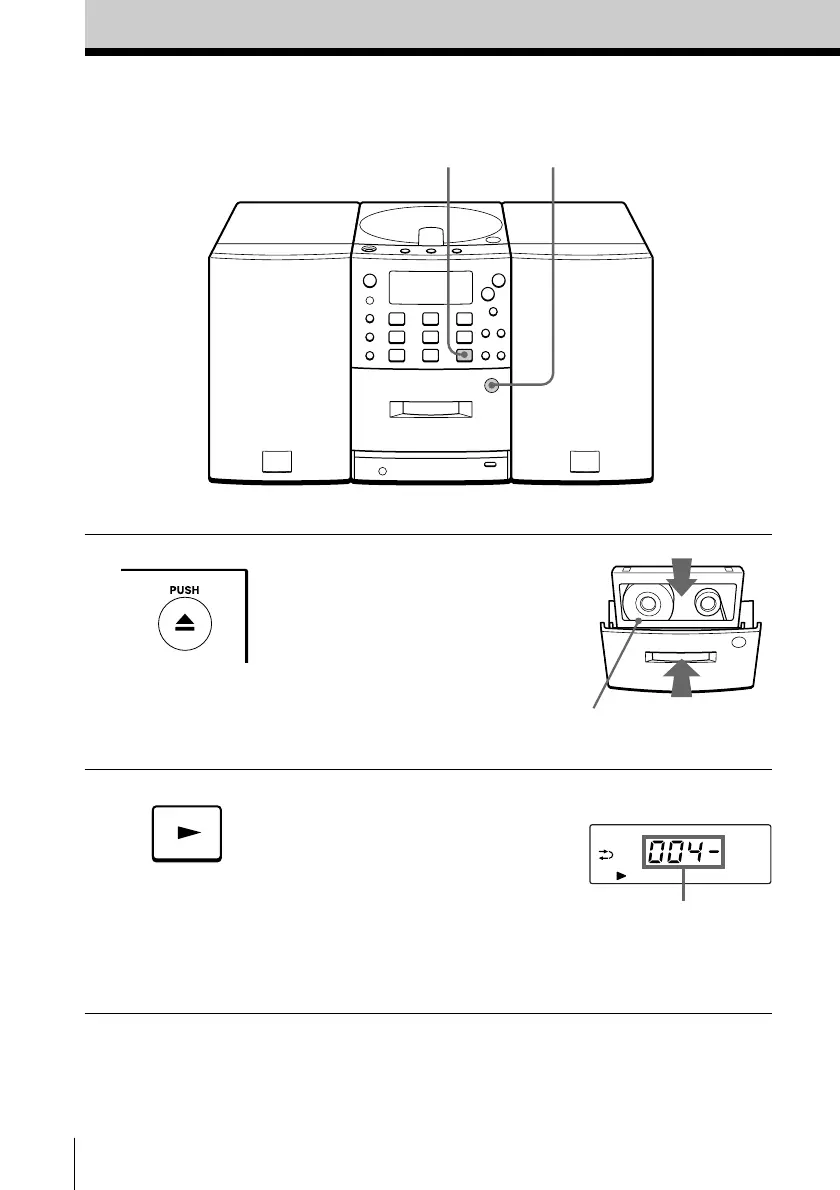
Playing a tape
For hookup instructions, see pages 26 - 29.
1 Press 6 PUSH to open the tape
compartment and insert a
recorded tape. Use TYPE I
(normal) tape only. Close the
compartment.
2 Press ( on the TAPE section.
The player turns on (direct
power-on) and starts playing.
With the side you want
to play facing forward
Display
Tape counter
2
1


 To Next Page