10
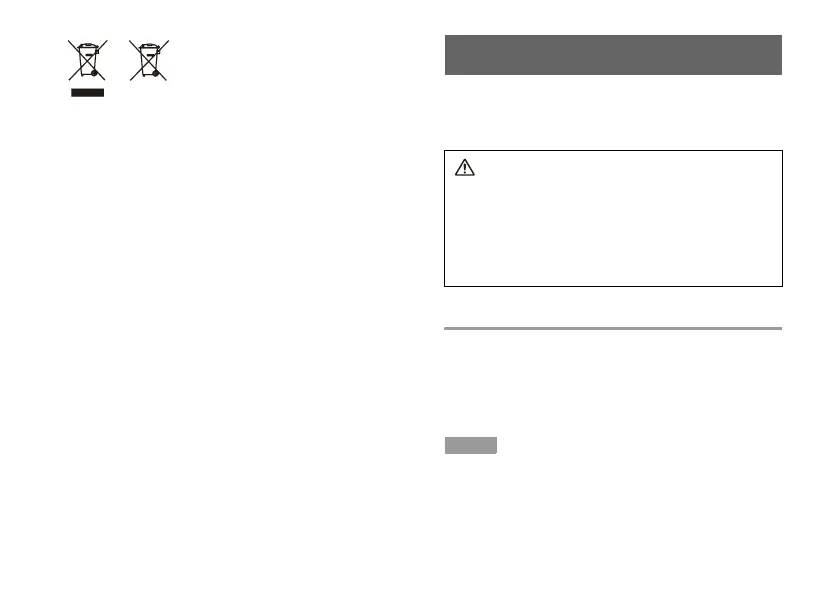
Where you see either symbol on any of our electrical products,
batteries or packaging, it indicates that the relevant electrical
product or battery should not be disposed of as general
household waste in Europe and Turkey. To ensure the correct
waste treatment of the product and battery, please dispose of
them in accordance with any applicable local laws or
requirements for disposal of electrical equipment/batteries. In
so doing, you will help to conserve natural resources and
improve standards of environmental protection in treatment and
disposal of electrical waste.
This symbol may be used on batteries in combination with
additional chemical symbols. The chemical symbols for
mercury (Hg) or lead (Pb) will appear if the battery contains
more than 0.0005% mercury or more than 0.004% lead.
This product contains a battery which is permanently built-in for
safety, performance or data integrity reasons. The battery
should not need to be replaced during the lifetime of the
product and should only be removed by skilled service
personnel. To ensure the correct waste treatment of the battery,
please dispose of this product as electrical waste.
Using the Wireless Controller
If you disconnect the USB cable, you can use the controller
wirelessly. To use it wirelessly, the controller's battery must be
charged. You can check the battery level on the screen by
pressing the PS button for at least one second.
Caution
Do not handle damaged or leaking lithium-ion batteries. If
the internal battery fluid leaks, stop using the product
immediately and contact technical support for assistance. If
the fluid gets on to your clothes, skin or into your eyes,
immediately rinse the affected area with clean water and
consult your physician. The battery fluid can cause
blindness.
Pairing the controller with a PS3™ system
When using the controller for the first time, you must first pair the
PS3™ system and the controller. To pair the devices, connect
the controller and the system using a USB cable and press the
PS button.
When using two or more controllers, each controller must be
paired with the PS3™ system separately.
Hint
You can connect up to seven controllers at one time.



 To Next Page