8
Install an M.2 SSD
M�2 SSD is storage that uses flash memory� Install a commercially available M�2 SSD
in your PS5 console for more storage for your game and app data�
Types of M.2 SSD
You can use an M�2 SSD with the following specifications:
Interface PCI-Express Gen4x4 supported M�2 NVMe SSD (Key M)
Storage 250 GB - 4 TB
Supported sizes 2230, 2242, 2260, 2280, 22110
Size including heat-dissipation
mechanism
Width: up to 25 mm
Length: 30/42/60/80/110 mm
Thickness: up to 11�25 mm (up to 8�0 mm from above the
board, up to 2�45 mm from below the board)
Notices
• Both single-sided devices and double-sided devices are supported�
• M�2 SATA SSD is not supported�
• Allocation of host memory to HMB (Host Memory Buer) supported devices
is not supported�
• Carefully review drive specifications prior to purchase and contact the vendor
or manufacturer if you need further information� SIE cannot guarantee that all M�2 SSD
devices meeting the specifications above will work with your console and assumes
no responsibility for the selection, performance or use of third-party products�
About M.2 SSD heat-dissipation
The M�2 SSD that can be used with this device has a fast transfer speed and is therefore
subject to reaching high temperatures� If the M�2 SSD does not include a heat-dissipation
mechanism, attach a heat conductor, such as a heat sink, a heat transfer sheet,
or both� For information on how to attach the heat conductor, refer to its manual�
If you use your device without heat-dissipation parts, or the heat-dissipation parts
come o during use, the M�2 SSD may overheat, and continued use may cause
operation failure�
Install or remove an M.2 SSD
Safety warnings
Before installing or removing an M�2 SSD, please read the following safety precautions�
Caution
• Keep out of reach of young children� Young children may swallow small parts
which may inflict injury�
• When turning on your console, make sure the cover and expansion slot cover are
installed correctly� If the cover and expansion slot cover are not installed correctly,
it may cause the main unit to overheat�
Notices
• Before proceeding with the installing or removing process, touch a metal-grounded
object to remove any static electricity from your body� Failure to do so may cause
damage to an M�2 SSD or PS5 console� In particular, an M�2 SSD uses parts sensitive
to static electricity, so please use caution�
• Do not touch the terminal of an M�2 SSD or your PS5 console’s expansion connector�
• When attaching or removing screws, use a screwdriver that matches the sizes
of the screws� If the sizes do not match, the screw may become stripped�
• Be careful not to drop small parts such as screws and spacers in the main unit
of your PS5 console� If small parts do fall in the main unit, do not turn on the
power, and instead consult the support website (page 21)�
Install an M.2 SSD
Place your console on a soft cloth spread over a flat surface before installing
the M�2 SSD�
1
Remove the cover (page 7).
For safety warnings or details about removing or attaching covers,
see “Remove and attach covers”�
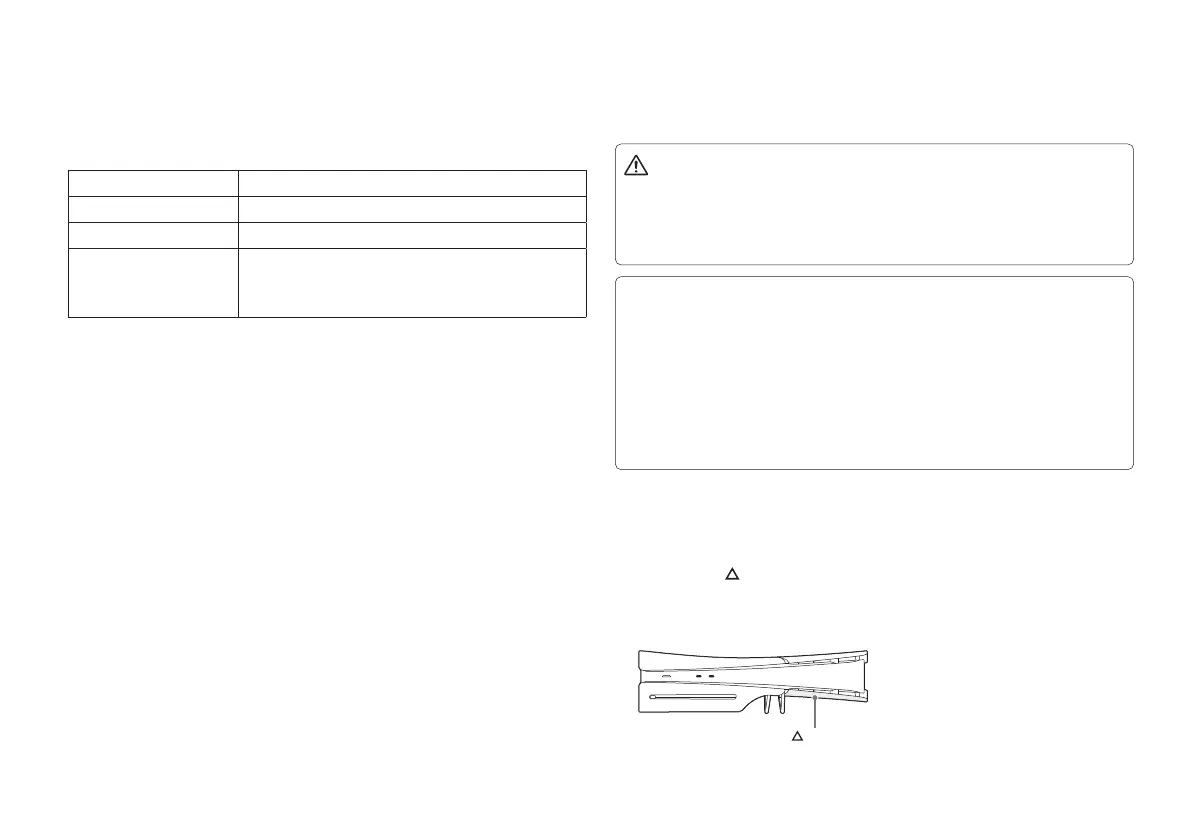
(Console with the disc drive installed)
cover


 To Next Page
 Loading...