11
Using the PSP® system
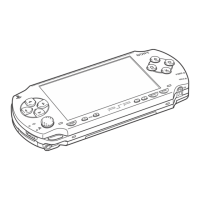
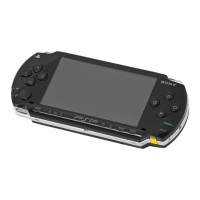
Part names and functions
1 Directional buttons
2 Speaker
3 L button
4 Memory Stick PRO Duo
™
slot
5 Memory Stick PRO Duo
™
access indicator
Lights up when data is being
read or written from Memory
Stick Duo
™
media
Notice
When the Memory Stick PRO
Duo
™
access indicator is lit, do
not eject the Memory Stick
Duo
™
media, turn off the
system, or put the system into
sleep mode, as doing so may
cause data loss or corruption.
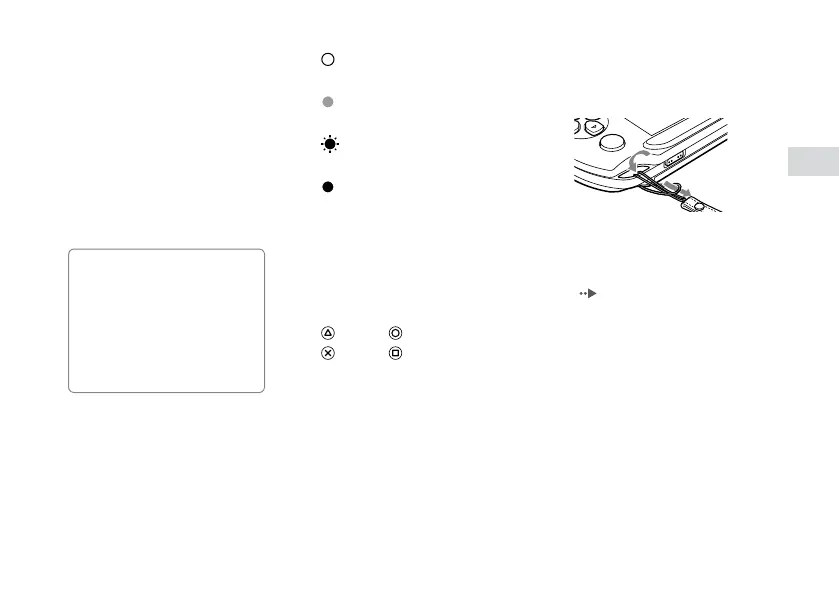
6 POWER indicator
Solid green
Power on
Solid orange
Charging
Flashing green
Charge level low
Light off
Power off/In sleep mode
7 USB connector
8 LCD screen
9 R button
10
button, button,
button, button
11
Analog stick
For use with games that support
analog stick operation
12
PS button
13
Volume button
14
SELECT button
15
START button
16
Strap holder
Attach a strap (sold separately)
as shown below.
17
POWER/HOLD switch
Slide right
Turn the system on and off
( page 15).
Slide left
Lock the system buttons.
18
Headset connector


 To Next Page