27
GB
Using the PSP® system
Downloading games
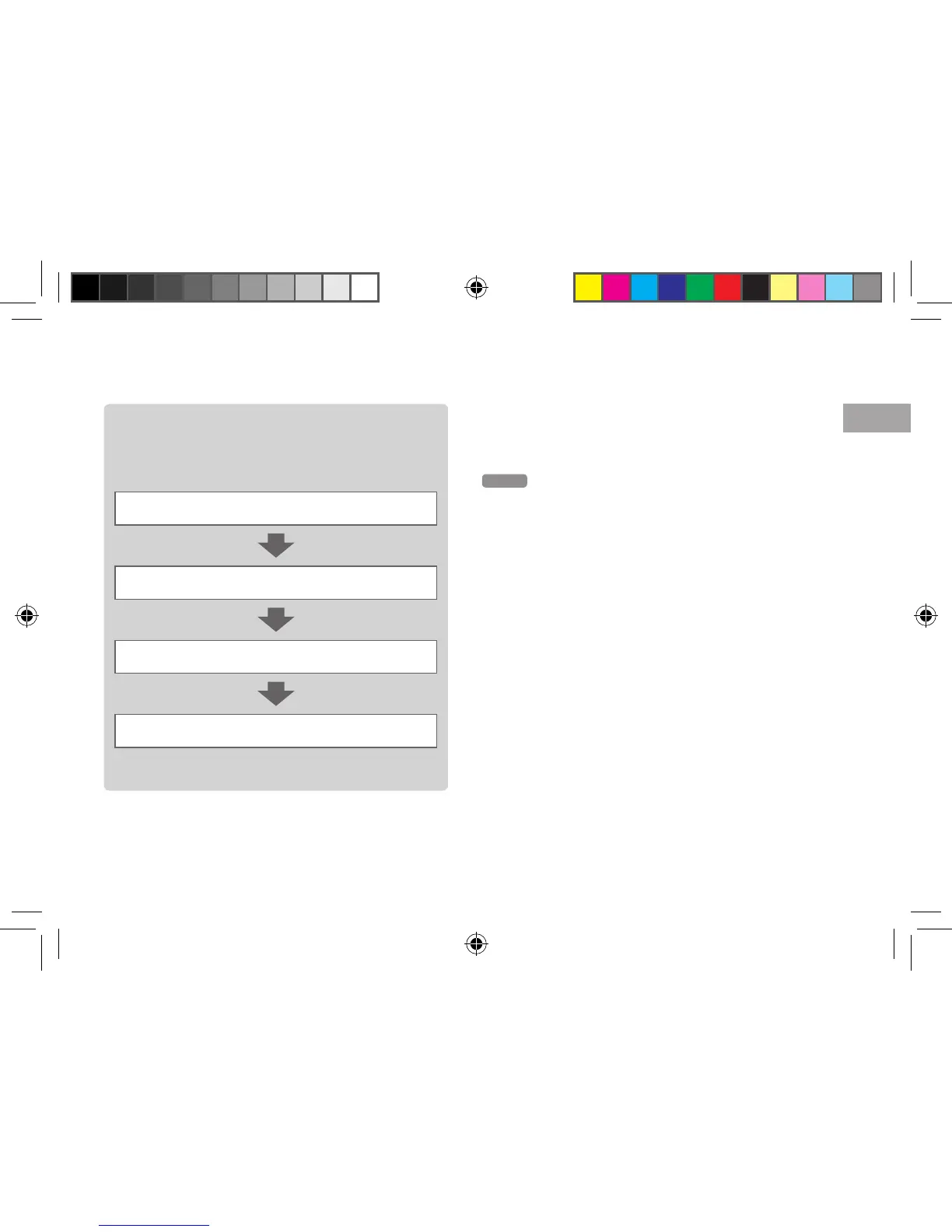
Steps to download games
To download games from PlayStation®Store, you
must perform the following steps.
Create a PlayStation®Network account (sign up)
Sign in
Add funds to your online wallet
Download a game
For details, refer to the online user’s guide.
PlayStation
®Store User’s Guide
manuals.playstation.net/document/storeindex.html
Hints
To download games, you must first insert a Memory Stick Duo
™
into the Memory Stick PRO Duo
™
slot of the PSP® system, then
connect it to your PC using a USB cable.
You can also download (purchase) games from PlayStation
®Store
via the PS3
® system.
12508 PSP E-1000_GB_MasterV2.indd 27 21/09/2011 16:49



 To Next Page