Reader™ User Guide
Print
Search
Getting started
Basic Operations
Adding/Getting Content
Browsing Content Lists
Reading
Organizing
Other Applications
Settings
Other Information
Contents list
Top page > Settings > Changing the Settings > System Management
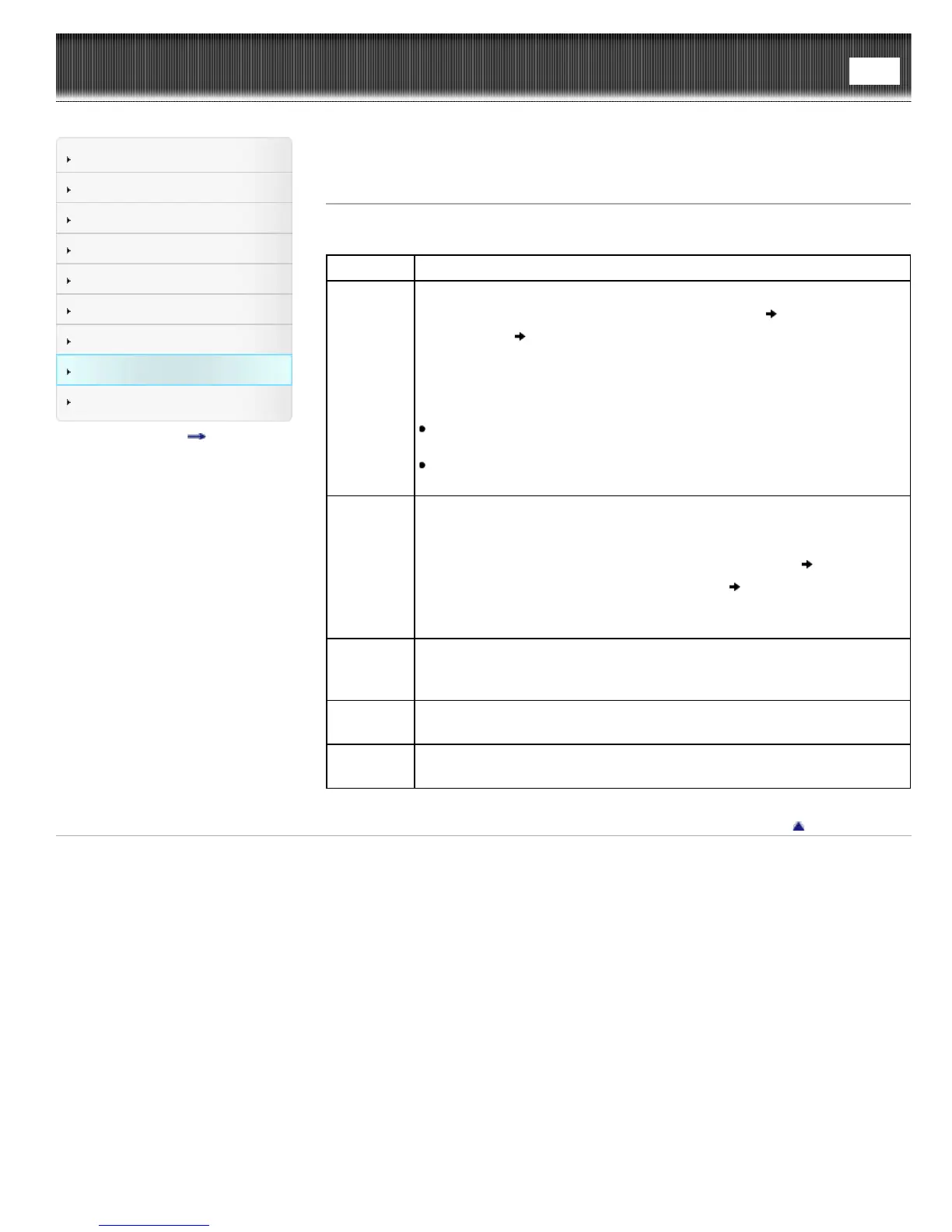
System Management
Setting Description
[Device
Lock]
Sets a 4-digit PIN for the Reader to prevent unauthorized use.
To set [Device Lock] to [On], input your 4-digit PIN
tap [Continue] to
enter it again
tap [OK]. When [Device Lock] is set to [On], you must
unlock the Reader with the 4-digit PIN when waking up the Reader from
sleep mode, or when turning on the power.
To set [Device Lock] to [Off], input your 4-digit PIN and tap [Continue].
Note
Sony recommends that you make a note of your 4-digit PIN and keep
it in a safe place separate from the Reader.
If you forget your 4-digit PIN, contact Sony Customer Support. Note
that in unlocking your device, all content on it will be erased.
[Standby
Screen]
Sets standby screen preferences.
[Type of Image]: You can select whether to display the cover of the last
read book or pictures from the [Pictures] application. When you select
[Selected Pictures], continue by tapping [Select Pictures]
tap to add a
check next to the pictures you want to display
tap [Done].
[Show Message]: You can select whether to display a message about
waking up the Reader from sleep mode on the standby screen.
[Download
Destination]
Sets the destination for content downloaded from Reader Store or files
downloaded from the browser. Select between [Internal Memory] and [SD
Card].
[Check for
Updates]
Check the update information.
[Demo
Mode]
Sets the Reader to the Demo Mode.
To enter the Demo Mode, check the checkbox next to [Demo Mode].
Go to page top
Copyright 2013 Sony Corporation













 To Next Page