Reader™ User Guide
Print
Search
Getting started
Basic Operations
Adding/Getting Content
Browsing Content Lists
Reading
Organizing
Other Applications
Settings
Other Information
Contents list
Top page > Getting started > Parts and Controls > Buttons
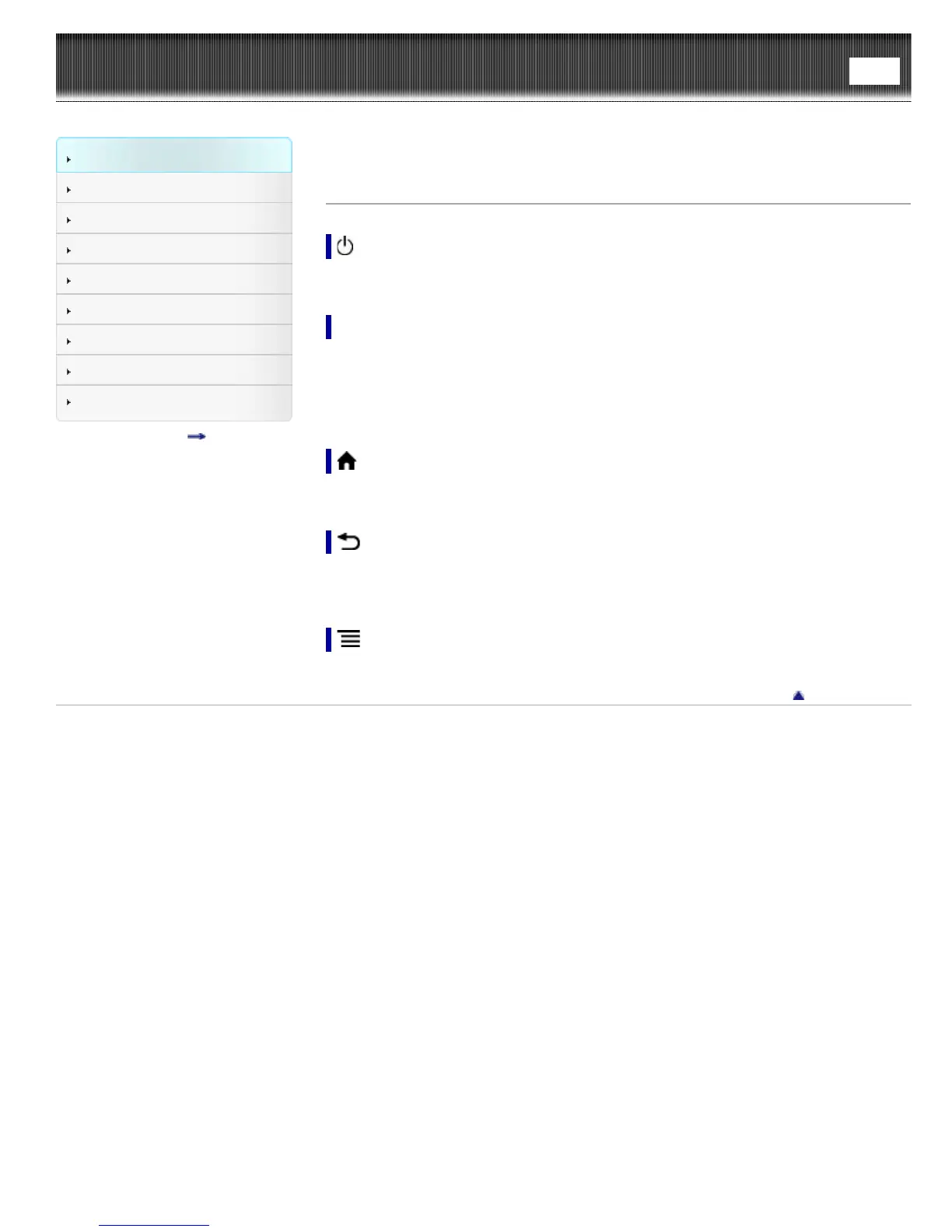
Buttons
(Power)
Turns the Reader on/off, and sets it to sleep mode. See Details.
< > (Page turn)
When reading a book or periodical: Press either button to turn the page back or forward,
respectively. Press and hold either button to turn pages continuously.
When using the Web browser: Press either button to scroll the page up or down,
respectively.
(Home)
Displays the [Home] screen.
(Back)
Returns to the previous screen, or returns to the content list from a book. Also closes
the on-screen keyboard or a dialog box/navigation bar/tool bar.
(Menu)
Displays the available option items.
Go to page top
Copyright 2013 Sony Corporation













 To Next Page