Reader™ User Guide
Print
Search
Getting started
Basic Operations
Adding/Getting Content
Browsing Content Lists
Reading
Organizing
Other Applications
Settings
Other Information
Contents list
Top page > Basic Operations > [Home] Screen > Touchscreen Operations
Touchscreen Operations
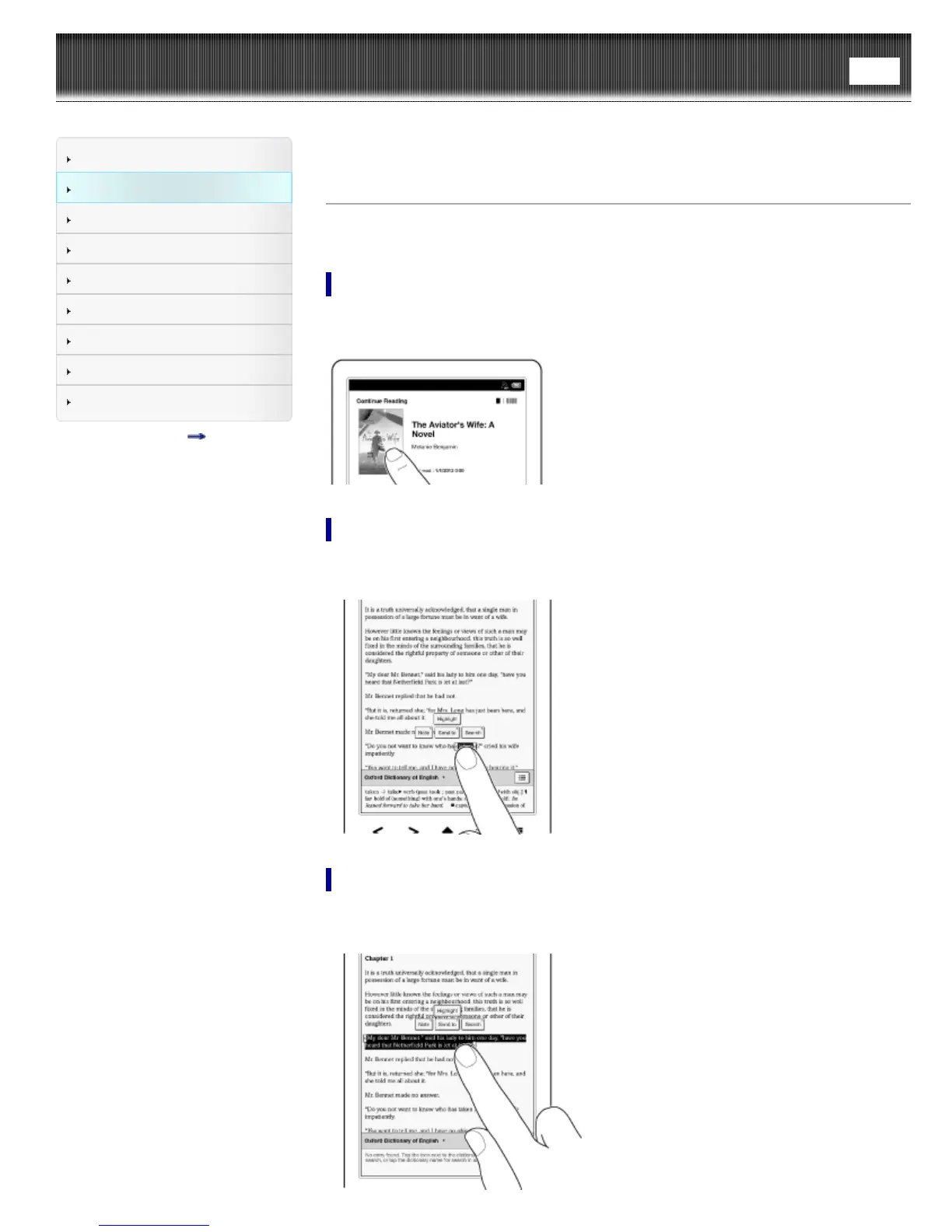
The touchscreen recognizes the following gestures.
Tap
Tap an icon, a button or a menu item and raise your finger quickly to select or perform
an action.
Tap and hold
Tap and hold your finger to select a word and display a pop-up menu for further
operations.
Tap, hold and drag
Touch and hold your finger to the display and drag your finger; you can select a group
of text and display a pop-up menu for further operations.













 To Next Page