Reader™ User Guide
Print
Search
Getting started
Basic Operations
Adding/Getting Content
Browsing Content Lists
Reading
Organizing
Other Applications
Settings
Other Information
Contents list
Top page > Browsing Content Lists > Content Lists > Tools
Tools
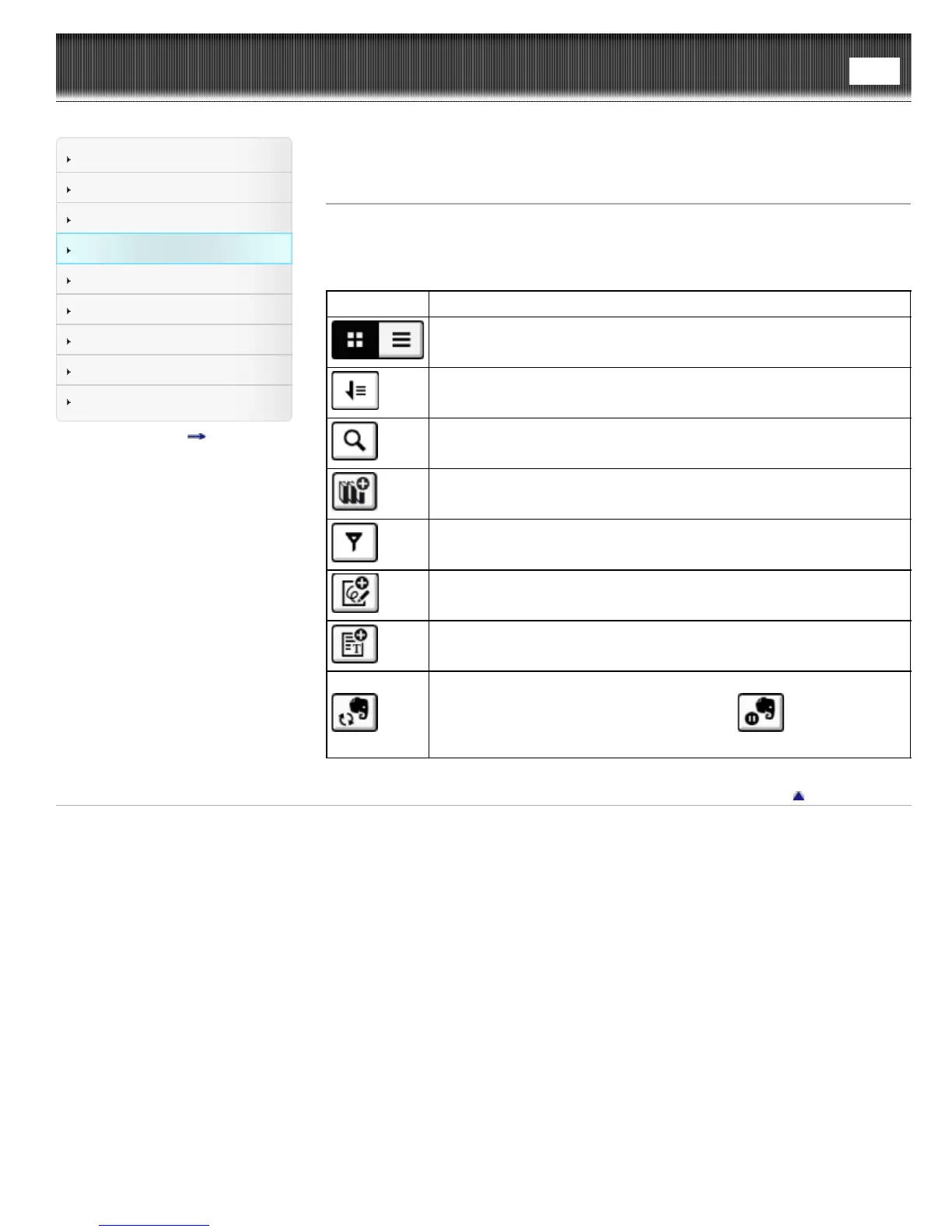
Below is a list of the tools available on each application’s content list page.
Not all tools are available in each application.
Tool icon Description
Changes the view between the thumbnail view and the list view. See
Details.
Changes the sort order.
Finds content with a keyword. See Details.
Creates a new collection.
Specifies the notes type to view in the list.
Creates a new drawing.
Creates a new memo.
Synchronizing with Evernote. See Details.
During syncronization, the icon will change to
(tap to stop
syncronization).
Go to page top
Copyright 2013 Sony Corporation


 To Next Page
 Loading...









