45
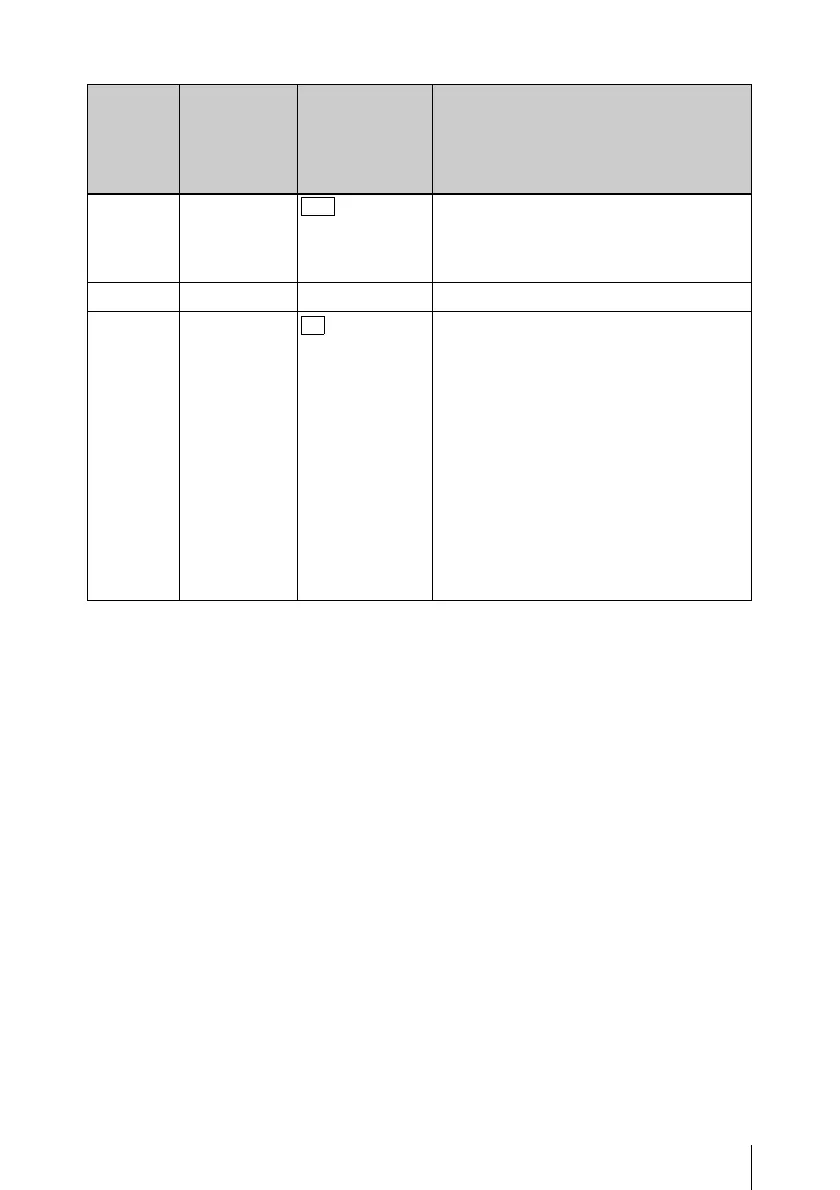
Settings on the RM Configuration Menu
FOCUS 16
PEr , dIS
Selects the display form of the focus
position.
PEr:Percent
dIS: Distance
VERSION VS (display only) Displays the software version.
CLEAR CL
no , yES
Resets all the settings made by the RM
Configuration menu to the default
settings (factory settings).
1 Select “yES” and press the ENTER
button.
The indication “yES” flashes on the
adjustment value indicator.
2 Press the ENTER button again.
All the settings are reset to the default
settings.
To cancel the reset operation, press the
CANCEL button before performing step
2.
Item Item
indication
(on MASTER
GAIN
indicator)
Setting
(on adjustment
value
indicator)
Function











 To Next Page