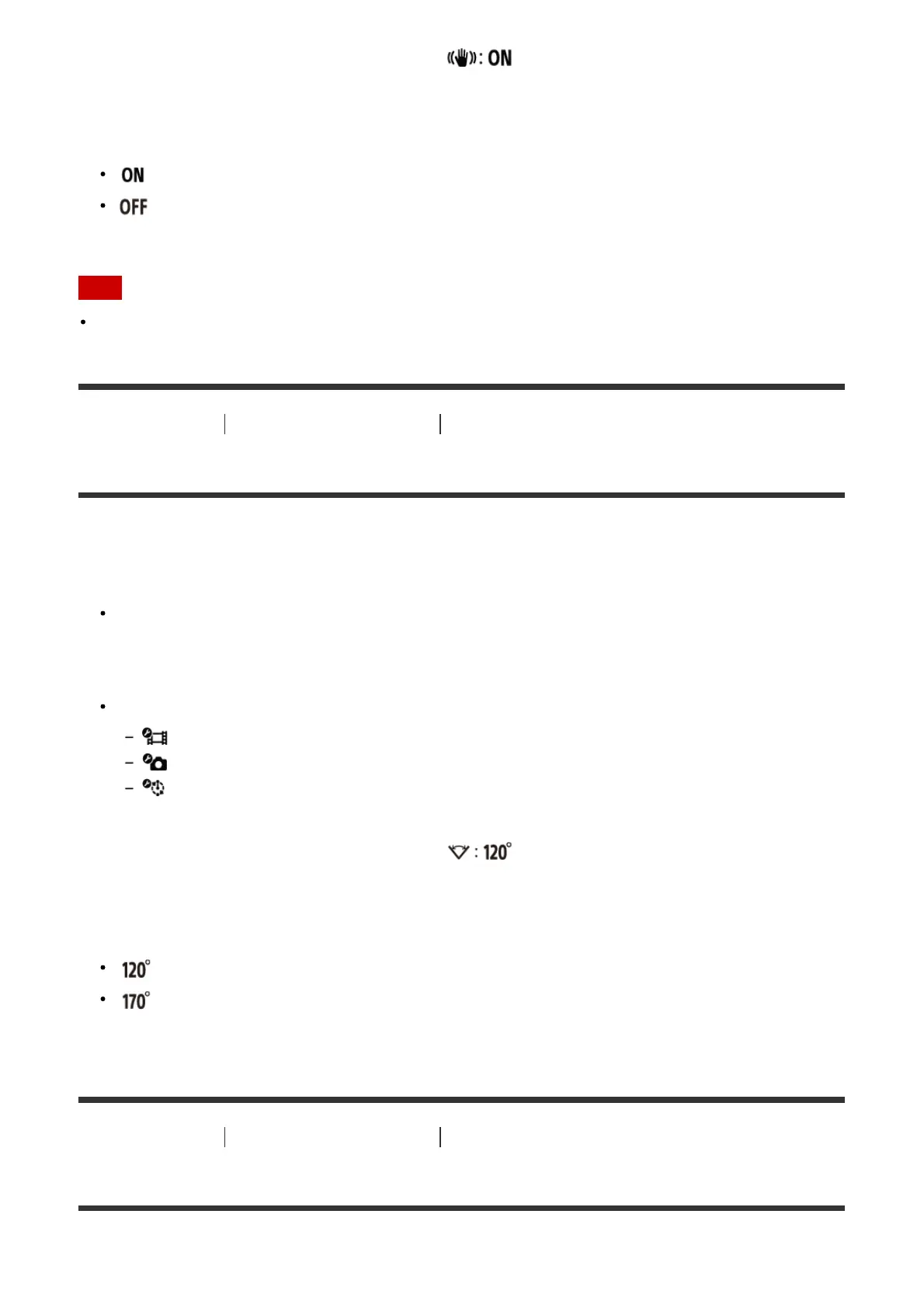
3. Press the UP button or DOWN button to select (SteadyShot) and press the REC/ENTER
button.
4. Press the UP button or DOWN button to select the following setting, and press the REC/ENTER
button.
: Uses SteadyShot. (Field angle: 120°)
: Does not use SteadyShot. (Field angle: 170°)
Note
The field angle changes when the movie size is set to [VGA].
[19] How to use Changing the Settings Shooting settings
Field angle setting
You can configure the field angle setting of the camera.
1. Press the MENU button.
The list of setting items is displayed.
2. Press the UP button or DOWN button to select the setting, then press the REC/ENTER button.
Select the settings below.
Movie settings
Still image settings
Interval photo recording settings
3. Press the UP button or DOWN button to select (Field angle setting) and press the
REC/ENTER button.
4. Press the UP button or DOWN button to select the following setting, and press the REC/ENTER
button to confirm.
: Records with a field angle of 120°.
: Records with a field angle of 170°.
[20] How to use Changing the Settings Shooting settings
Flip
You can record the image upside down. This function is useful when the camera is attached upside



 To Next Page