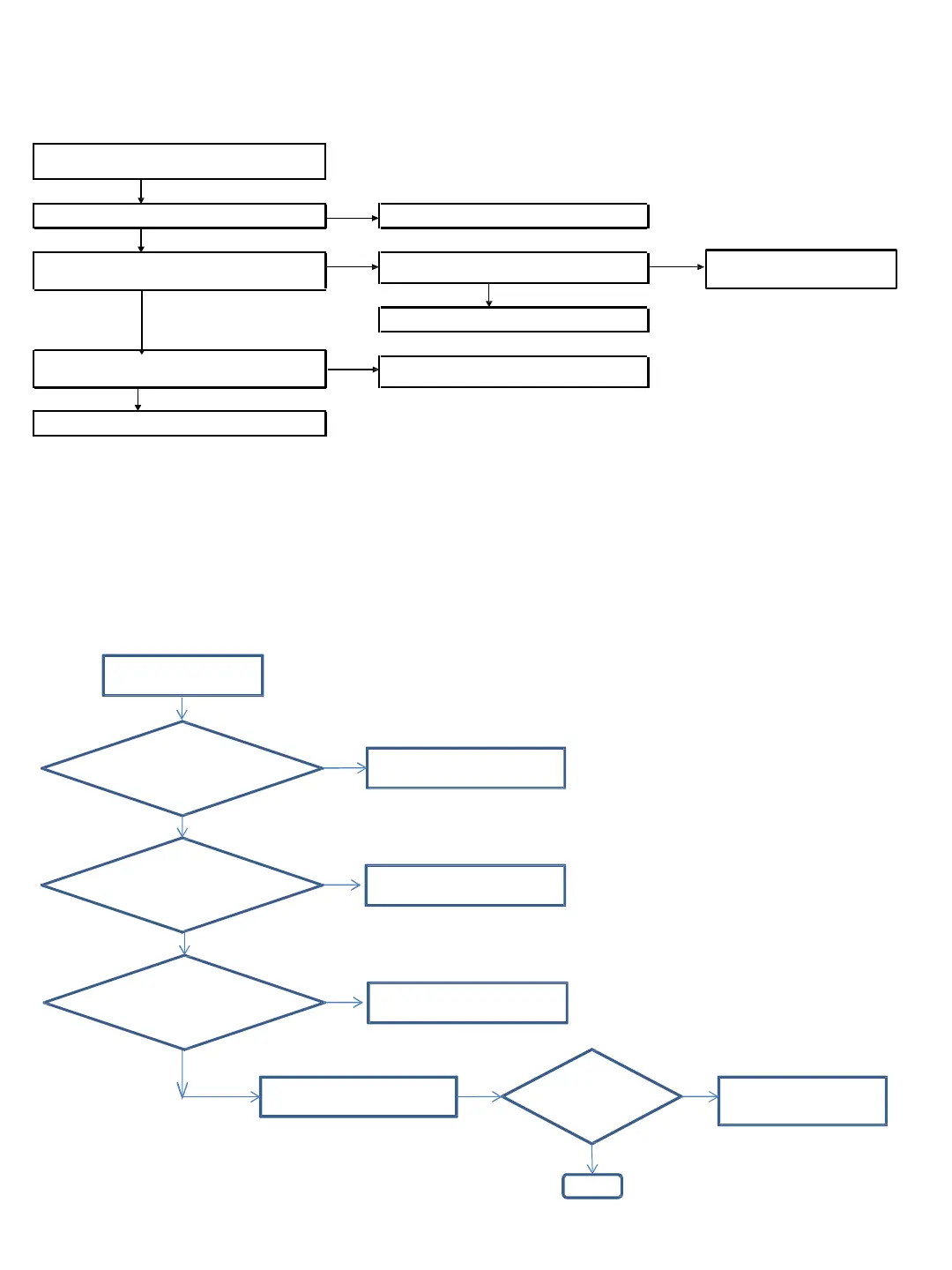
6-10. Ethernet flowchart
6-8
6-11. Wifi flowchart
Check 3.3V at
Wifi Module pin8
To power supply flow chart
Check USB harness connection is
OK?
Plug in harness properly
NO
NO
YES
YES
Repeat wireless setup
Can establish
Wi-Fi Connection?
Change MB board
/ Wifi Module
NO
YES
END
Check 3.3V at
Wifi Module pin2
To power supply flowchart
NO
YES
Wireless setup fail.
Cannot connect with the network,
cannot update through the network
Is the LAN cable plugged in properly?
No
Plug in the LAN cable firmly
Yes
Is the LED of the hub router lit? (LINK
LED)
No
Is power supplied to the MB board?
No
Yes
Yes
Replace the MB board.
Are the network settings of the menu
correct?
No
Make the correct network settings.
Replace the MB Board
Yes
To Power System Flowchart



 To Next Page