15
US
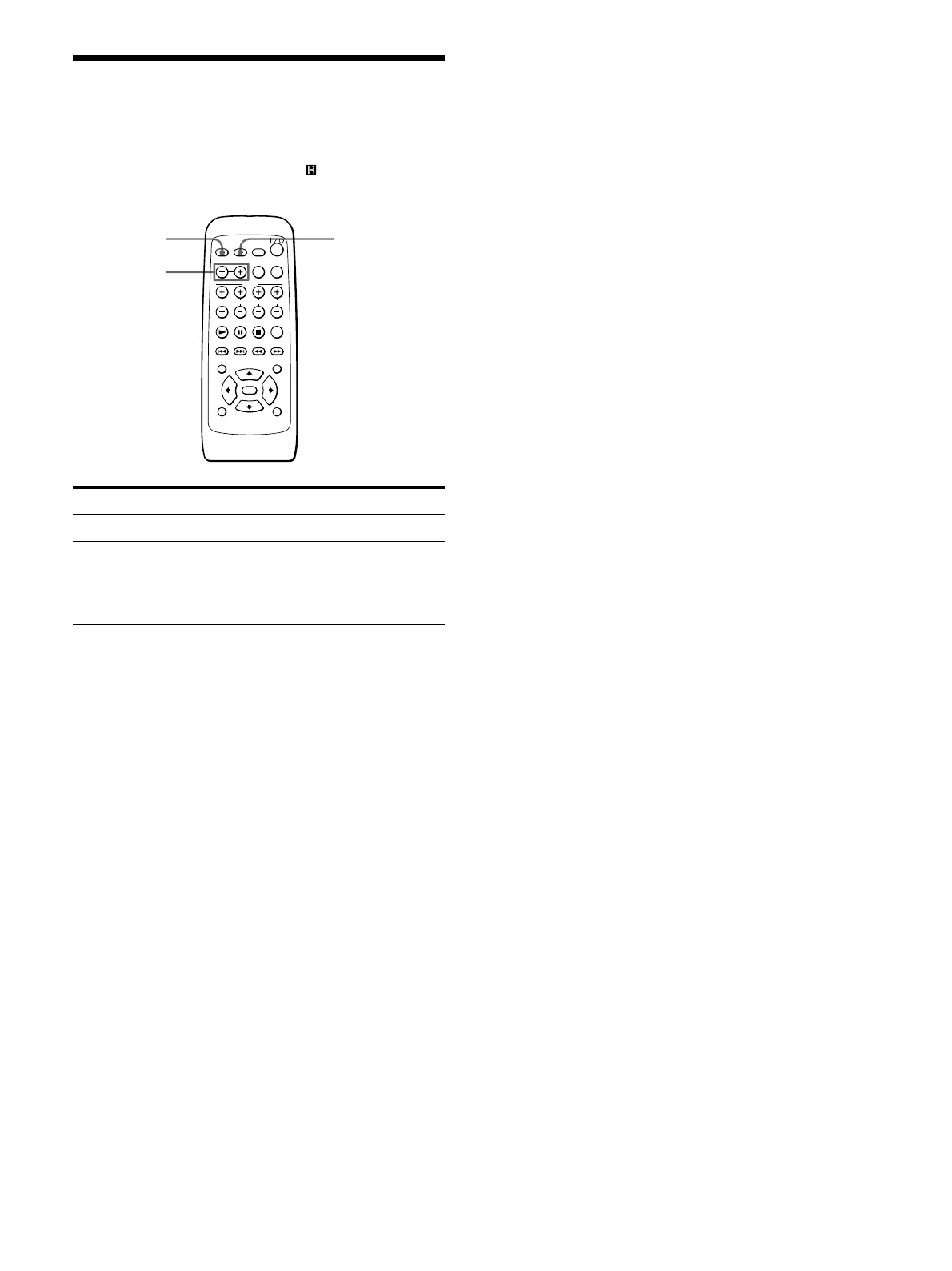
Controlling the TV with the
Supplied Remote
You can control the Sony TV having mark with the
supplied remote.
To
Turn the TV on or off
Change the channel
of the TV
Select the input source
for the TV
Note
Depending on the TV, you may not be able to control your TV or
to use some of the buttons above.
Operation
Press TV.
Press TV CH +/–.
While pressing SHIFT, press TV
CH – (TV/VIDEO).
SHIFT
TV CH +/–
(TV/VIDEO)
TV



 To Next Page