15
GB
3 Press the m/M buttons to select either “On” or “Off.”
• ON: Only the 1 (power) switch and INPUT button will
operate. If you attempt any other operation, the
icon appears on the screen.
• OFF: Set “ MENU LOCK” to off. If “ MENU
LOCK” has been set to “ON,” when you press the
MENU button, “ MENU LOCK” is
automatically selected.
Technical Features
Power saving function
This monitor meets the power-saving guidelines set by VESA,
ENERGY STAR, and NUTEK. If the monitor is connected to a
computer or video graphics board that is DPMS (Display Power
Management Standard) for Analog input/DMPM (DVI Digital
Monitor Power Management) for Digital input compliant, the
monitor will automatically reduce power consumption as shown
below.
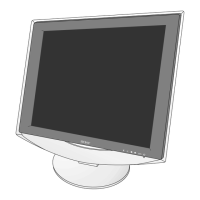
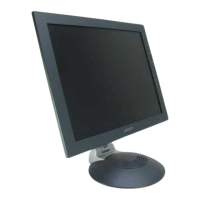
SDM-HS75P
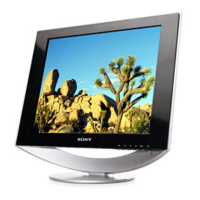
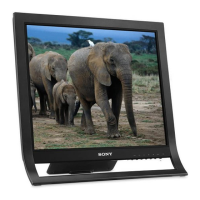
SDM-HS95P
* When your computer enters the “active off” mode, the input signal is
cut and NO INPUT SIGNAL appears on the screen. After 5 seconds,
the monitor enters the power saving mode.
** “deep sleep” is the power saving mode defined by the Environmental
Protection Agency.
Power mode Power consumption 1 (power)
indicator
normal
operation
45 W (max.) green
active off*
(deep sleep)**
1.0 W (max.) orange
power off 1.0 W (max.) off
Power mode Power consumption 1 (power)
indicator
normal
operation
50 W (max.) green
active off*
(deep sleep)**
1.0 W (max.) orange
power off 1.0 W (max.) off


 To Next Page