5Getting Started
Getting Started
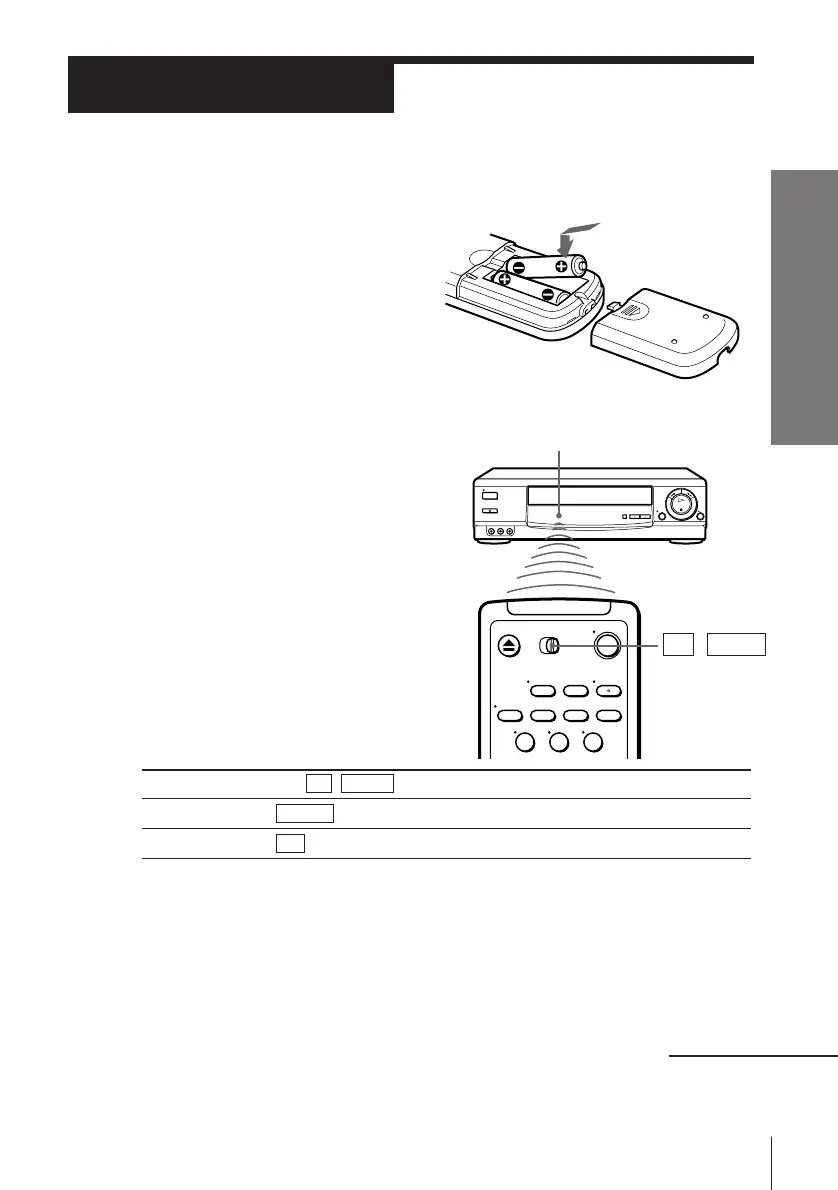
Inserting the batteries
Insert two size AA (R6) batteries by
matching the + and – on the
batteries to the diagram inside the
battery compartment.
Insert the negative (–) end first,
then push in and down until the
positive (+) end clicks into position.
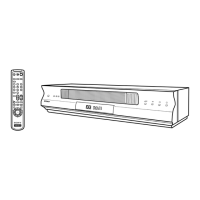
Using the remote commander
You can use this remote
commander to operate this VCR
and a Sony TV. Buttons on the
remote commander marked with
a dot (•) can be used to operate
your Sony TV.
Step 2
Setting up the remote commander
Notes
• With normal use, the batteries should last about three to six months.
• If you do not use the remote commander for an extended period of time, remove
the batteries to avoid possible damage from battery leakage.
• Do not use a new battery with an old one.
• Do not use different types of batteries.
Remote sensor
To operate
the VCR
a Sony TV
Set TV / VIDEO to
VIDEO and point at the remote sensor on the VCR
TV and point at the remote sensor on the TV
continued
TV␣ ␣ /␣ ␣ VIDEO
123




 To Next Page