45
Basic Operations
Basic Operations
TIMER SET / CHECK
DATE
WED
61/0
START STOP CH
–
/
–– –
:
–– –
:
–– –– –
–
/
–– –
:
–– –
:
–– –– –
–
/
–– –
:
–– –
:
–– –– –
–
/
–– –
:
–– –
:
–– –– –
–
/
–– –
:
–– –
:
–– –– –
–
/
–– –
:
–– –
:
–– –– –
–
/
–– –
:
–– –
:
–– –– –
10
/
16 –
:
–– –
:
–– ––
SPWED
1
Daily/weekly recording
In step 2 above, press CURSOR . to select the recording pattern. Each time
you press CURSOR ., the indication changes as shown below. Press
CURSOR > to change the indication in reverse order.
Tips
• To set the channel, you can also use the CH+/– or number buttons.
• To set the tape speed, you can also use the TAPE SPEED button.
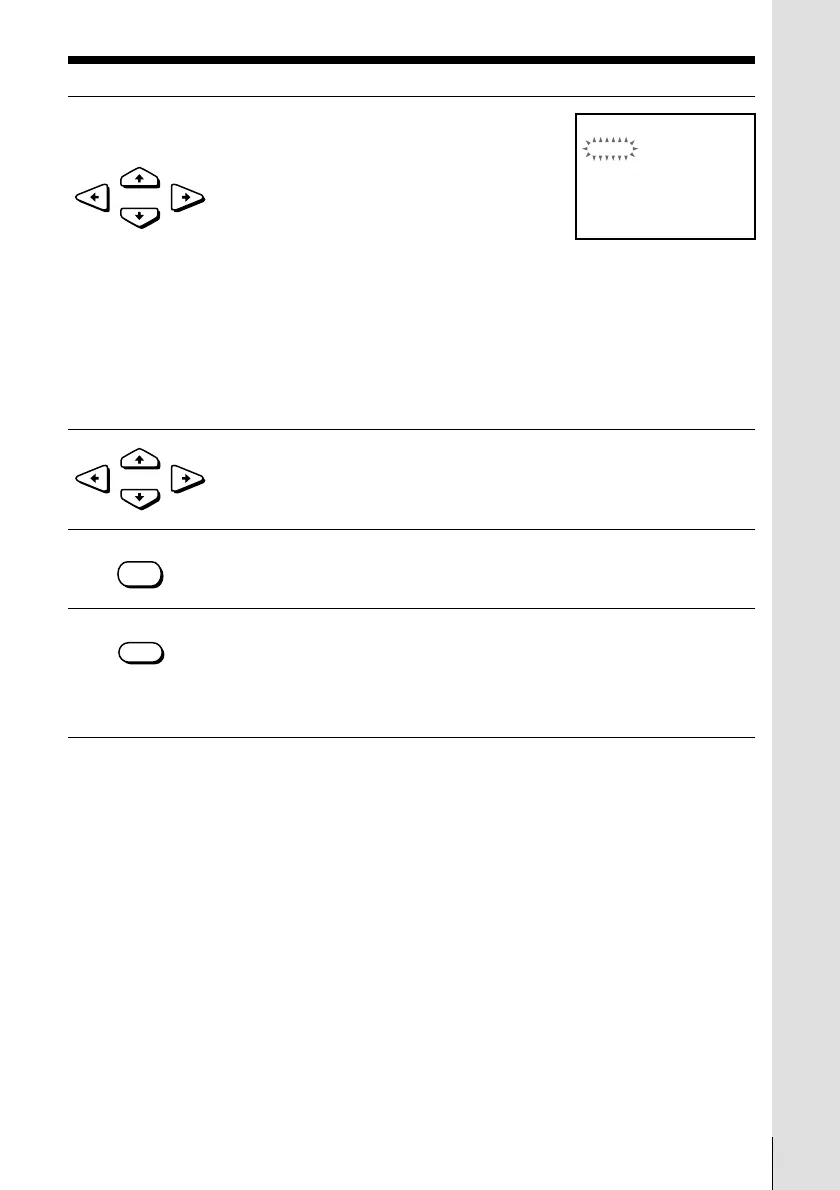
2 Set the date, start and stop times, channel
number and tape speed:
1 Press CURSOR / to flash each item in
turn.
2 Press CURSOR >/. to set each item.
To correct a setting, press CURSOR ? to
return to that setting and reset.
To record the same program every day or the same day every week,
press CURSOR . while the date is flashing. For details, see “Daily/
weekly recording” below.
To record from a source connected to the LINE-1 IN or LINE-2 IN
jacks, press INPUT SELECT to display “L1” or “L2” in the “CH”
position.
3 Press CURSOR / to confirm the setting.
The cursor (z) appears at the top of the line. To enter another
setting, move the cursor to the next line and repeat step 2.
4 Press EXECUTE.
5 Press POWER to turn off the VCR.
The TIMER indicator on the VCR lights up and the VCR stands by
for recording.
When using a cable box, leave it on.
•POWER
•CURSOR
•CURSOR
•EXECUTE
the current date n SUN-SAT n MON-SAT n MON-FRI n EVERY SAT n
..... n EVERY MON n EVERY SUN n 1 month later n (cycles backward)
n the current date



 To Next Page