Additional Operations
SLV-P55EE/PH77EE 3-858-675-11 (2)
18
EN
Editing with another VCR (continued)
Operation (when
recording on this VCR)
You can make a copy of a tape
using this VCR for recording or
playback. The unit cannot record
TV programmes directly since it
does not have a TV tuner.
Before you start editing
• Turn on your TV and set it to the video channel.
1 Insert a source tape with its safety tab removed into the other
(playback) VCR. Search for the point to start playback and set it to
playback pause.
2 Insert a tape with its safety tab in place into this (recording) VCR.
Search for the point to start recording and press P PAUSE.
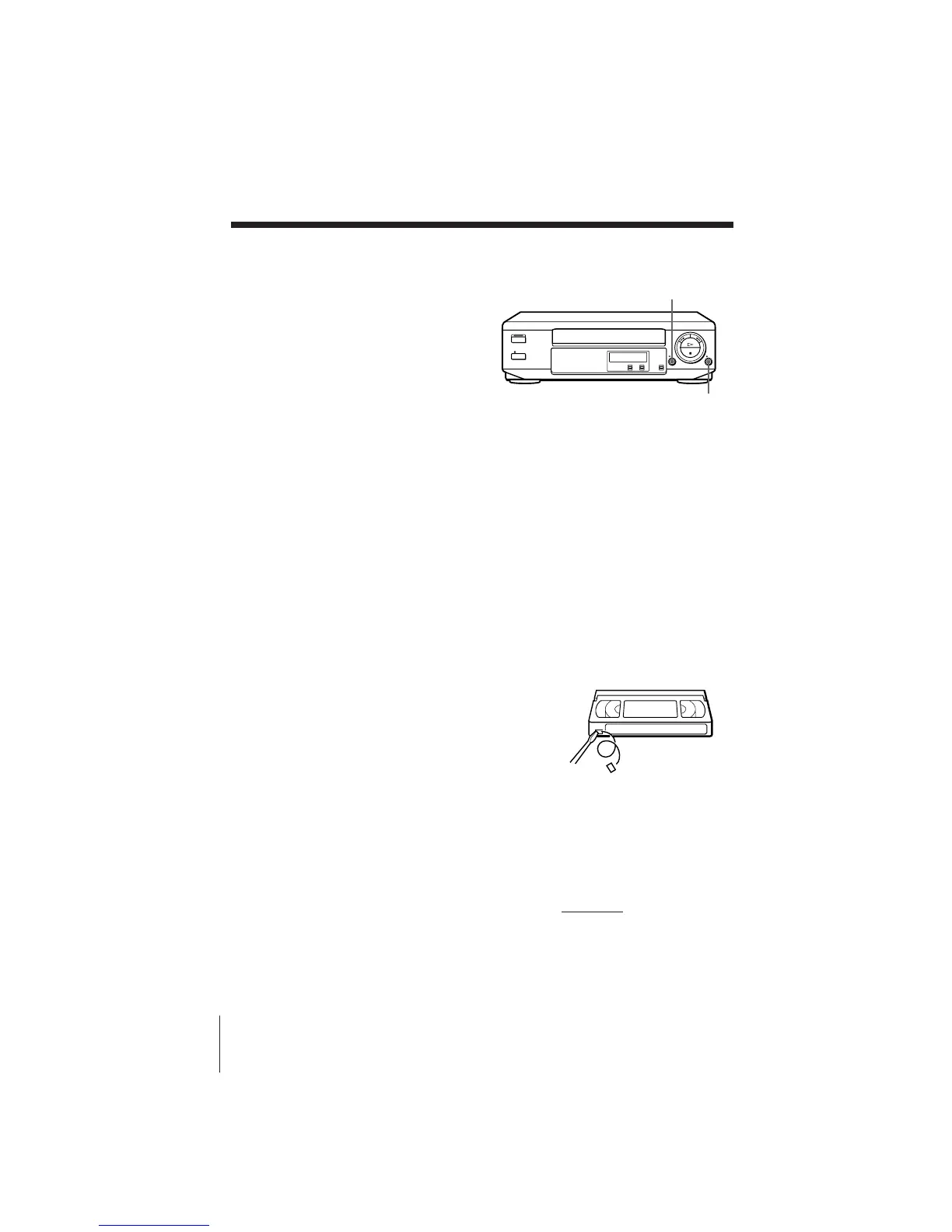
3 Press r REC on this VCR to set it to recording pause.
4 To start editing, press the P PAUSE buttons on both units at the same
time.
To stop editing
Press the p STOP buttons on both units.
To save a recording
To prevent accidental erasure, break off the
safety tab as illustrated. To record on a tape
again, cover the tab hole with adhesive tape.
Auto head cleaner
The unit incorporates an auto head cleaner which cleans the video heads
when a tape is loaded or unloaded. When the heads are not sufficiently
clean, even after a tape has been loaded/unloaded several times, use the
Sony V-25CL video head cleaning cassette.
Tips
• To edit more precisely, press the P PAUSE buttons on the units to release pause.
• To cut out unwanted scenes while editing, press P PAUSE on this VCR when an
unwanted scene begins. When that scene ends, press P PAUSE again to resume
recording.
Note
• You can record tapes only in SP mode.
Safety tab
r REC
P PAUSE



 To Next Page