Introduction
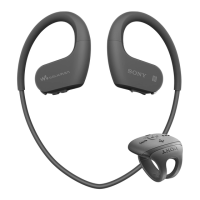
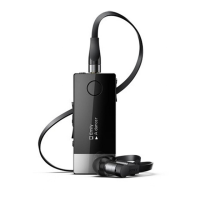
Smart Wireless Headset pro is a multifunctional Bluetooth™ stereo headset. You can
use the headset with your phone to:
•
Handle calls.
•
Display text messages, emails and calendar event reminders.
•
Get text messages, emails and calendar event reminders read out loud.
•
Stream music.
•
Perform other basic tasks.
You can also use the headset with another Bluetooth™ compatible device to stream
music. When not connected to another device, Smart Wireless Headset pro functions as
a stand-alone MP3 player and FM radio.
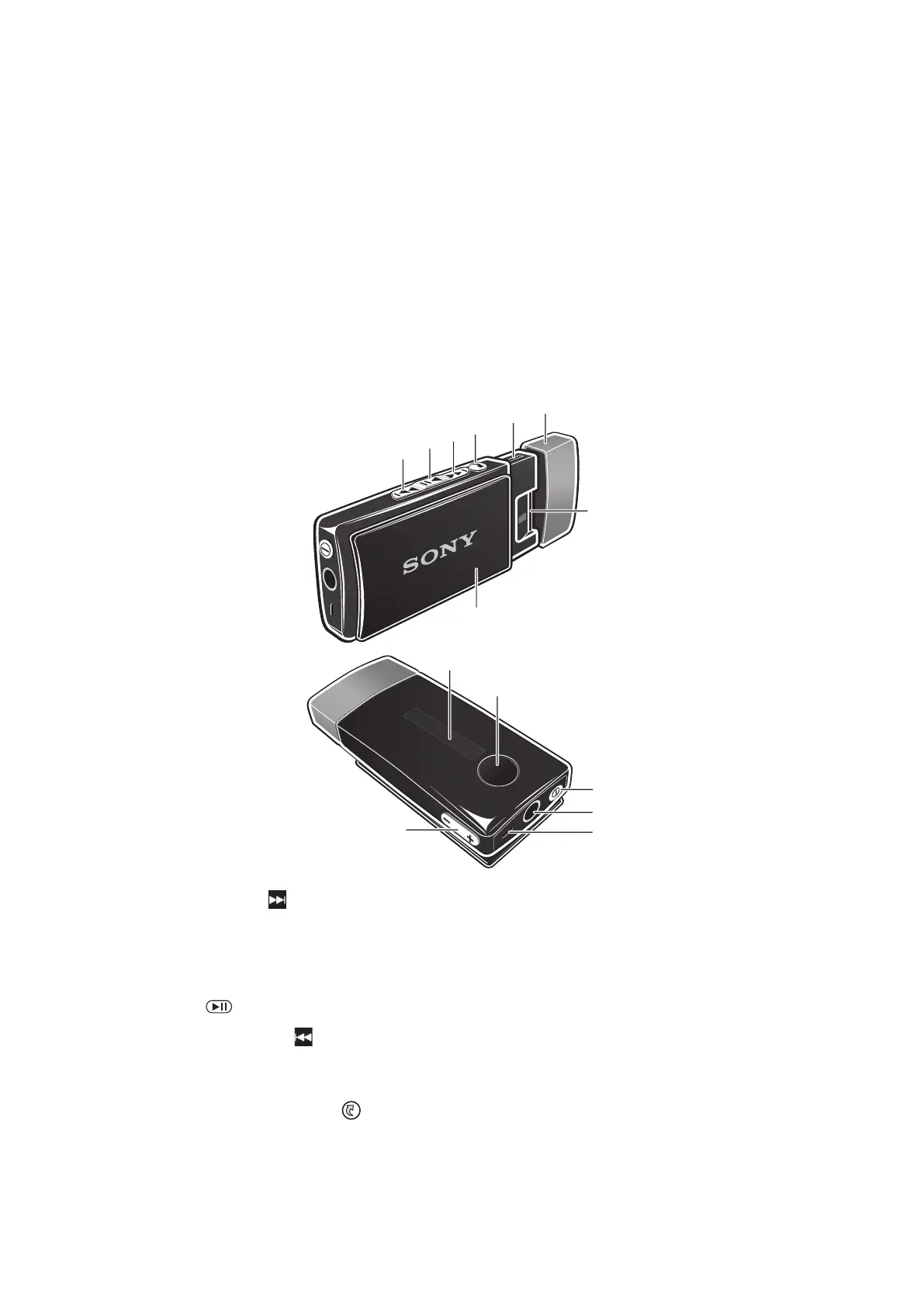
Accessory overview
1
Next key
Press to go to the next menu item, the next track, or the
next FM frequency.
Press and hold down to scan for a higher radio
frequency.
2
Music key/Select key Play/Pause latest media used, and select menu items.
3
Previous key
Press to go to the previous menu item, the previous
track, or the previous FM frequency.
Press and hold down to scan for a lower radio frequency.
4
Back key/Menu key
Press to open or close the menu, or to go back one
step.
5
Micro USB port Insert a charger or a USB cable to charge the battery or
transfer files.
4
This is an Internet version of this publication. © Print only for private use.


 To Next Page