Using the SNC toolbox
21
Restart after upgrading
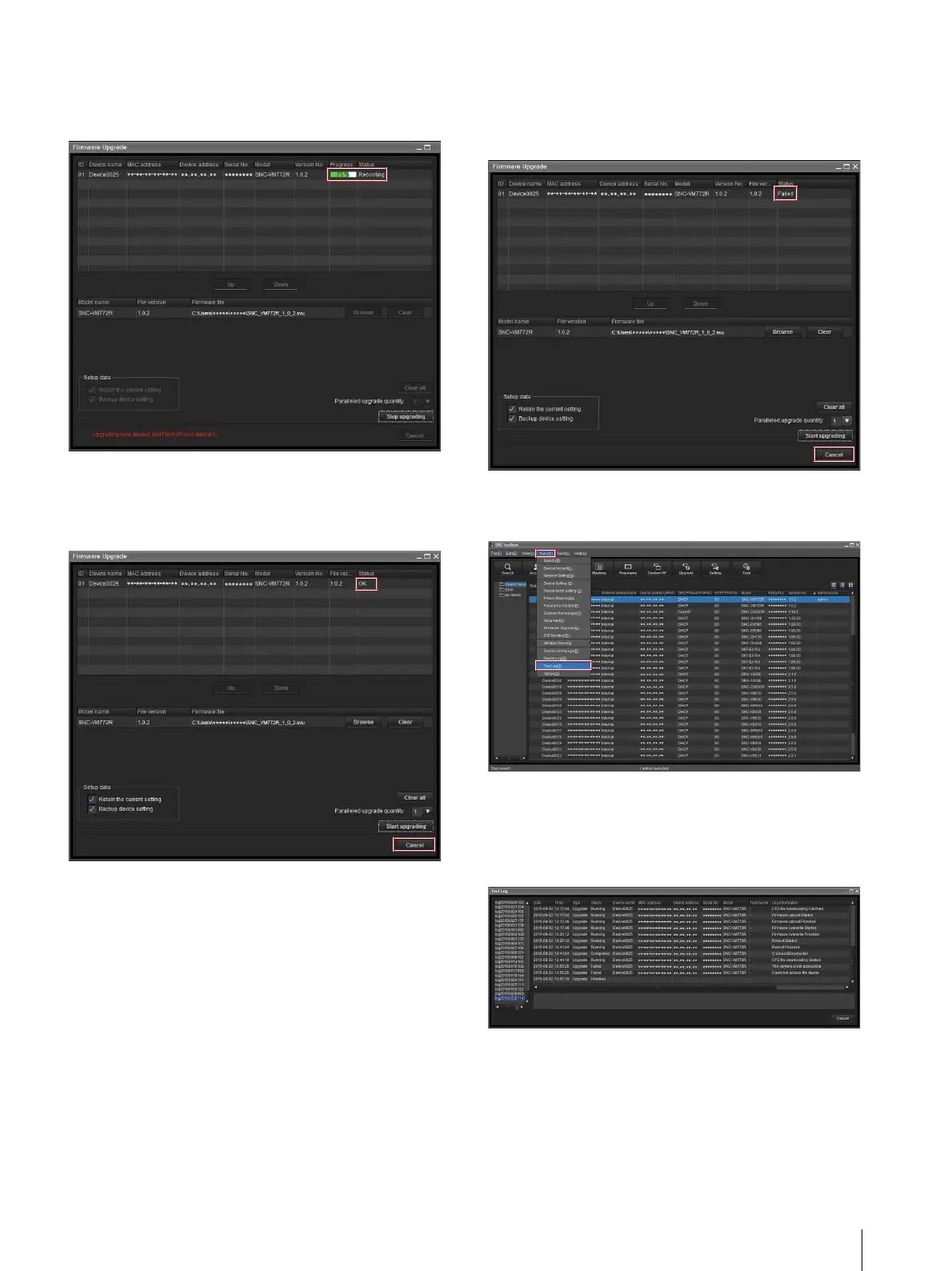
When upgrading is completed, the device restarts and
Rebooting is displayed for Status.
When upgrading is completed
After the device restarts, OK is displayed for Status.
Click Cancel to close the Firmware Upgrade screen.
When upgrading fails
When upgrading is not successfully completed, Failed
is displayed for Status. Click Cancel to close the
Firmware Upgrade screen.
1
Select Tool Log from the Tools menu to check the
log.
2
The toolbox log is displayed to show the reason of
the upgrading failure.
As seen in the following log, you can check the
reason of the failure.



 To Next Page