66
US
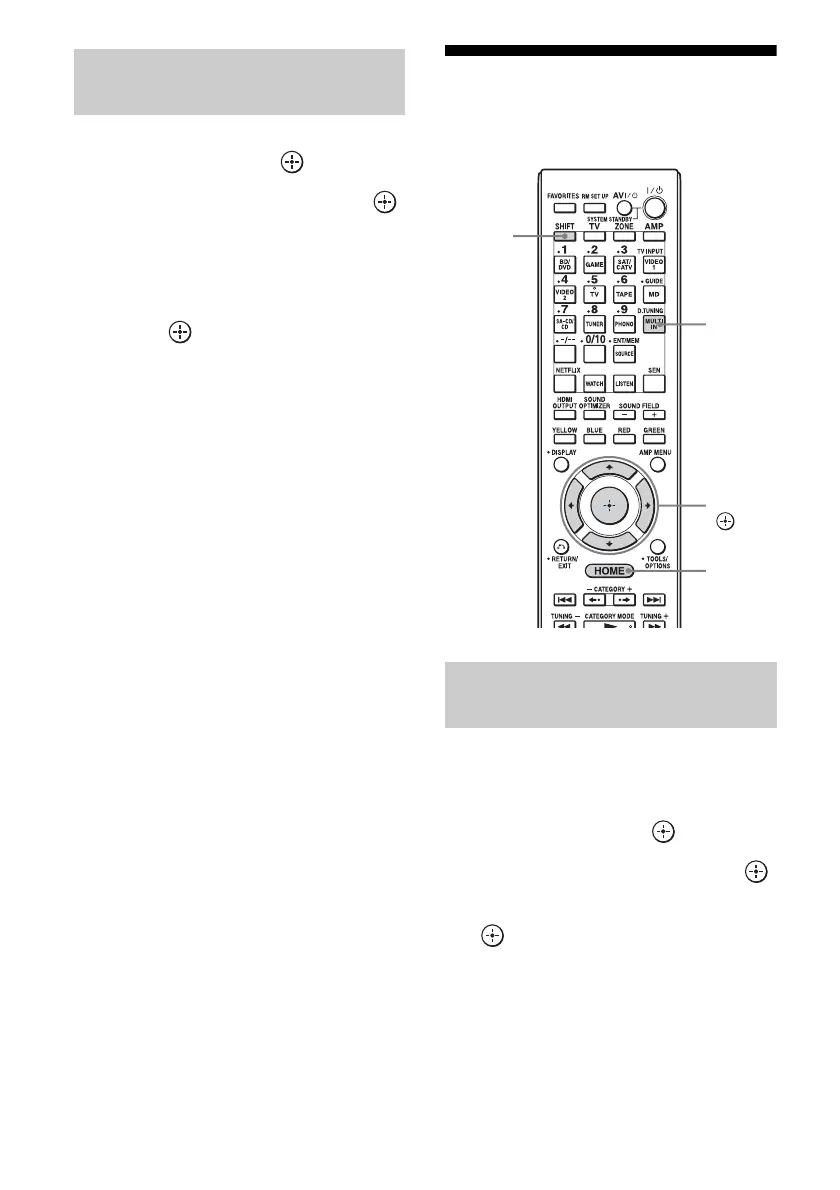
1 Select “Listen” from the home
menu, then press .
2 Select “SIRIUS,” then press .
3 Press TOOLS/OPTIONS.
The option menu appears.
4 Select “Antenna Aiming,” then
press .
The Antenna Aiming screen appears.
5 While checking the quality of
the reception, adjust the
direction of the antenna to
obtain the best reception.
To exit the menu
Press RETURN/EXIT O or HOME.
Selecting a channel of the
satellite radio
You can select a channel from one category or
all the categories.
1 Select “Listen” from the home
menu, then press .
2 Select “SIRIUS,” then press .
3 Select the category, then press
.
• All Categories: You can select a channel
from all the categories.
• (category name): You can select a
channel from one category.
Checking receiving conditions
(Antenna Aiming)
Selecting a channel by category
(Category Mode)
V/v/B/b,
HOME
D.TUNING
SHIFT















 To Next Page