49
Additional Information
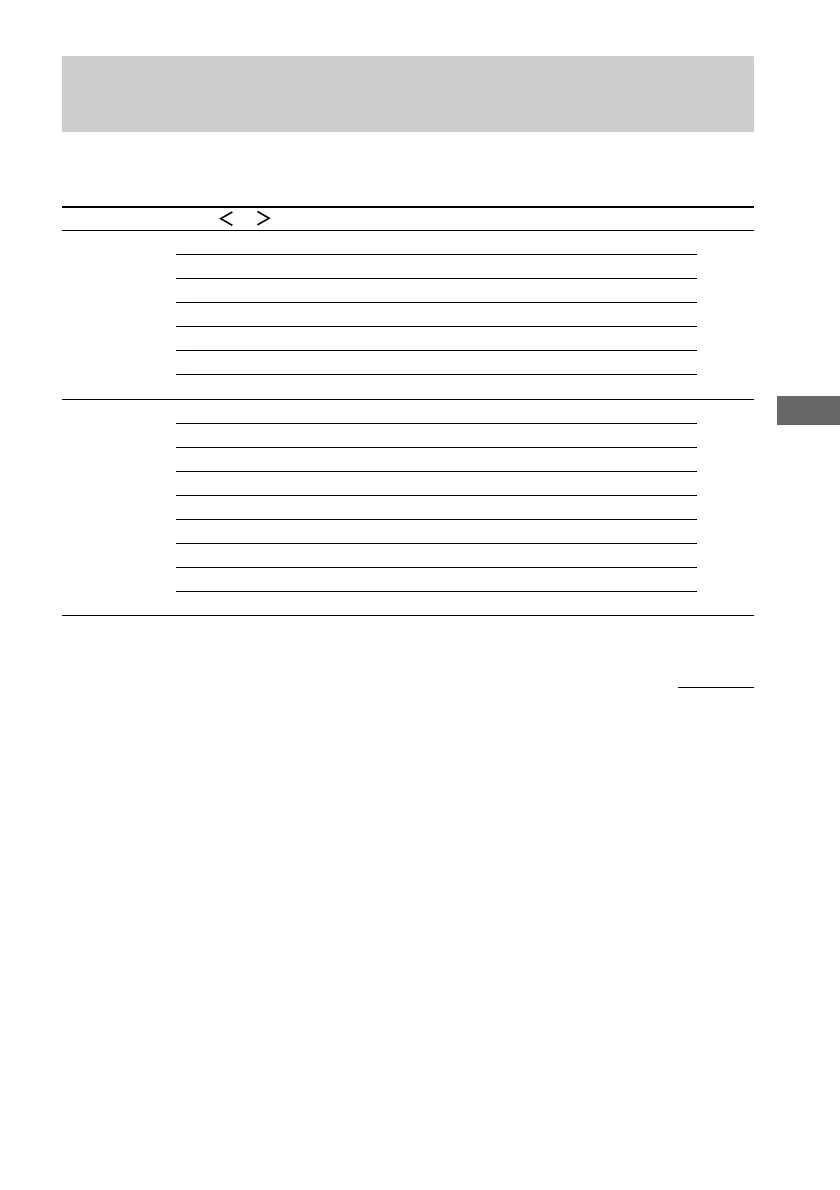
Tables of settings using SURR, LEVEL, EQ, and SET UP
buttons
You can make various settings using the LEVEL, SURR, EQ, SET UP buttons, jog dial, and cursor
buttons. The tables below show each of the settings that these buttons can make.
Press Press or Turn jog dial Page
SURR PRO LOGIC AUTO, ON, OFF 31
EFFECT depends on the sound field (21 steps)
WALL S_I_H –8 to +8 (1 increment steps)
REVERB S_I_L –8 to +8 (1 increment steps)
FRONT REVERB DRY, WET, STD
SCREEN DEPTH DEEP, MID, OFF
VIR. SPEAKERS ON, OFF
LEVEL FRONT L_I_R –8 dB to 8 dB (1 dB steps) 33
SURROUND L_I_R –8 dB to 8 dB (1 dB steps)
SUR.BACK L_I_R –8 dB to 8 dB (1 dB steps)
CENTER LEVEL XXX dB –10 dB to +10 dB (1 dB steps)
SURROUND LEVEL XXX dB –10 dB to +10 dB (1 dB steps)
SURR BACK LEVEL XXX dB –10 dB to +10 dB (1 dB steps)
S. WOOFER LEVEL XXX dB –10 dB to +10 dB (1 dB steps)
LFE MIX XXX dB OFF, –20 dB to 0 dB (1 dB steps)
D.RANGE COMP. OFF, 0.1 to 0.9 (0.1 steps), STD, MAX
continued



 To Next Page