40
US
C:\Documents and
Settings\pc13\Desktop\JC060000_2662260114DG600_US\2662260116\US05AMP_STR-DG600-
U.fm
masterpage: Left
STR-DG600
2-662-260-11 (6)
Navigating through
menus
By using the amplifier menus, you can make
various adjustments to customize the receiver.
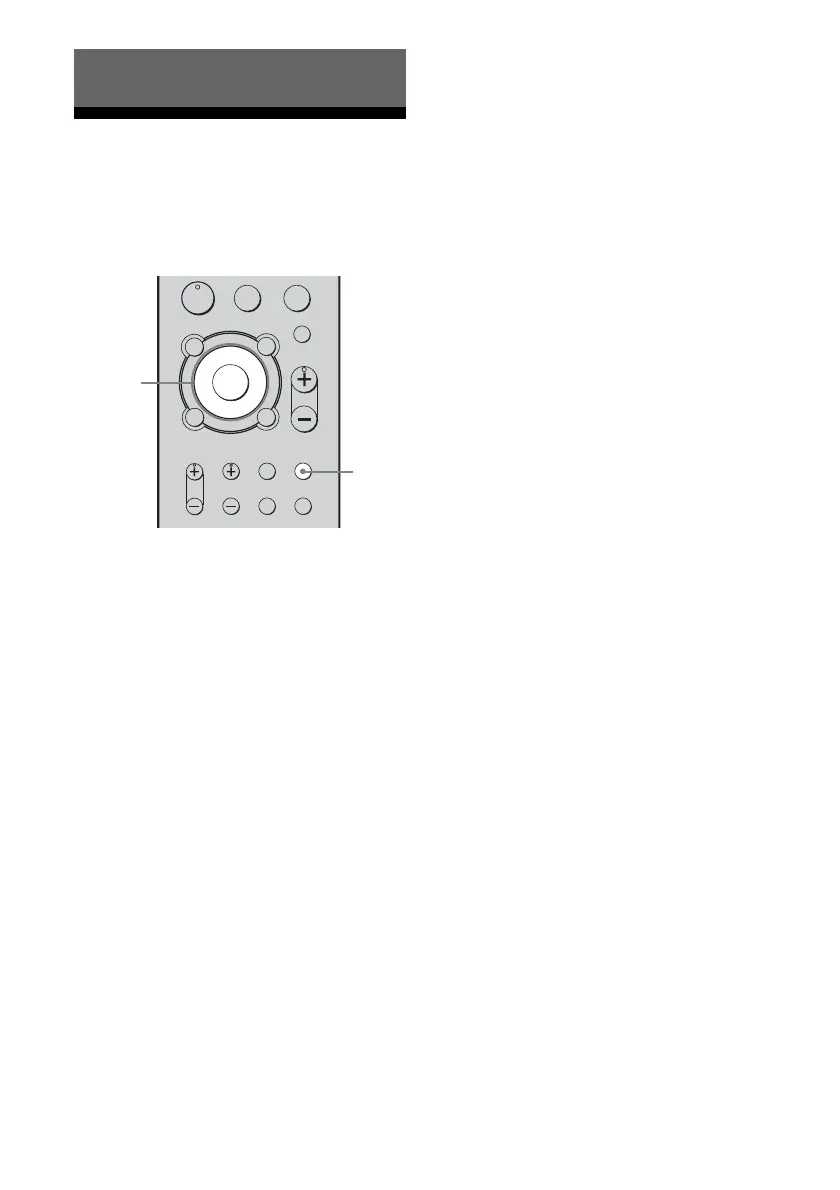
1 Press AMP MENU.
“1-LEVEL” appears on the display.
2 Press control button V/v
repeatedly to select the menu
you want.
3 Press the control button or
control button b to enter the
menu.
4 Press control button V/v
repeatedly to select the
parameter you want to adjust.
5 Press the control button or
control button b to enter the
parameter.
6 Press control button V/v
repeatedly to select the setting
you want.
The setting is entered automatically.
To return to the previous
display
Press control button B.
To exit the menu
Press AMP MENU.
Note
Some parameters and settings may appear dimmed
on the display. This means that they are either
unavailable or fixed and unchangeable.
Amplifier Operations
H
X
TOP MENU/
GUIDE
AV MENU
MUTING
MASTER
VOL
DISPLAY
TV VOL TV CH
WIDE
AUTO
CAL
TV/
VIDEO
AMP
MENU
RETURN/EXIT
x
O
f
F
G
g
2-6
1
US01COV_STR-DG600-U.book Page 40 Thursday, March 16, 2006 11:32 AM



 To Next Page