Press POWER to turn the TV on.
Note
• If VIDEO appears on the screen, pJu_s 1 'v/¥ II31:L) st) th,d a _hamlcl numbc_
appears.
Selecting a Channel Directly
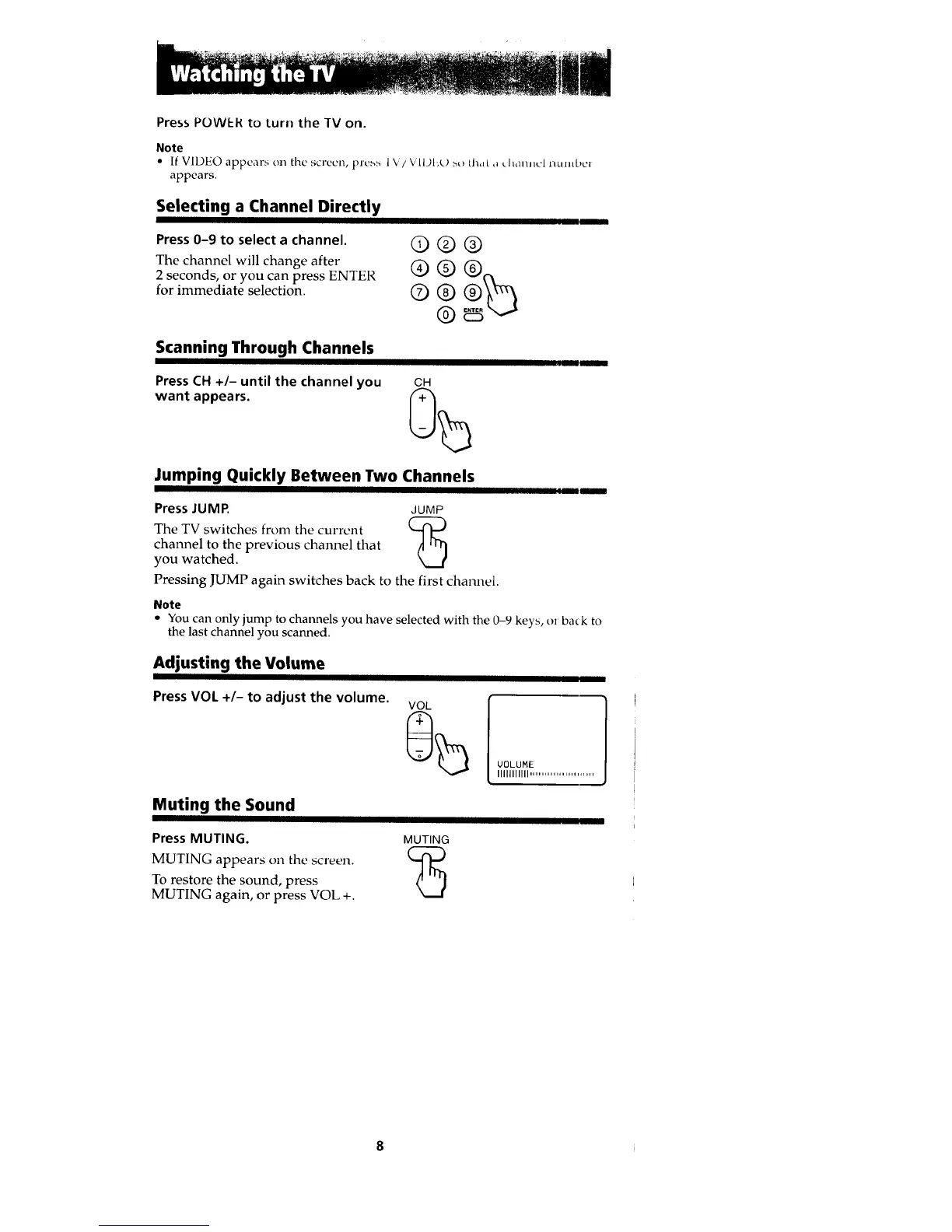
Press 0-9 to select a channel.
The channel will change after
2 seconds, or you can press ENTER
for immediate selection.
©®@
©®
®
Scanning Through Channels
Press CH +/- until the channel you
want appears.
CH
JIJJILLUI[ [[ J[[Jl
Jumping Quickly Between Two Channels
Press JUMR JUMP
The TV switches from the current (-4"1 -)
channel to the previous channel that
©
you watched.
Pressing JUMP again switches back to the first channel.
II In
Note
• You can only jump to channels you have selected with the 0-9 keys, or ba_ k to
the last channel you scanned.
Adjusting the Volume
Press VOL +/- to adjust the volume.
UOLUME
llllIllllll ......................
Muting the Sound
I
Press MUTING. MUTING
MUTING appears on the screen. ('_
To restore the sound, press
C)
MUTING again, or press VOL +.








 To Next Page