Displaying Un-Scr_:_:n Intormdtlon
I I •,
Use the DISPLAY key to check the TV's Display settings.
1 Press DISPLAY. DISPLAY
The channel number will be
displayed. The TV will also display
©
the MTS mode if SAP, MAIN, or
MONO are selected (KV-20S20,
20S21, 20S30, 20V60, 21RS20,
21RS20C, 21RS30C, 21SD1 only).
The MTS mode display disappears
after 4 seconds.
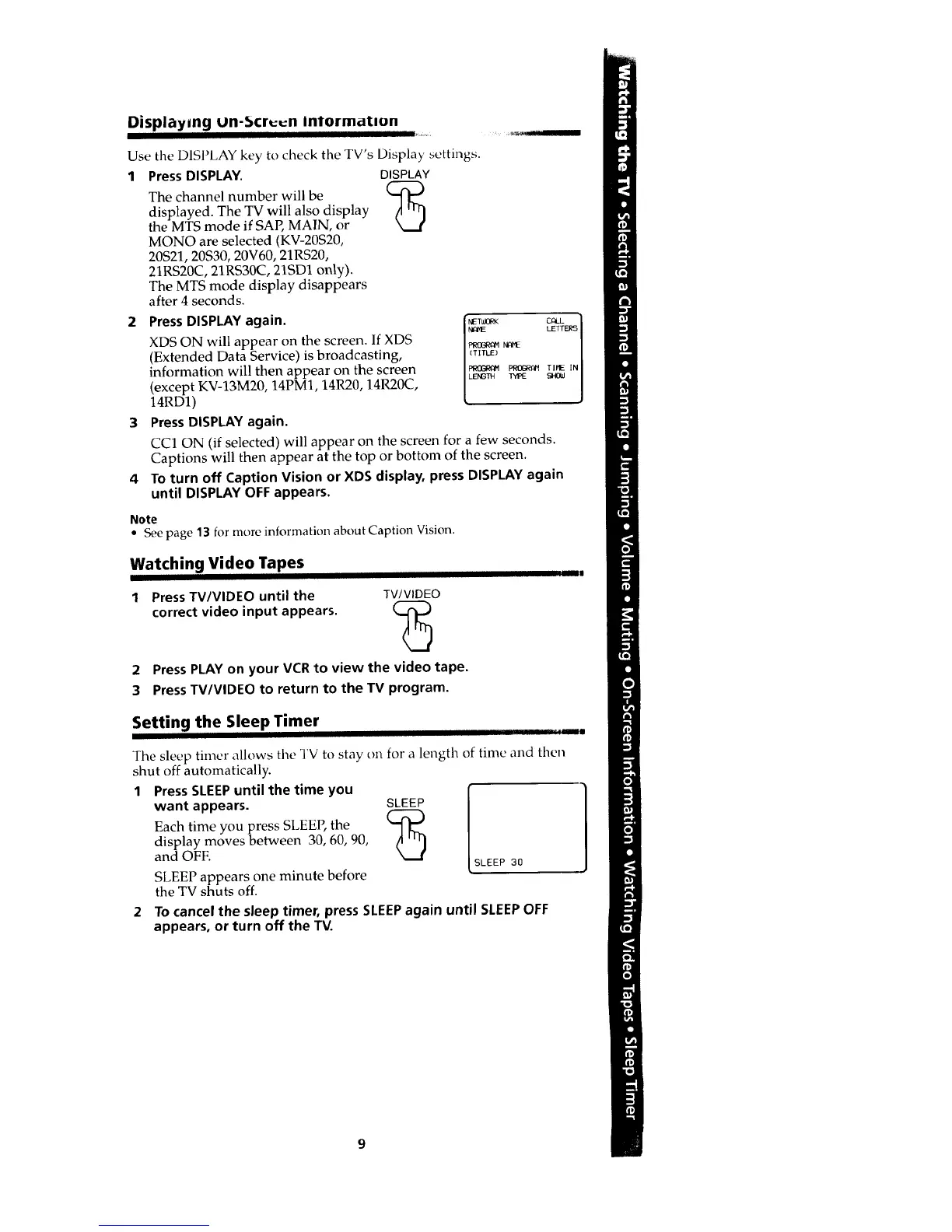
XDS ON will appear on the screen. If XDS _
(Extended Data Service) is broadcasting,
information will then appear on the screen _o_ r,_ _.
(except KV-13M20, 14PM1, 14R20, 14R20C, ,_m w_ s_
14RD1)
3 Press DISPLAY again.
CC1 ON (if selected) will appear on the screen for a few seconds.
Captions will then appear at the top or bottom of the screen.
4 To turn off Caption Vision or XDS display, press DISPLAY again
until DISPLAY OFF appears.
Note
• See page 13 for more information about Caption Vision.
Watching Video Tapes
Press TV/VIDEO until the
correct video input appears.
TV/VIDEO
2 Press PLAY on your VCR to view the video tape.
3 Press TV/VIDEO to return to the TV program.
I
Setting the Sleep Timer
[I IlII
The sleep timer allows tile TV to stay on for a length of time and then
shut off automatically.
1 PressSLEEPuntil the time you
want appears.
Each time you press SLEEP, the
display moves between 30, 60, 90,
and OFF.
SLEEP appears one minute before
the TV shuts off.
SLEEP [(_ SLEEP 30
To cancel the sleep timer, press SLEEPagain until SLEEPOFF
appears, or turn off the TV.








 To Next Page