C__Additional In forma tion
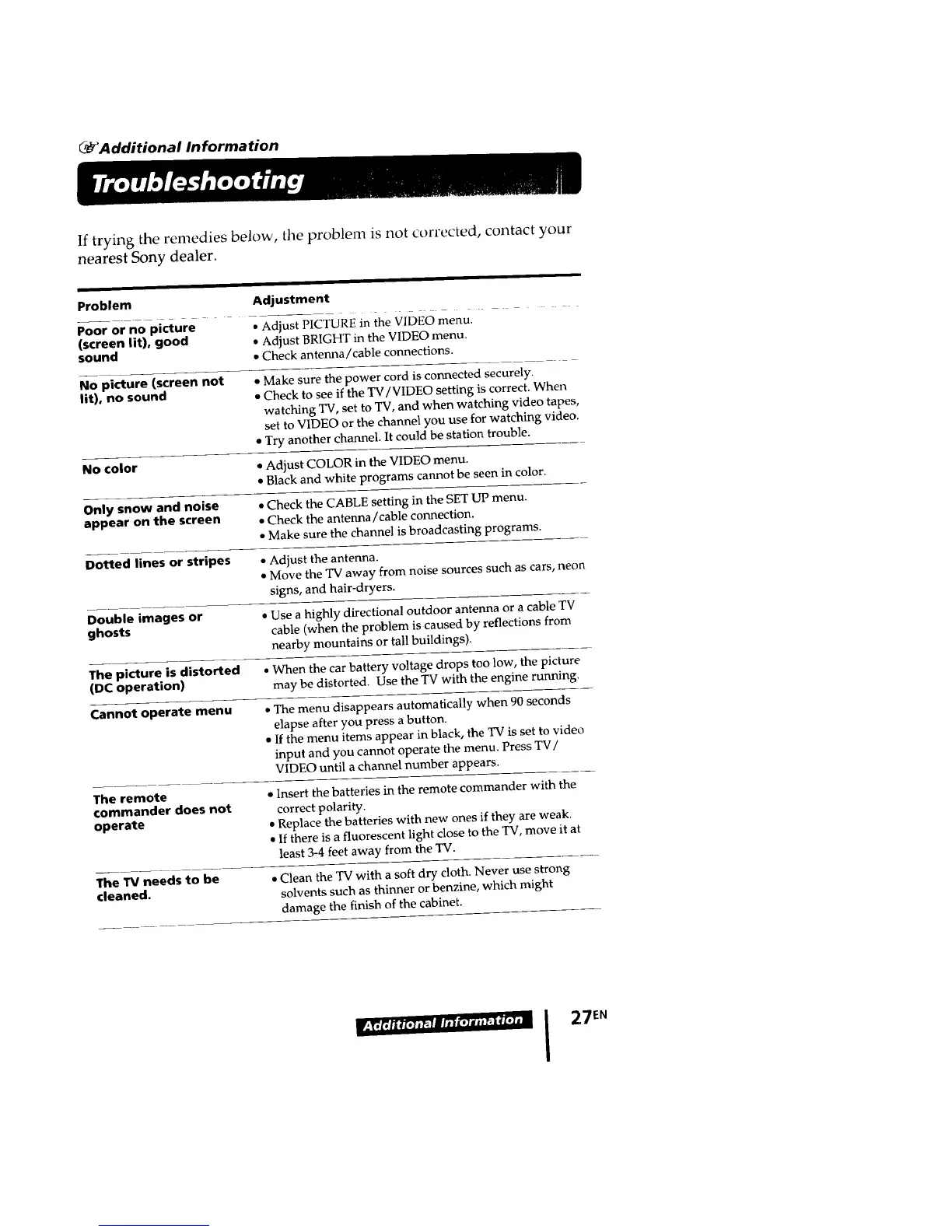
If trying the remedies below, tile problem is not corrected, contact your
nearest Sony dealer.
Problem
Poor or no picture - - -
(screen lit), good
sound
No picture (screen not
lit), no sound
Adjustment
• Adjust PICTURE in the VIDEO menu.
• Adjust BRIGHT in the VIDEO menu.
• Check antenna/cable connections.
• Make sure the power cord is connected securely.
• Check to see if the W/VIDEO setting is correct. When
watching TV, set to TV, and when watching video tapes,
set to VIDEO or the channel you use for watching video.
• Try another channel. It could be station trouble.
No color * Adjust COLOR in the VIDEO menu.
• Black and white programs cannot be seen in color.
Only snow and noise • Check the CABLE setting in the SET UP menu.
appear on the screen • Check the antenna/'cable connection.
• Make sure the channel is broadcasting programs.
Dotted lines or stripes • Adjust the antenna.
• Move the TV away from noise sources such as cars, neon
signs, and hair-dryers.
Double images or • Use a highly directional outdoor antenna or a cable TV
ghosts cable (when the problem is caused by reflections from
nearby mountains or tall buildings}.
The picture is distorted • When the car battery voltage drops too low, the picture
(DC operation) may be distorted. Use the TV with the engine running.
Cannot operate menu • The menu disappears automatically when 90 seconds
elapse after you press a button.
• If the menu items appear in black, the TV is set to video
input and you cannot operate the menu. Press TV/
VIDEO until a channel number appears.
The remote
commander does not
operate
• Insert the batteries in the remote commander with the
correct polarity.
• Replace the batteries with new ones if they are weak.
• If there is a fluorescent light close to the TV, move it at
least 3-4 feet away from the TV.
The TV needs to be
cleaned.
• Clean the TV with a soft dry cloth. Never use strong
solvents such as thinner or benzine, which might
damage the finish of the cabinet.
I 27EN








 To Next Page