21
Additional Information
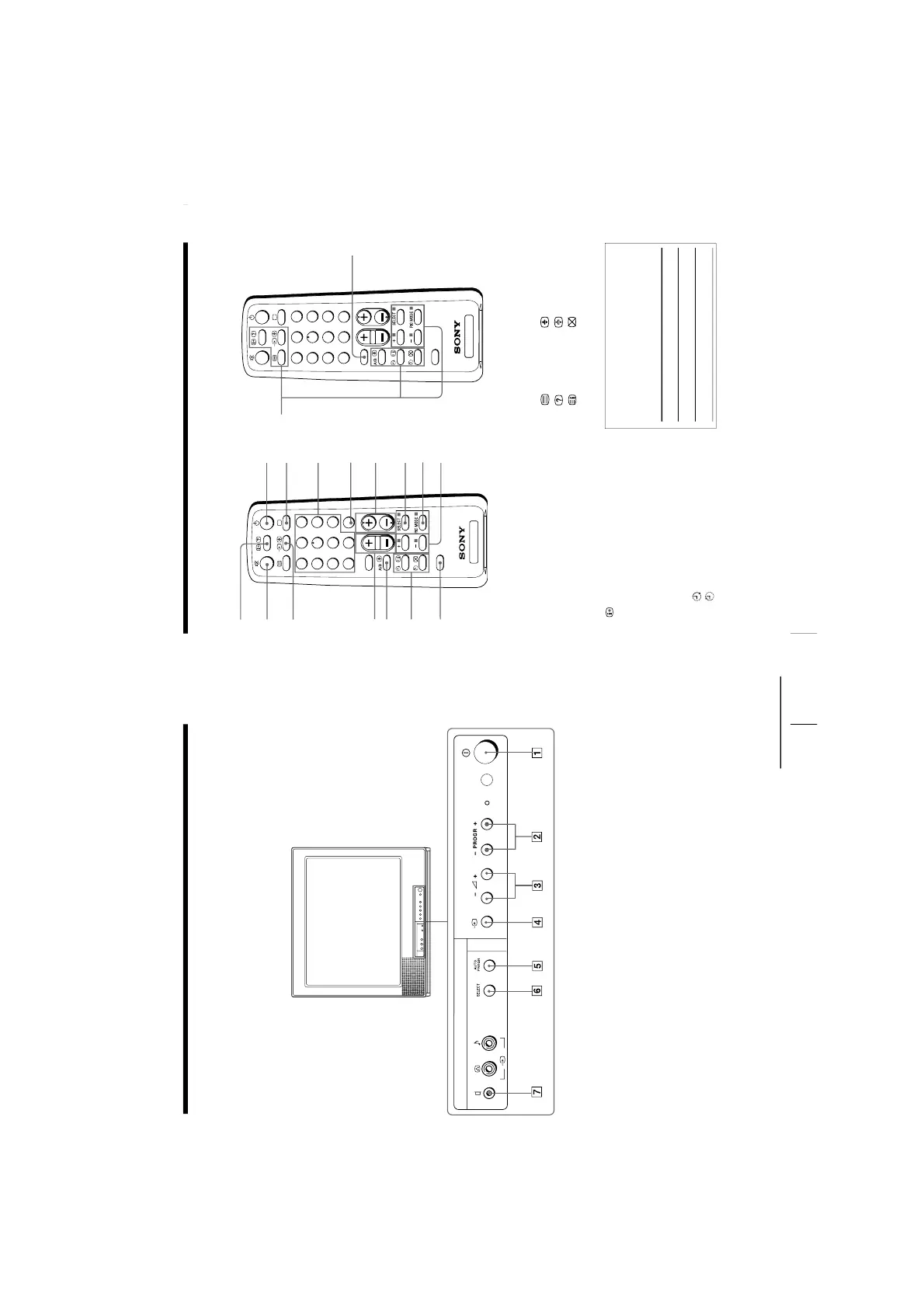
Identifying parts and controls
Refer to the pages indicated in parentheses ( ) for details.
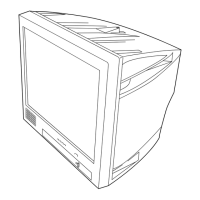
Front panel
1
U
(main power) button (5)
2 PROGR +/– (program) buttons (11)
3
¸
+/– (volume) buttons (11)
4
…
(TV/video) button (12)
5 AUTO PROGR (program) button (5)
6 SELECT button (9)
7
A
(earphone) jack
continued
22
Additional Information
Remote Control
Button function
For general TV operations
For Teletext operations
1 u (power) button (11)
2 ; (TV) button (12)
3 Number buttons (11)
4 JUMP button (12)
5 PROGR +/– buttons (11)
6 SELECT button (9)
7 PIC MODE button (14)
8 + or – buttons (9)
9
(display) button (12)
!º ¤ (muting) button (12)
!¡ … (video) button (12)
!™ . +/– (volume) buttons (11)
!£ A/B button
(not used for your model)
!¢ Timer setting buttons (13)
(wake up timer)
(sleep timer)
!∞ FAVORITE button
(not used for your model)
!§ SOUND MODE button (14)
!¶ Teletext operation buttons
(not used for your model)
(text)
(enlarge)
(reveal)
(hold)
(index)
(text clear)
p
(FASTEXT: red, green, yellow, blue)
Names/symbols of buttons on the
remote are indicated in different
colors to represent the available
functions.
Label color
White
Green
Identifying parts and controls (continued)






 To Next Page