EasyManua.ls Logo

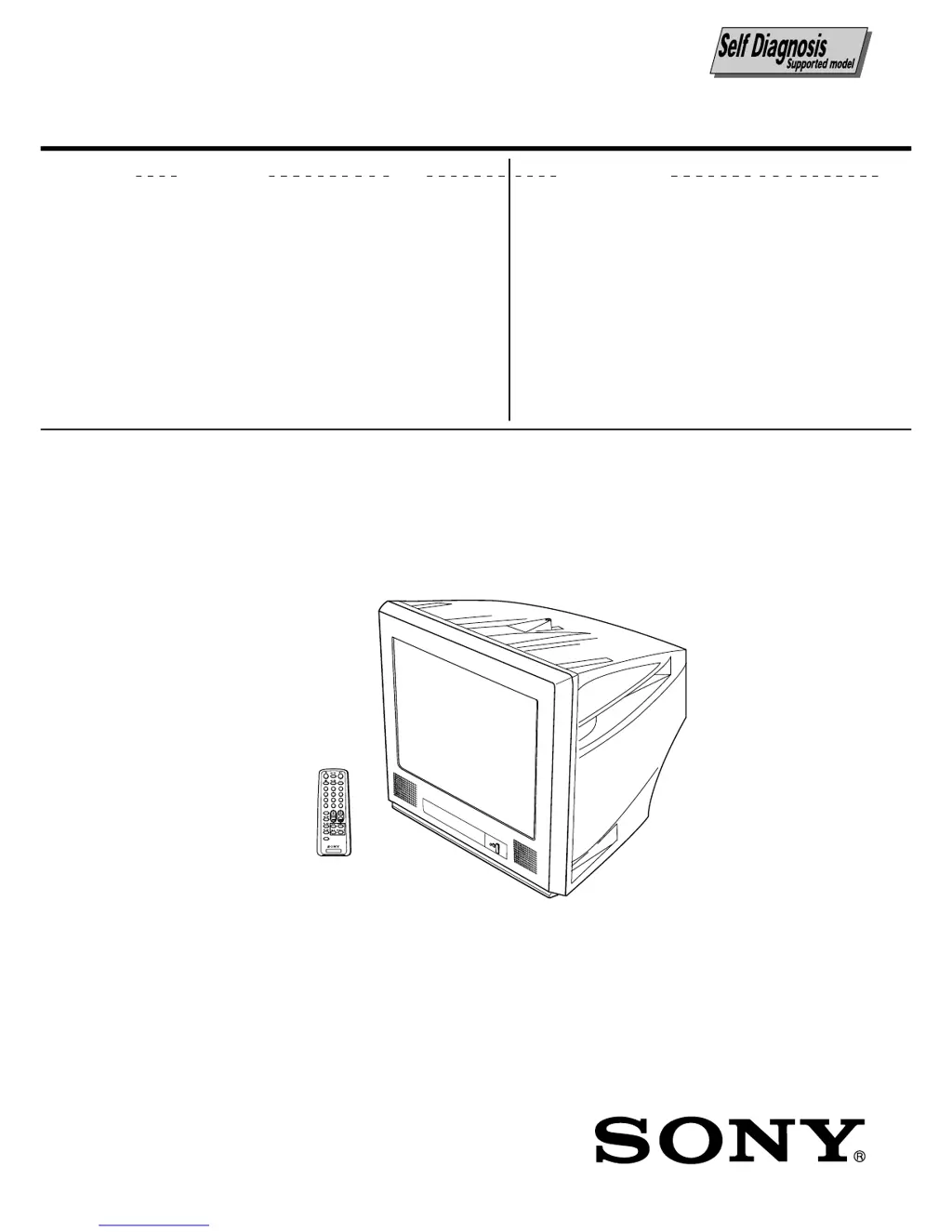
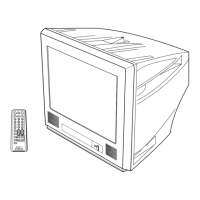
Sony TRINITRON KV-PG14P70 - User Manual

Sony TRINITRON KV-PG14P70
52 pages
Print Icon
To Next Page IconTo Next Page
Loading...
MODEL COMMANDER DEST. CHASSIS NO.
CHASSIS
TRINITRON
®
COLOR TV
SERVICE MANUAL
BG2T
MODEL COMMANDER DEST. CHASSIS NO.
TV
1
2
3
4
6
7
8
9
÷
0
5
JUMP
SOUND
MODE
FAVORITE
PROGRÁ
KV-PG14P70 RM-952 E SCC-U68C-A

Questions and Answers

  • A
    Andrew TorresAug 14, 2025
    How to fix Sony TRINITRON KV-PG14P70 with good picture but no sound?
    • J
      Julie EnglishAug 14, 2025
      If your Sony TV displays a good picture but has no sound, try pressing the 2 + button to increase the volume. Also, check if the muting function is enabled by pressing the % button to cancel it.
  • C
    Christopher DavisAug 17, 2025
    How to fix a Sony TV with good picture but noisy sound?
    • M
      Michelle WilcoxAug 17, 2025
      If your Sony TV has a good picture but noisy sound, try pressing the A/B button until the sound quality improves.
  • K
    Karen HernandezAug 21, 2025
    Why is there no picture and no sound on my Sony TRINITRON KV-PG14P70?
    • L
      Lynn PierceAug 21, 2025
      If your Sony TV shows no picture and produces no sound, check the power cord, antenna, and VCR connections. Also, ensure the TV is turned on by pressing the power button (either ?/1 or !).
  • C
    Carl Johnson IVAug 25, 2025
    What to do if my Sony TRINITRON KV-PG14P70 has snowy picture and noisy sound?
    • S
      scottmorganAug 25, 2025
      If your Sony TV displays a snowy picture and has noisy sound, check the antenna cable and its connections on the TV, VCR, and the wall. You might also want to preset the channel manually again. If the issue persists, check the antenna setup and consider contacting a Sony dealer for advice.
  • A
    Amber RowlandAug 27, 2025
    What causes abnormal color patches on my Sony TV and how to fix it?
    • D
      Debra CookAug 27, 2025
      Abnormal color patches on your Sony TV may be due to interference from external speakers or other electrical equipment. Try keeping such equipment away from the TV. You can also try turning off the TV using the main power button (!) for about 15 minutes, then turning it back on to demagnetize it.
  • N
    nunezerikaAug 30, 2025
    Why is my Sony TRINITRON KV-PG14P70 showing double images or ghosts?
    • A
      Angel GloverAug 31, 2025
      Double images or ghosts on your Sony TV can be adjusted using the fine tuning function (FINE). If you are using a booster, try turning it off or disconnecting it. If problems persist, check the antenna setup and consider contacting a Sony dealer for advice.
  • N
    Nicole MaySep 3, 2025
    What causes dotted lines or stripes on my Sony TRINITRON KV-PG14P70 TV screen?
    • M
      Mary ReedSep 3, 2025
      To avoid dotted lines or stripes on your Sony TV, do not use a hair dryer or other equipment near the TV. If the issue continues, check the antenna setup and consider contacting a Sony dealer for advice.
  • R
    Robert LoweSep 6, 2025
    What does boom sound when turning on Sony TRINITRON KV-PG14P70 TV mean?
    • S
      Sydney FreemanSep 6, 2025
      A "boom" sound heard when turning on your Sony TV indicates that the TV's demagnetizing function is working. This does not indicate a malfunction.
  • S
    Stephanie FowlerSep 9, 2025
    Why does my Sony TV cabinet creak?
    • E
      Erin OlsonSep 10, 2025
      The creaking sound from your Sony TV cabinet is due to changes in room temperature, and it does not indicate a malfunction.

Summary

Self Diagnostic Function

Diagnostic Test Indicators

Lists STANDBY/TIMER lamp flash counts for problem identification.

Self-Diagnostic Screen Display

How to display past failure occurrences on screen.

General Information

Important Safety Warnings

Crucial safety precautions and warnings for using the TV.

Troubleshooting Common Issues

Guide to identify and resolve common TV viewing problems.

Disassembly Procedures

Rear Cover Removal

Instructions for safely removing the TV's rear cover.

Picture Tube Removal

Detailed instructions for removing the picture tube.

Anode Cap Handling Precautions

Precautions for safely handling the anode cap.

Set-Up Adjustments

Beam Landing Adjustment

Procedure for adjusting the electron beam landing.

Convergence Adjustment

Adjusting color convergence for optimal picture alignment.

Dynamic Convergence Adjustment

Adjusting dynamic convergence using correction plates.

Focus Adjustment

Procedure for adjusting focus for a sharp picture.

G2 and White Balance Adjustments

Adjusting G2/Screen and White Balance for picture calibration.

Circuit Adjustments

Diagrams and Schematics

Voltage Measurement Guide

Lists expected voltage measurements at various IC pins.

A Board Voltage List (Part 1)

Expected voltage values for A board ICs (Part 1).

A Board Voltage List (Part 2)

Expected voltage values for A board ICs (Part 2).

Exploded Views

Electrical Parts List

Sony TRINITRON KV-PG14P70 Specifications

General IconGeneral
Screen Size14 inches
Display TechnologyCRT
BrandSony
Aspect Ratio4:3
Input PortsRF, Composite video
Weight9.5 kg
TV TypeStandard Definition TV

Related product manuals