EasyManua.ls Logo

Sony TRINITRON KV-SW292M80 - User Manual

Sony TRINITRON KV-SW292M80
189 pages
Print Icon
To Next Page IconTo Next Page
Loading...
REVISION HISTORY
BX1L
MODEL
KV-SW292M50
KV-SW292M50
KV-SW292M61
KV-SW292M80
KV-SW292N60
PART NO.: 9-872-834-02
CHASSIS
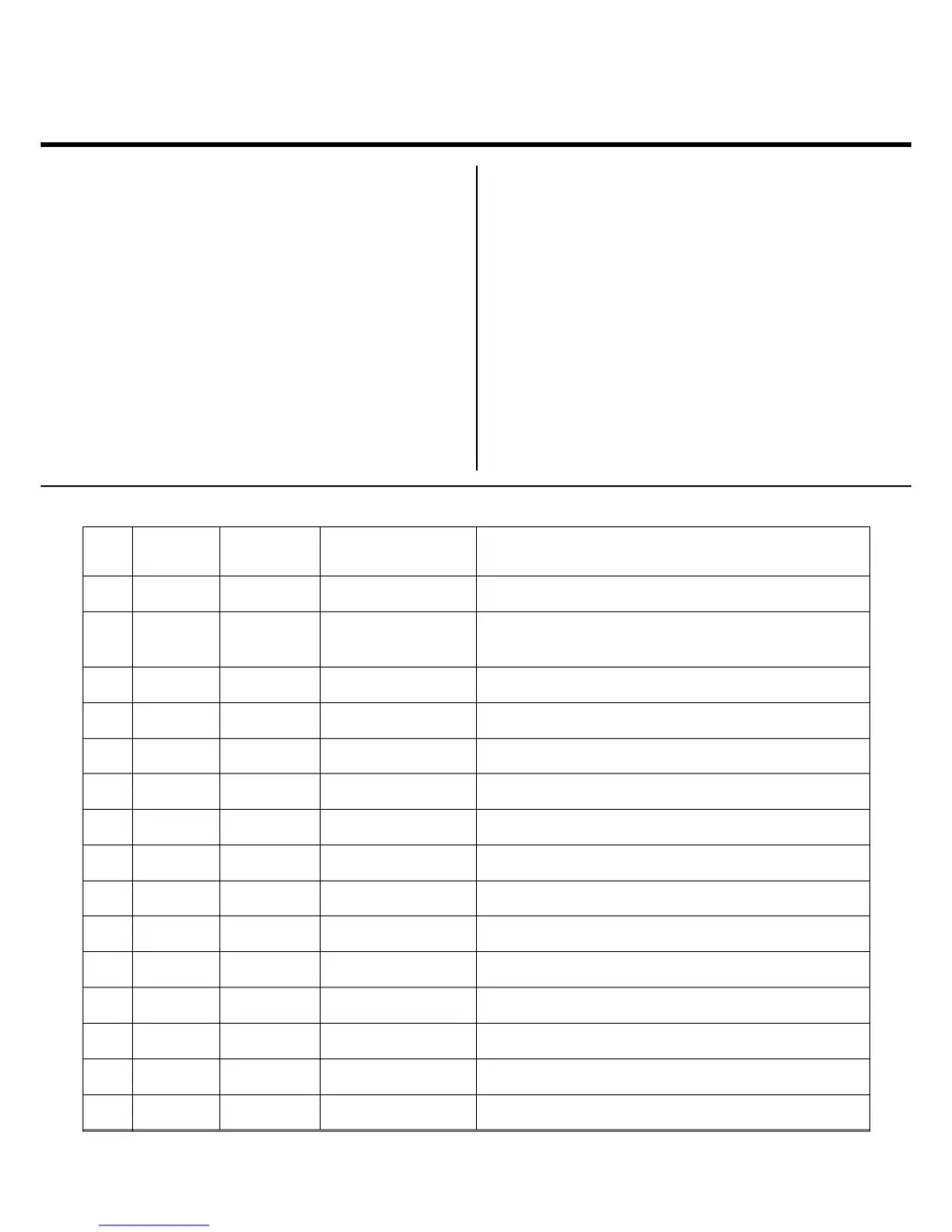
NO. SUFFIX DATE SUPP / CORR DESCRIPTION
1 -01 2005/7 _ _ 1st Issue
2 -02 2006/2 Corr a) TV Photo incorrect (cover page)
b) Beznet Assy illustration incorrect (page 59)

Table of Contents

Questions and Answers

  • C
    Christopher MacdonaldAug 4, 2025
    What to do if my Sony TV has no picture and no sound?
    • S
      Sarah NealAug 4, 2025
      If your Sony TV shows no picture and no sound, first, ensure the power cord, antenna, and VCR connections are properly connected. Then, press the power button to turn on the TV. If it still doesn't work, try turning the TV off using the main power switch for about five seconds, and then turn it back on.
  • M
    meganyoderAug 8, 2025
    Why is there good picture but no sound on my Sony TRINITRON KV-SW292M80?
    • D
      Derek DavilaAug 8, 2025
      If your Sony TV has a good picture but no sound, first, press the volume up button to increase the volume. If that doesn't work, ensure that the muting function is not enabled by pressing the mute button.
  • A
    Amanda WilliamsAug 12, 2025
    How to fix snowy picture and noisy sound on Sony TRINITRON KV-SW292M80 TV?
    • K
      Kathy SmithAug 12, 2025
      If you are experiencing a snowy picture and noisy sound on your Sony TV, check the antenna cable and its connection on the TV, VCR, and at the wall. You may also want to check the antenna setup or contact a Sony dealer. Additionally, you can try to preset the channel again via the “Channel Setup” menu by selecting “Manual Program”. You can also set the “Signal Booster” to “Auto” from “Manual Program” in the “Channel Setup” menu. As a last resort, try using an external booster.
  • D
    David GardnerAug 17, 2025
    What to do if my Sony TRINITRON KV-SW292M80 TV has distorted picture and noisy sound?
    • C
      Craig RobinsonAug 17, 2025
      To resolve distorted picture and noisy sound on your Sony TV, try turning off or disconnecting any external boosters you might be using. Alternatively, access the “Channel Setup” menu and set the “Signal Booster” to “Off” from “Manual Program”.
  • C
    Candice SpencerAug 21, 2025
    How to fix double images or ghosts on Sony TRINITRON KV-SW292M80?
    • M
      Michelle WilliamsAug 21, 2025
      If you are getting double images or “ghosts” on your Sony TV, try using a highly directional antenna. You can also use the fine tuning (“Fine”) function. Check the antenna setup or contact a Sony dealer for advice. Additionally, turn off or disconnect any external boosters if they are in use.
  • J
    Juan ReevesAug 26, 2025
    How to fix no color on Sony TV?
    • R
      Roy SmithAug 26, 2025
      If your Sony TV has no color, first, display the “Picture” menu, select “Custom” from “Picture Mode”, and then adjust the “Color” level from “Picture Adjustment”. You can also display the “Setup” menu and check the “Color System” setting, which is usually set to “Auto”. Finally, check the antenna setup or contact a Sony dealer for advice.
  • E
    evansnicholeAug 29, 2025
    What causes dotted lines or stripes on my Sony TV screen?
    • P
      Peter TrujilloAug 29, 2025
      To address dotted lines or stripes on your Sony TV screen, ensure that you are not using a hair dryer or other equipment near the TV. Also, check the antenna setup or contact a Sony dealer for advice.

Summary

Revision History

Self Diagnostic Function

Disassembly Procedures

Rear Cover Removal

Procedure for removing the rear cover of the TV.

Picture Tube Removal

Detailed steps for safely removing the picture tube.

Set-up Adjustments

Beam Landing Adjustment

Procedure for adjusting beam landing for optimal picture.

Convergence Adjustment

Steps for adjusting color convergence for sharp images.

Circuit Adjustments

Adjustment With Commander

Service adjustments using the remote commander.

Picture Quality Adjustment

Adjusting picture quality for optimal viewing.

Diagrams and Schematics

Block Diagram

Overview of the TV's signal flow and main components.

Voltage Measurement and Waveforms

Lists of voltages and waveforms for troubleshooting.

Exploded Views

Picture Tube and Speaker Bracket

Exploded view of the picture tube and speaker mounting.

Electrical Parts List

Sony TRINITRON KV-SW292M80 Specifications

General IconGeneral
Screen Size29 inches
Display TechnologyCRT
Screen TypeFlat
Remote ControlYes
Aspect Ratio4:3
Input PortsComposite

Related product manuals