Miscellaneous
Troubleshooting
29
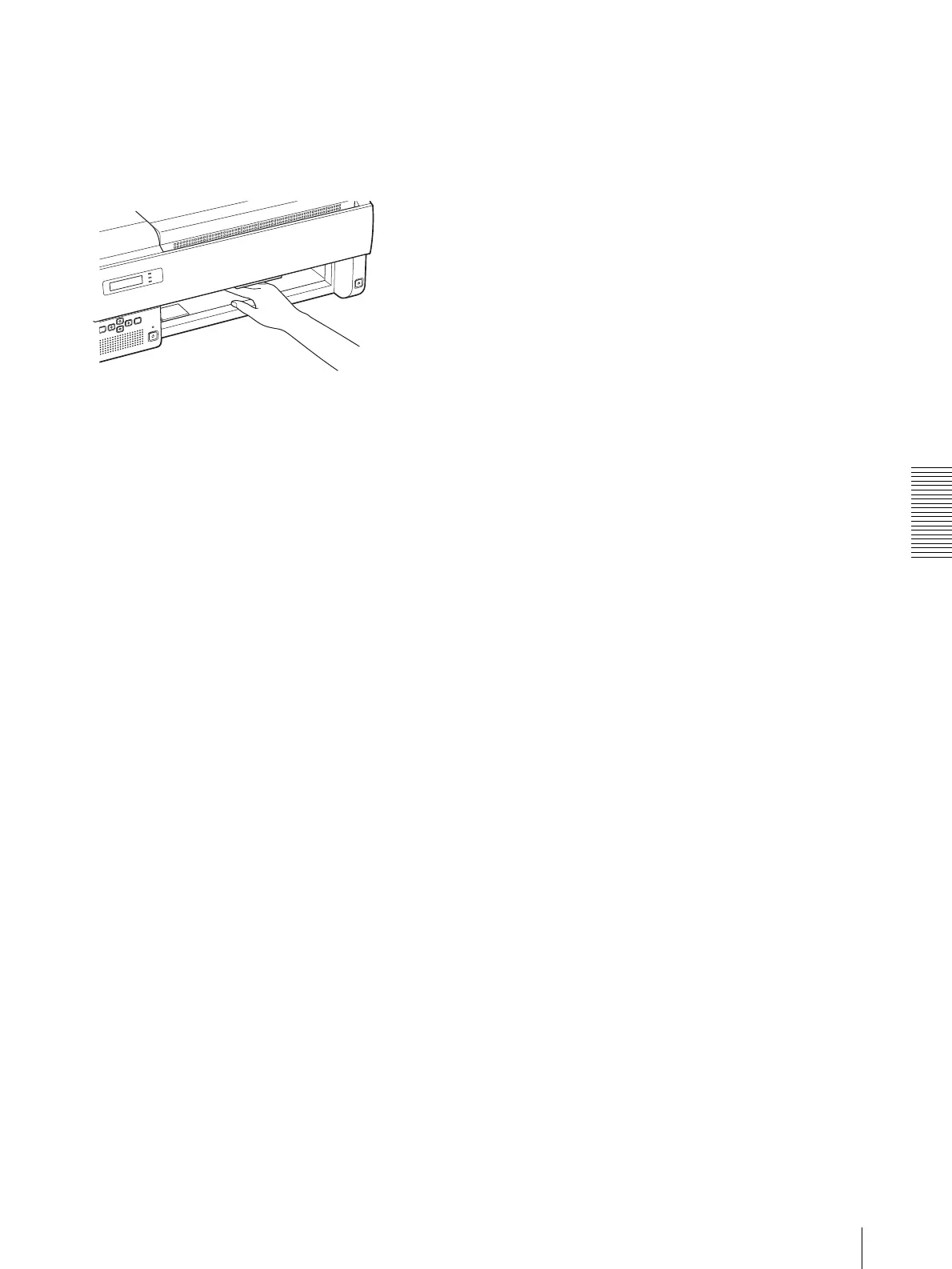
When REMOVE FILM TRAY: J7 appears
1
Remove the film tray completely.
2
Remove the jammed film near the inside of the unit.
3
Re-insert the film tray as it was.
When REMOVE FILM SOME PLACES: J8
Several film sheets have jammed. Open all of the covers,
rear, front, top and inner covers and check the location
of the jammed film.
Since there may be a film sheet jammed around the film
tray, pull the film tray out and check for the jammed
films.



 To Next Page