Operation
Menu Operations
24
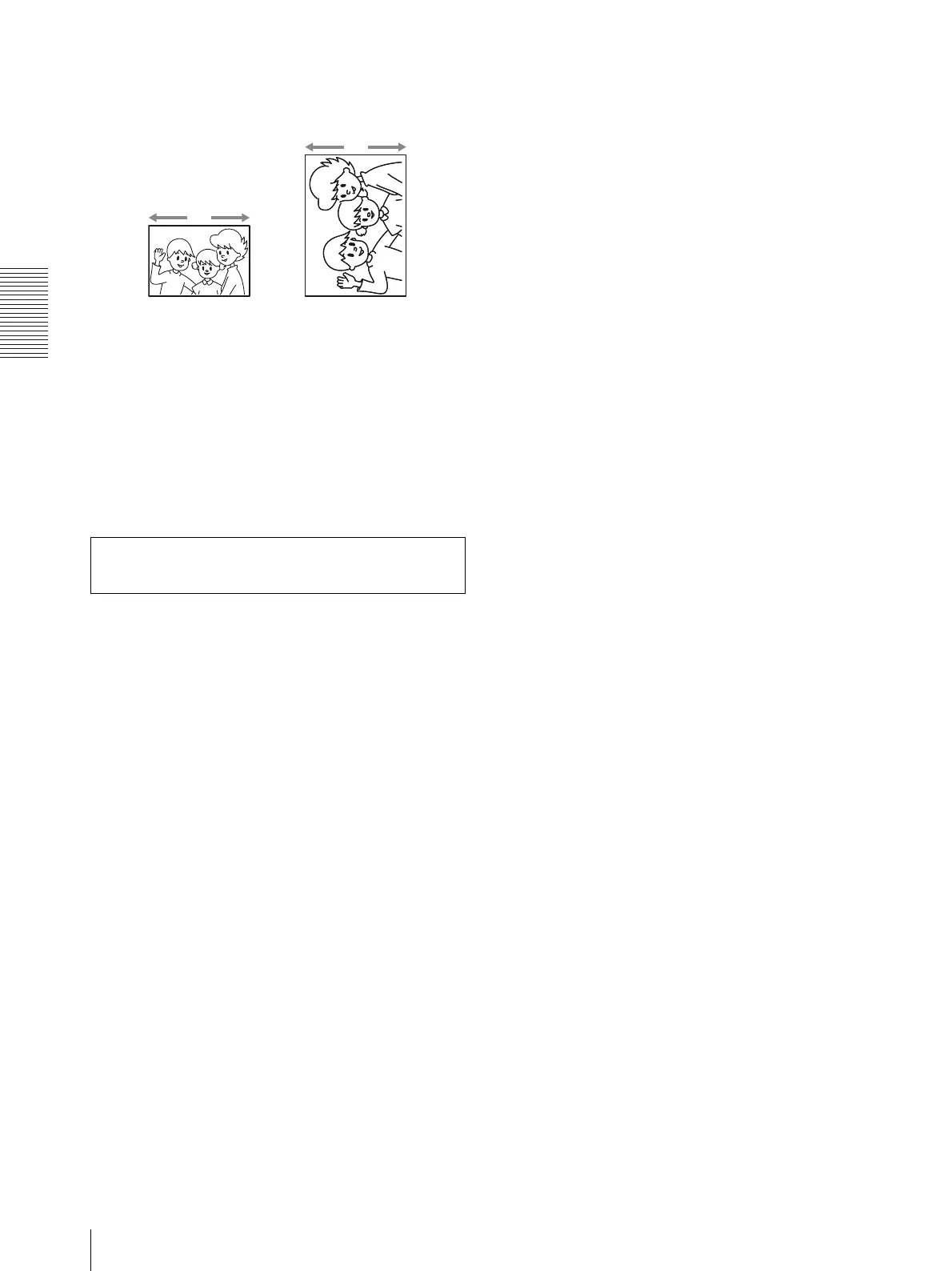
R2: Moves to the right by 1.2 mm from the default
position.
To return to the default position
Display 0.
4
Press the MENU button after completing the
adjustment.
The printer returns to the on-line mode.
Access the following site to get the latest information on
the printer.
http://www.sony.net/Products/DP-driver/
L2, L1 R1, R2
L2, L1 R1, R2
For the 2UPC-R153/
R153H
For the 2UPC-R155/
R155H


 To Next Page