Attaching Accessories
16
Charging nickel metal hydride
batteries
You can charge nickel metal hydride batteries inserted in
the transmitter (UTX-B03/M03/P03) and tuner
(URX-P03).
When charging nickel metal hydride batteries, turn the
power off and connect a commercially available USB-
output type AC adapter or portable power supply to the
USB connector.
The POWER indicator is lit orange while charging
batteries. When charging is finished, the POWER
indicator goes off.
When charging batteries using a USB-output type AC
adapter or portable power supply, use a unit that satisfies
the following conditions.
• Output connector: USB micro B type
• Rated voltage: 5 V
• Output current: 1 A or higher
• Charging may not be supported, depending on the
connected AC adapter, portable power supply, or
computer port.
• Nickel metal hydride batteries are not charged while the
transmitter or tuner is turned on.
Attaching Accessories
This section describes how to attach the supplied
accessories to each device.
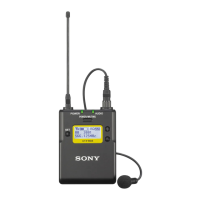
Attaching accessories to the body-
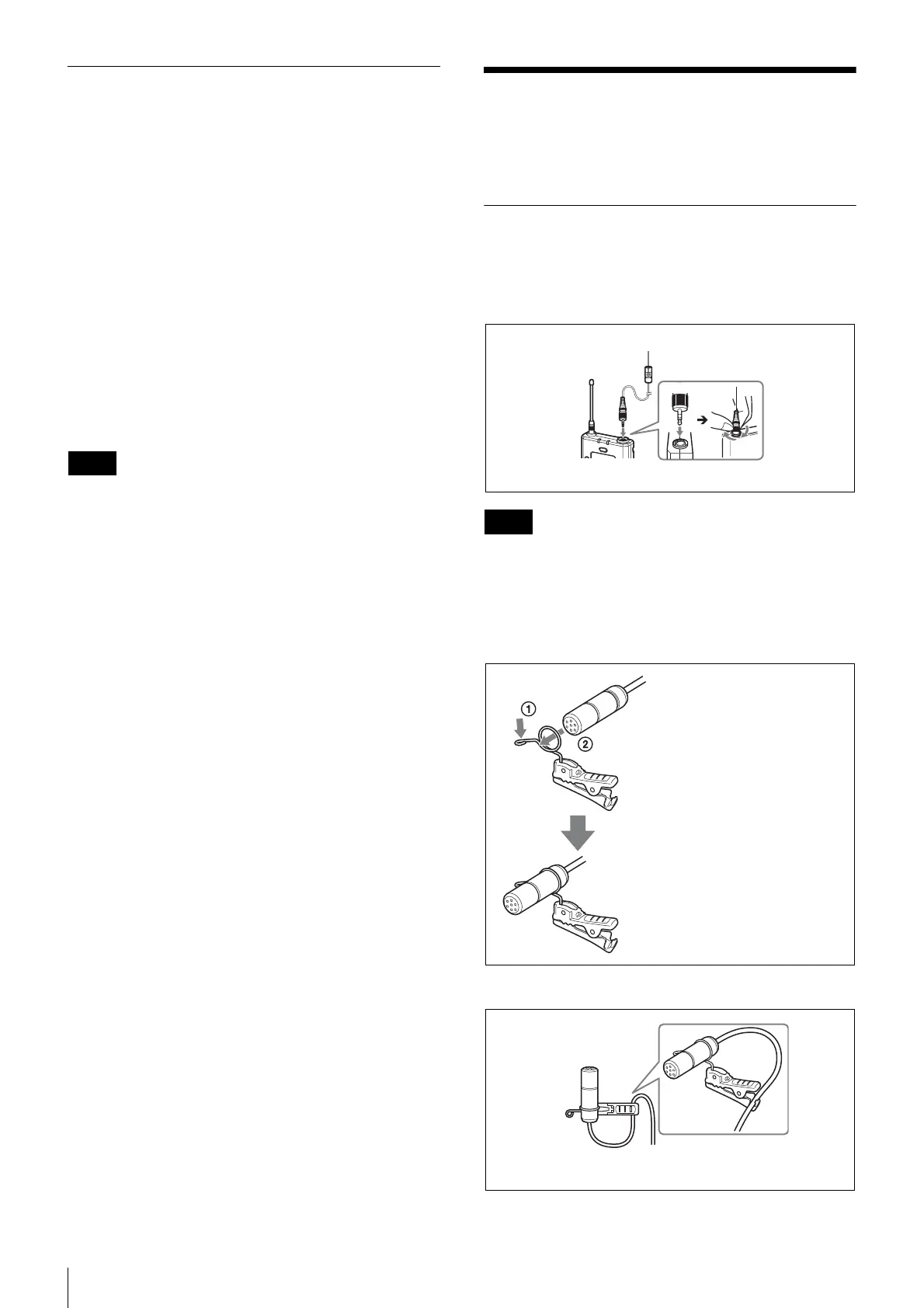
pack transmitter (UTX-B03)
Connecting the microphone
Be sure to attach or remove the microphone after turning
off the transmitter.
Attaching the holder clip to the
microphone
To secure the microphone cable
Notes
Note
For a secure connection, turn to lock the connector.
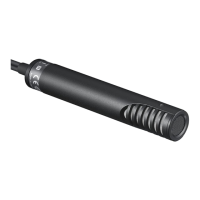
Microphone (supplied)
Push the end of the microphone
holder to expand the ring opening
(1), and insert the microphone (2).
Align the groove on the base of the
microphone with the ring, then
release the clip to secure the
microphone.
Insert the microphone cable through the
clamp of the holder clip.


 To Next Page