67
nN
Using Your VAIO Computer >
Using the Network (LAN)
Using the Network (LAN)
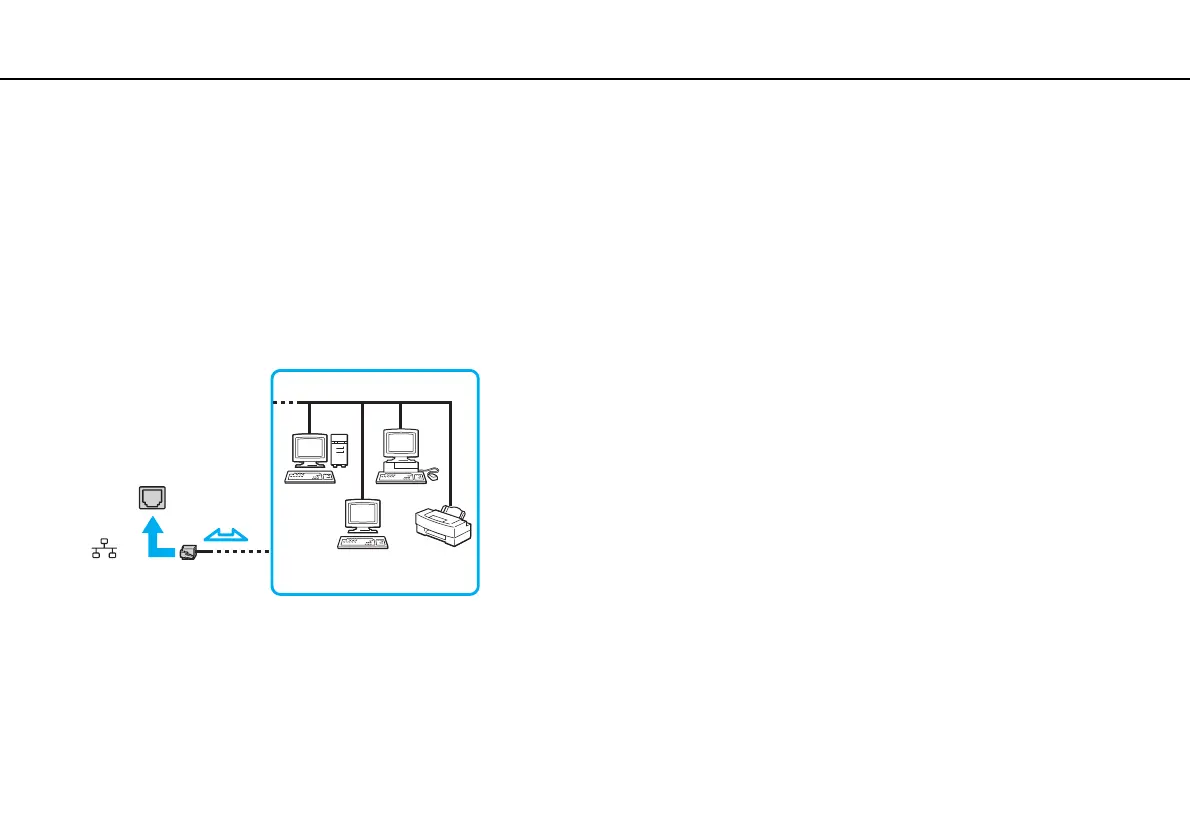
You can connect your computer to 1000BASE-T/100BASE-TX/10BASE-T type networks with a LAN cable. Connect one end
of a LAN cable (not supplied) to the LAN port on the computer or the optional port replicator and the other end to your network.
For detailed settings and devices required for LAN access, ask your network administrator.
!
The LAN port on your computer is not accessible when the computer is attached to the optional port replicator.
You cannot access LAN networks if you disable the LAN port in the BIOS setup screen. To enable the port, follow the steps in Disabling Built-in Devices
(page 133).
✍
You can connect your computer to any network without changing the default settings.







 To Next Page