78
nN
Using Your VAIO Computer
Using the Internet
Setting Up a Dial-up Internet Connection
Before you can connect to the Internet, you need to connect your computer to a telephone line with a telephone cable (not
supplied) and have an account with an Internet Service Provider (ISP).
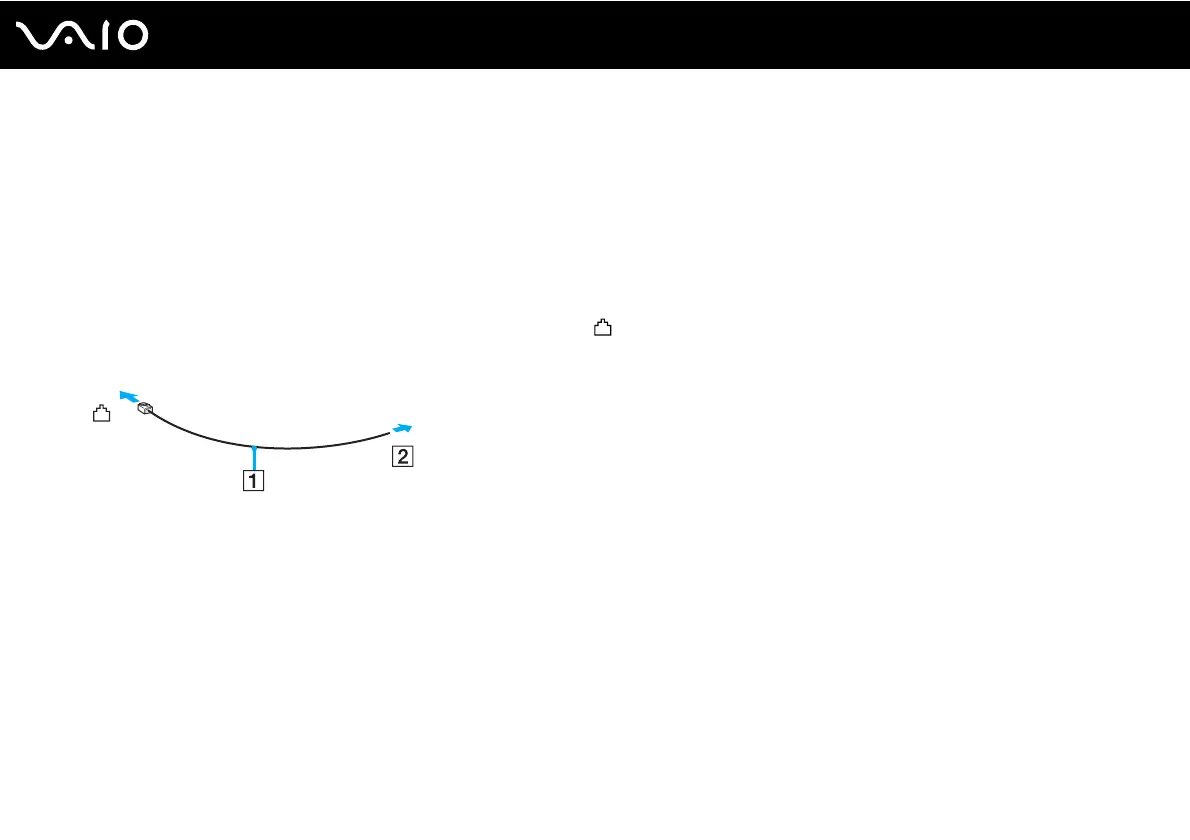
To connect a telephone cable
1 Plug one end of the phone cable (1) into the modem port on the computer.
2 Plug the other end into the wall jack (2).
✍
Your computer does not work with party lines, cannot be connected to a coin-operated telephone, and may not work with multiple telephone lines or a
private branch exchange (PBX). Some of these connections may result in excess electrical current and could cause a malfunction in the internal modem.
If you connect a telephone cable coming through a splitter, the modem or connected device may not work properly.



 To Next Page