91
nN
Using Your VAIO Computer
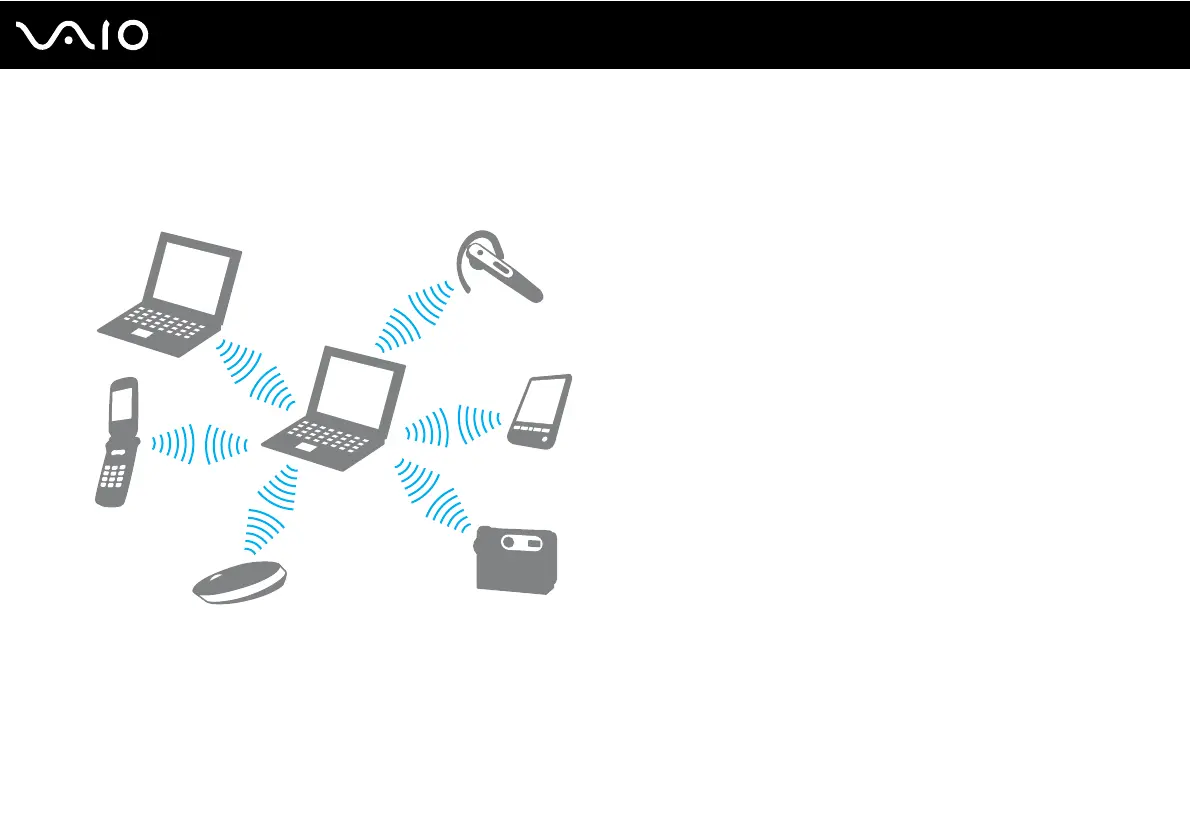
Communicating with Another Bluetooth Device
You can connect your computer to a Bluetooth device such as another computer, a mobile phone, a PDA, a headset, a
mouse, or a digital camera without the use of any cables.
To communicate with another Bluetooth device
To communicate with another Bluetooth device, you need first to set up the Bluetooth functionality. For setting up and using
the Bluetooth functionality, search for Bluetooth information using Windows Help and Support. To open Windows Help
and Support, click Start and Help and Support.



 To Next Page