95
nN
Using Peripheral Devices
Connecting External Speakers
You can enhance the sound quality of your computer by connecting external speakers.
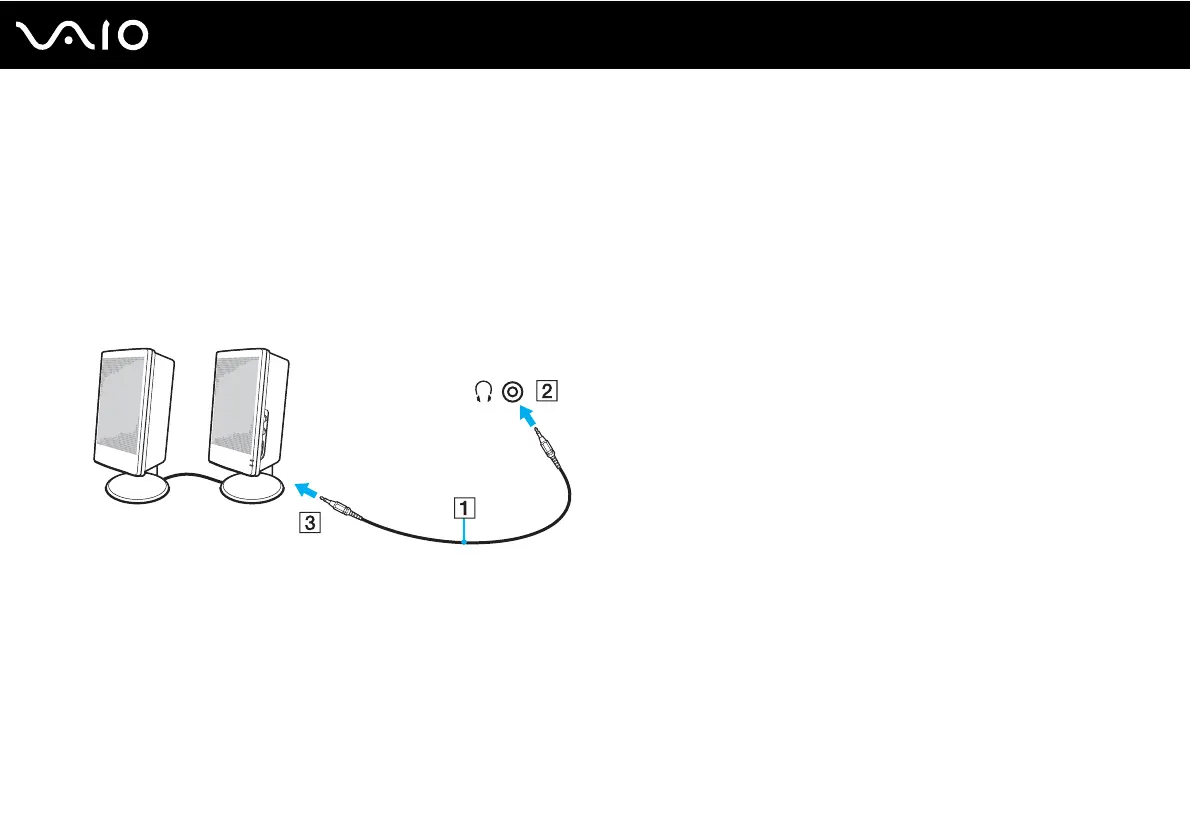
To connect external speakers
1 Plug the speaker cable (1) into the headphones jack (2) i.
2 Plug the other end of the speaker cable to the external speaker (3).
3 Turn down the volume of the speakers before you turn them on.
✍
Make sure your speakers are designed for computer use.
!
Do not place floppy disks on the speakers; their magnetic field may damage the data on the disks.



 To Next Page