10
nN
Getting Started >
Locating Controls and Ports
Locating Controls and Ports
Take a moment to identify the controls and ports shown on the following pages.
!
The appearance of your computer may be different from those illustrated in this manual due to variations in specifications. It may also vary in some
countries or areas.
Front
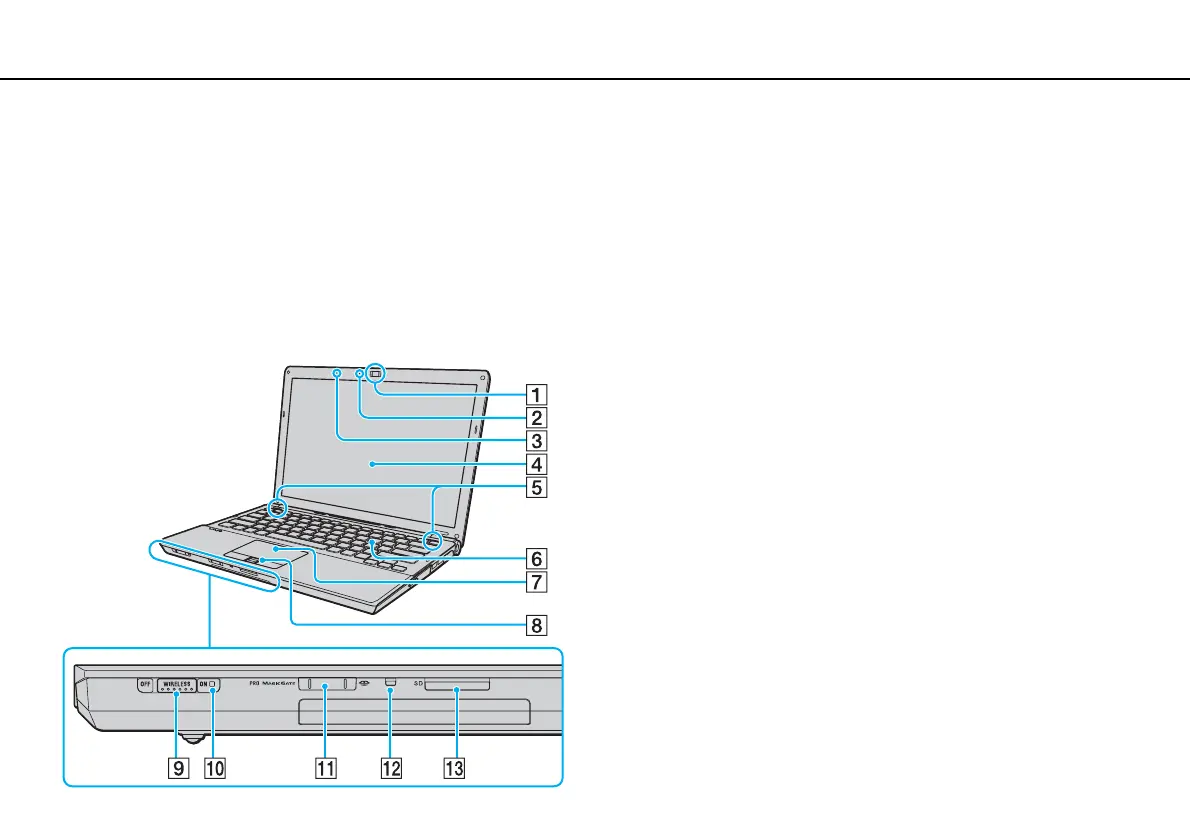
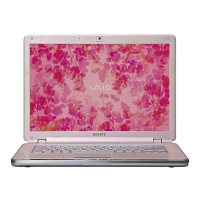
A Built-in MOTION EYE camera (page 33)
B Built-in MOTION EYE camera indicator (page 17)
C Built-in microphone (monaural)
D LCD screen (page 141)
E Built-in speakers (stereo)
F Keyboard (page 29)
G Touch pad (page 31)
H Fingerprint sensor
*1
(page 68)
I WIRELESS switch (page 56), (page 63)
J WIRELESS indicator (page 17)
K Memory Stick slot
*2
(page 41)
L Media Access indicator (page 17)
M SD memory card slot (page 48)
*1
On selected models only.
*2
Your computer supports both the standard-size Memory Stick and the Duo-
size Memory Stick.



 To Next Page