54
nN
Using Your VAIO Computer >
Using the Network (LAN)
Using the Network (LAN)
You can connect your computer to 1000BASE-T
*
/100BASE-TX/10BASE-T type networks with an Ethernet network cable.
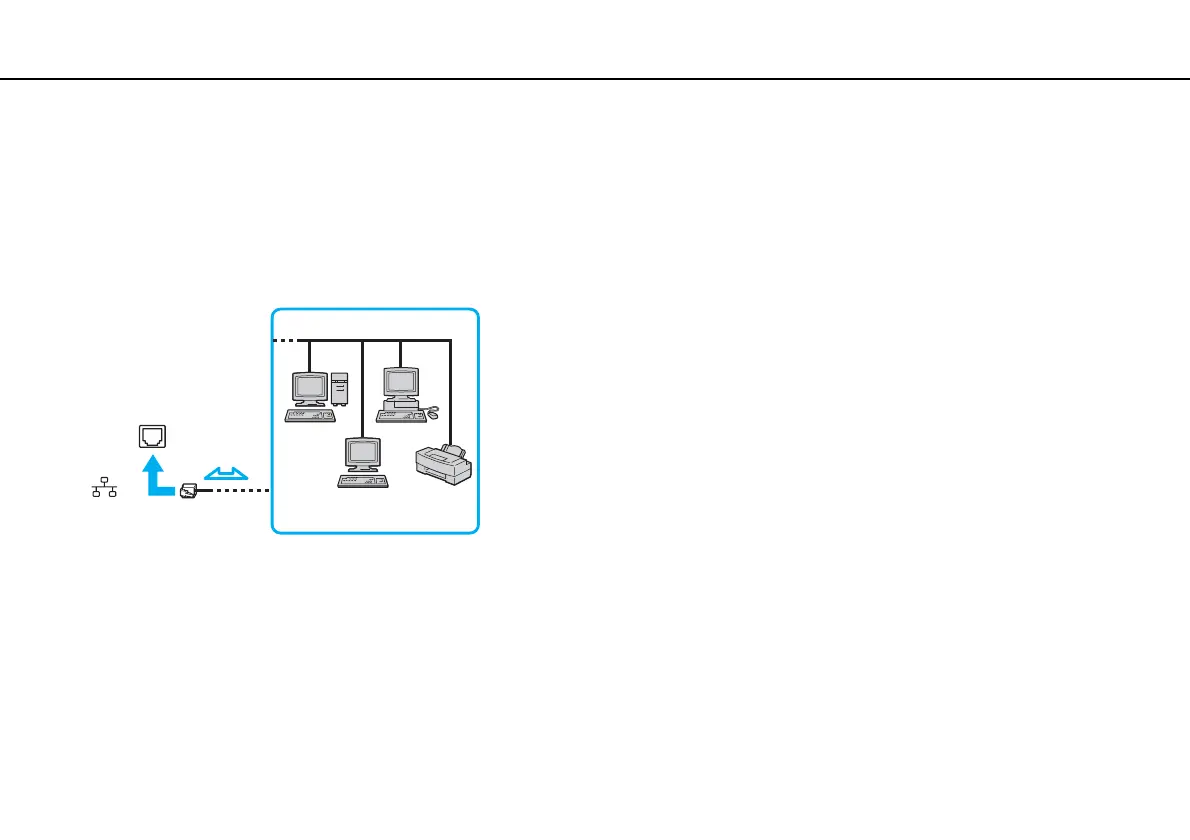
Connect one end of a network cable (not supplied) to the network (Ethernet) port on the computer or the optional docking
station and the other end to your network. For detailed settings and devices needed to connect to the network, ask your
network administrator.
* Available only via the network (Ethernet) port on the optional docking station.
✍
Your computer can be connected to the network with the default settings.
When your computer is attached to the optional docking station, you need to select which network (Ethernet) port to use. Follow the on-screen
instructions.



 To Next Page