107
nN
Using Peripheral Devices >
Connecting a Port Replicator
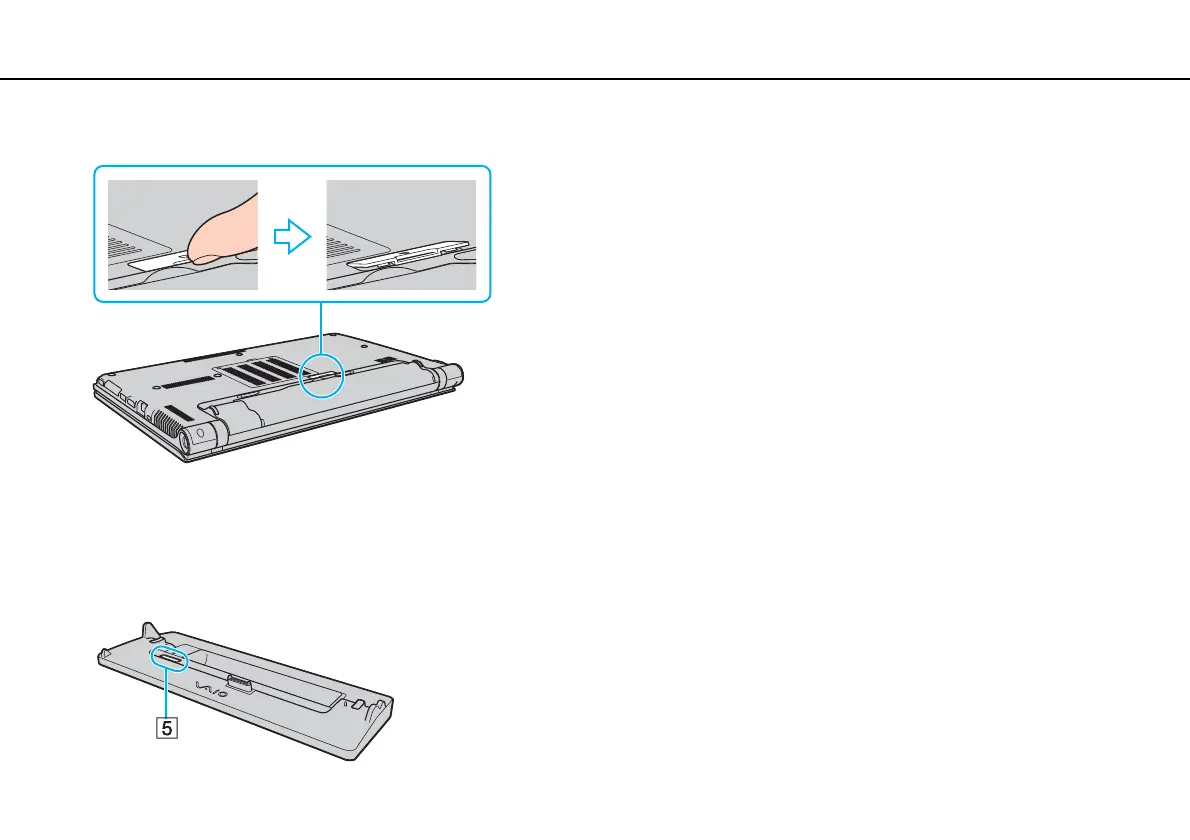
4 Remove the port replicator connector cover from the bottom of the computer.
!
You may find it difficult to remove the port replicator connector cover, as it is tight in place on your computer. Do not exert extra pressure when removing
the cover so as not to damage the computer or the port replicator connector cover.
✍
Once you have removed the port replicator connector cover, keep it in the designated space (5) on the port replicator.








 To Next Page