20
nN
Getting Started >
Using the Battery Pack
Using the Battery Pack
The battery pack is already installed on your computer at the time of delivery but is not fully charged.
!
Do not use your computer without installing the battery pack as it may cause the computer to malfunction.
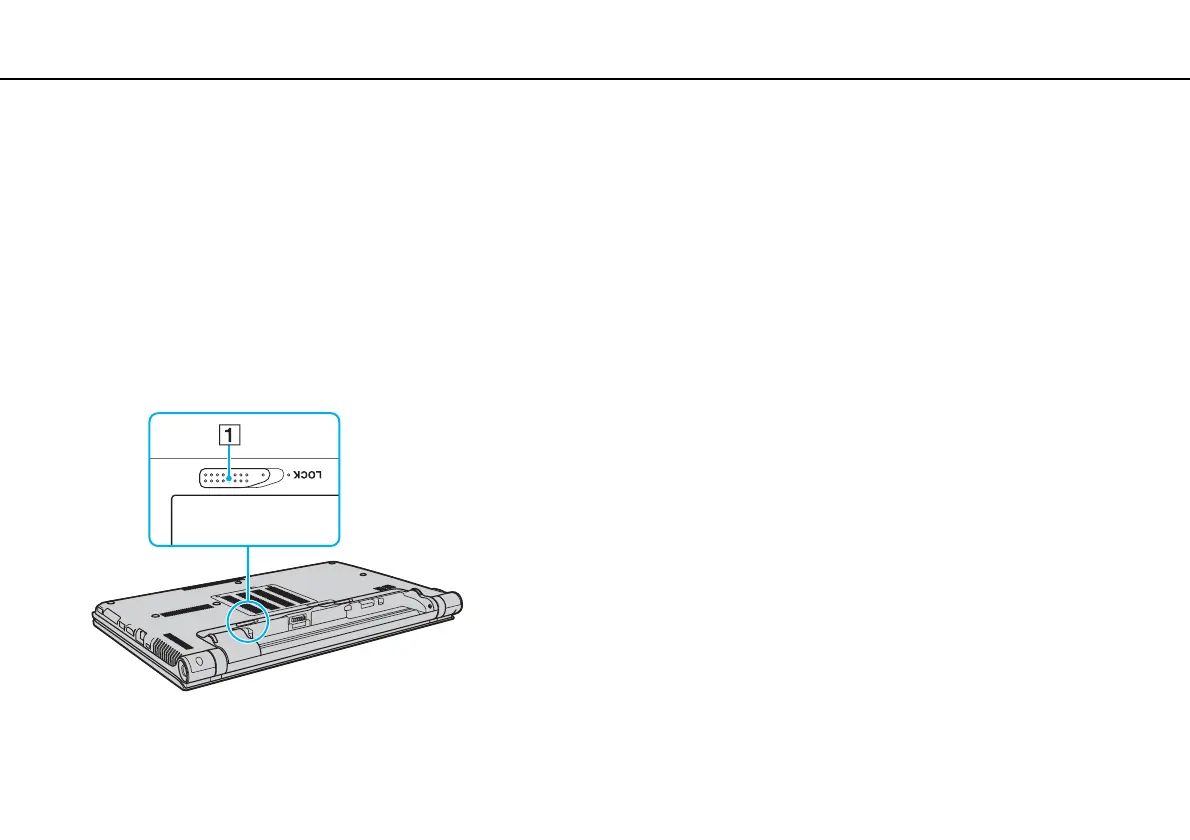
Installing/Removing the Battery Pack
To install the battery pack
1 Turn off the computer and close the LCD screen lid.
2 Slide the battery LOCK switch (1) outward.








 To Next Page