11
Location and Function of Controls
Overview
a Ventilation holes (exhaust)
b Lens
Remove the lens cover before
projection.
c Front remote control detector
d Control panel
For details, see “Control Panel” on
page 12.
EX5U does not have the Control panel
keys. Use the Remote Commander for all
operations.
e Zoom ring
Adjusts the picture size.
f Focus ring
Adjusts the picture focus.
g Ventilation holes (intake)/Air
filter cover
h Adjusters (fore pad)
i Lamp cover
j Adjuster
k Connector Panel
For details, see “Connector Panel” on
page 14.
l AC IN socket
Connects the supplied AC power cord.
m Adjuster adjustment button
For details, see “Using the adjuster” on
page 23.
n Speaker
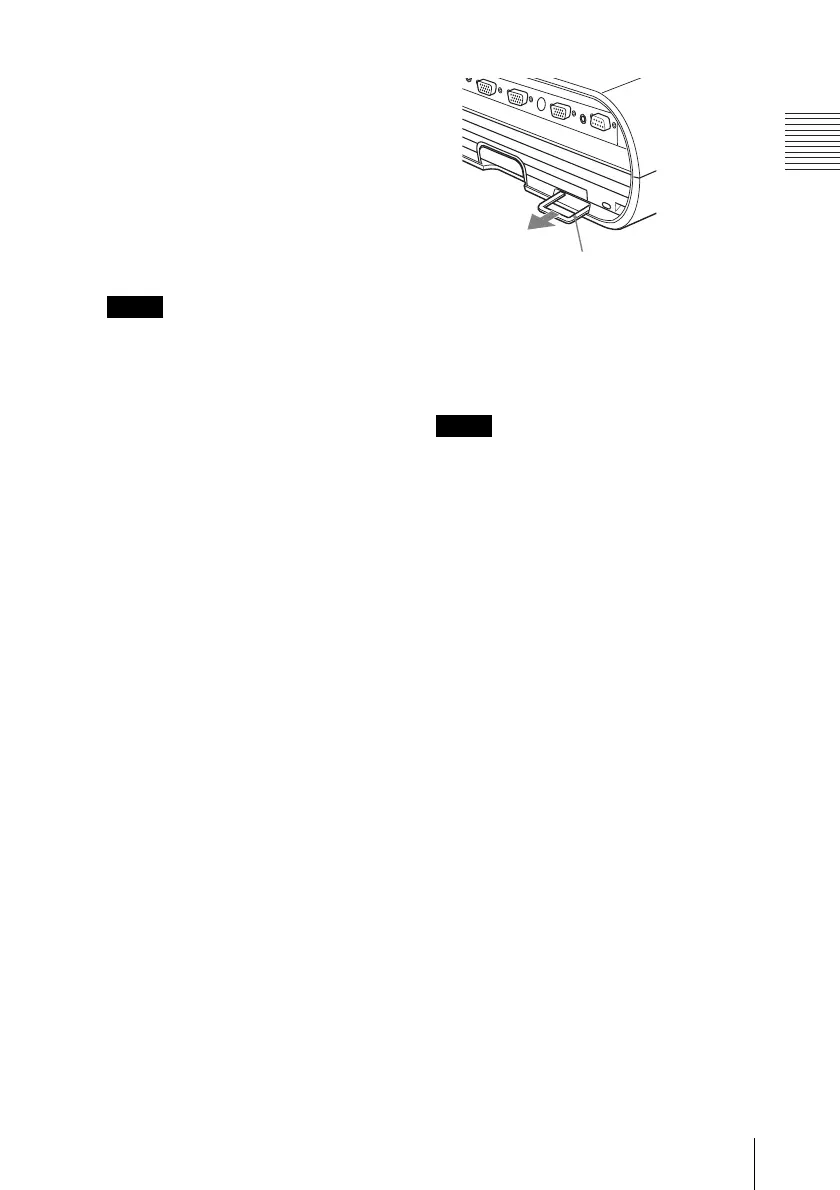
o Security bar
An anti-theft chain or wire
(commercially available) can be
connected to it.
p Security lock
Connects to an optional security cable
(from Kensington).
Web page address:
http://www.kensington.com/
To maintain optimal performance, clean the
air filter whenever you replace the lam
p.
For details, see “Cleaning the Air Filter” on
page 44.
Note
Note
Security bar





 To Next Page