GB
40
Cinema Black Pro Advanced Iris
Switches the iris function during projection.
Auto 1: Automatically switches to an optimum iris according to a
projected scene. The contrast of the scene is emphasized most.
Auto 2: An optimum iris becomes smaller than that when set to
“Auto 1.” The contrast of the scene becomes reduced.
Sensitivity: If “Auto 1” or “Auto 2” is selected, “Recommend,” “Fast” or
“Slow” can be selected according to the desired response speed with
Sensitivity Mode.
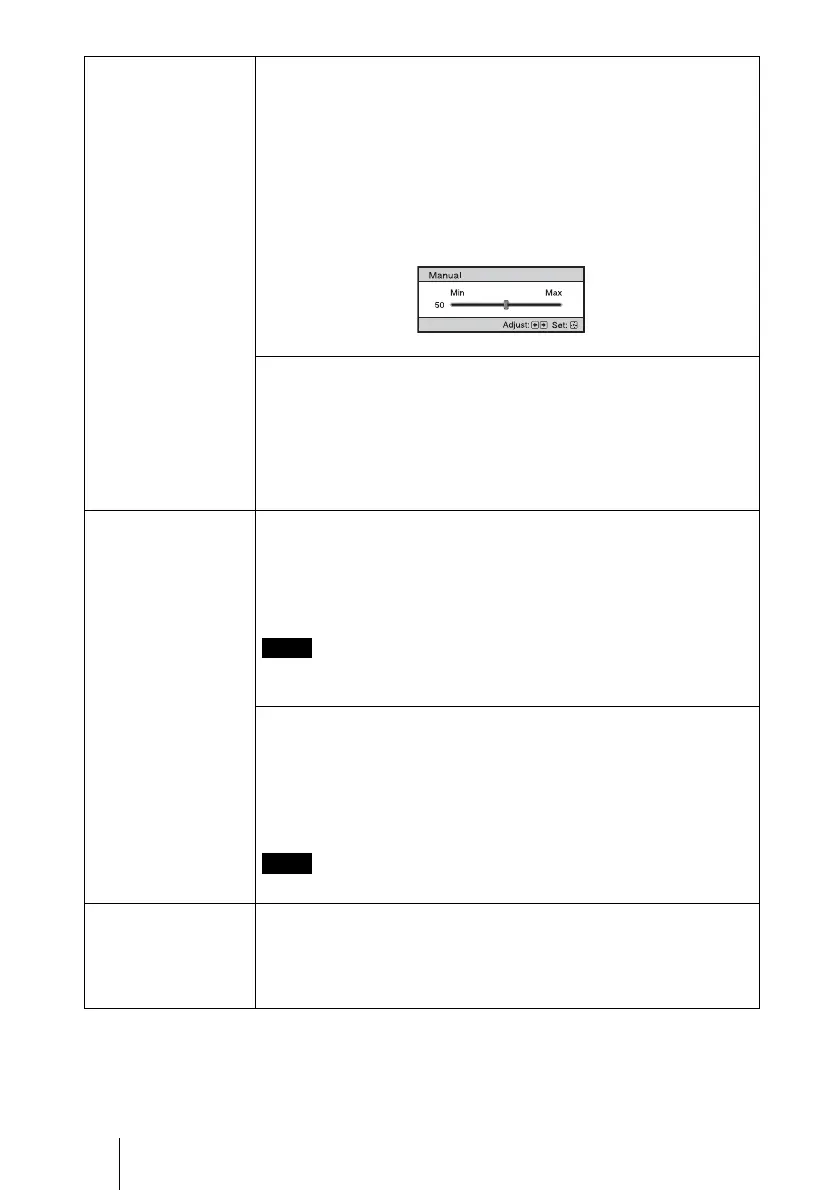
Manual: Manually adjusts the Iris.
Off: Normal contrast.
Lamp Control
Switches the lamp wattage during projection.
High: Normal wattage.
Low: Enhances the black by reducing the lamp wattage.
Tip
When you switch from “Low” to “High,” the number of fan rotation
increases, and the fan noise becomes slightly louder.
Motionflow Film Projection
Reproduces movies in its original moving picture.
Mode 1: Black Frame Insertion Mode (for motion blur reduction).
Mode 2: Dark Frame Insertion Mode (for motion blur reduction). The
picture is brighter than in “Mode 1.”
Off: Normal picture.
When you select “Mode 1” or “Mode 2,” the picture will become slightly
darker than in “Off.”
Motion Enhancer
Reproduces fast-moving pictures smoothly without generating
afterimages.
High: Select this for picture quality smoother than “Low.”
Low: Select this for smooth picture quality.
Off: Select “Off” when noise, etc. appears in “High” or “Low.” Usually,
set “Motion Enhancer” to “Off.”
Depending on the scene, a noise may appear on the picture.
Contrast Adjusts the white area of pictures (white level).
The higher the setting, the greater the contrast. The lower the setting, the
lower the contrast.
You can make adjustments by pressing the CONTRAST+/– on the
remote control.
Note
Note


 To Next Page