4 of 5
H
OME
L
OGIC
C
ONFIGURATION
D
ETAILS
The following table provides settings used in the HomeLogic Configurator. Please refer to the Configurator Reference Guide for more details.
o “<Select>” Select the appropriate item from the list (or drop-down) in the Configurator.
o “<User Defined>”, etc. Type in the desired name for the item.
O
PTION
1:
RS-232
Devices Variable Name Setting Comments
Communication Devices Name
Type Serial Port
Communication Type Standard Connection
Location <User Defined> (Not Required)
COM Port <Select>
Video Display Name
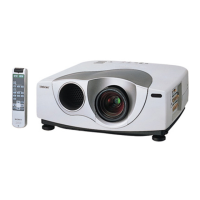
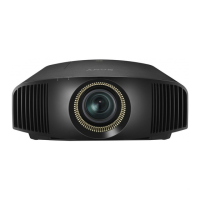
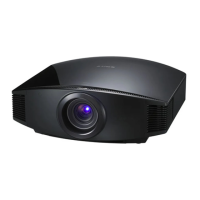
Device Type Sony VPL-VW100 (RS-232)
Location <User Defined> (Not Required)
COM Device
O
PTION
2:
E
THERNET
Devices Variable Name Setting Comments
Communication Device N/A (See Note 1)
N/A (See Note 1)
Video Display Name
Device Type Sony VPL-VW100 (Network)
Location
<User Defined> (Not Required)
IP Address
<User Defined> (Default:
) (See Note 2)
Port 53484
Notes:
1. No
is needed: just add
.
2. By default, set the first camera to 192.168.0.70, the second to 192.168.0.71, and so on.


 To Next Page