- 4 -
Service Manual
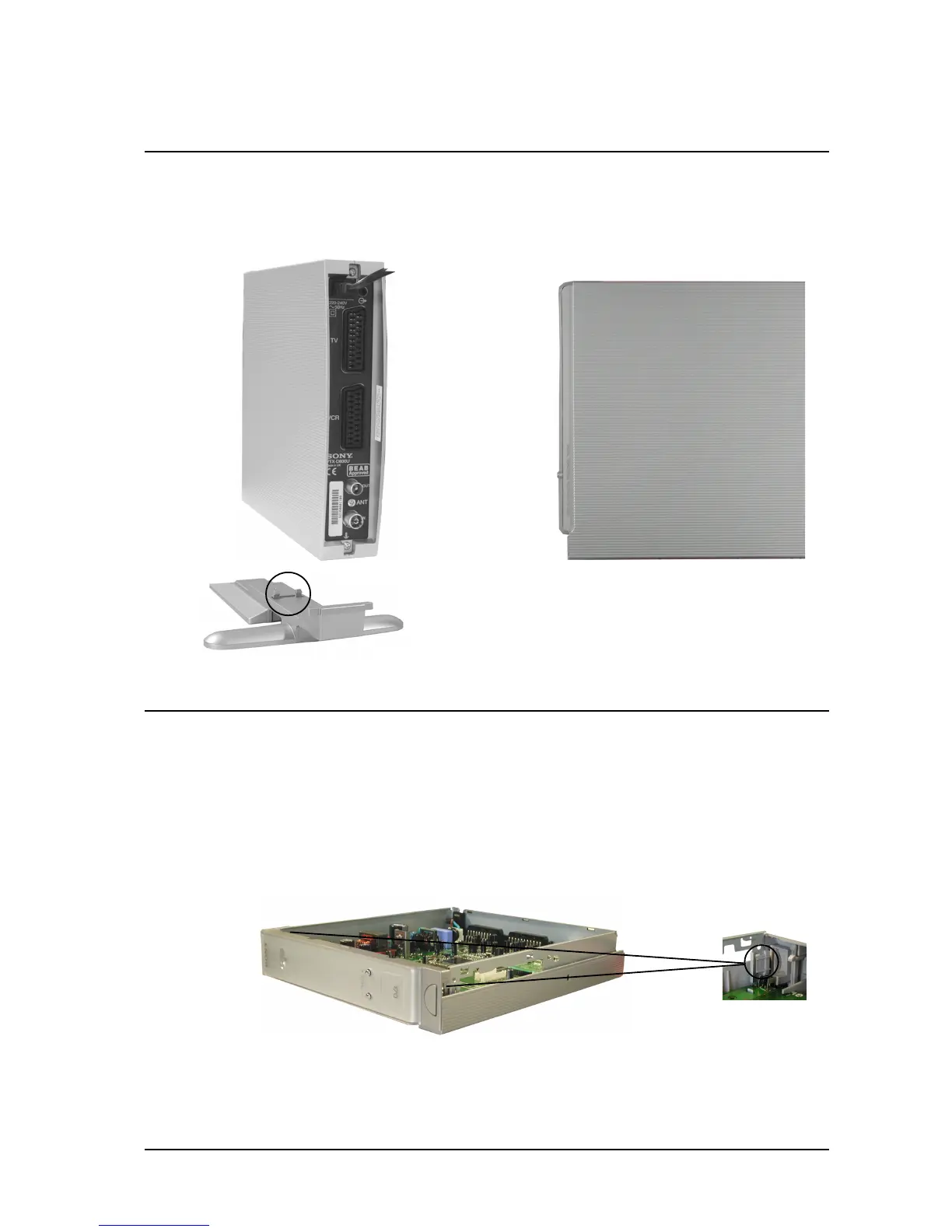
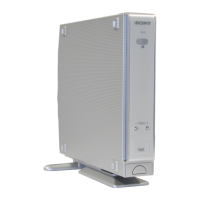
Remove the foot by releasing the clips circled and easing the foot carefully away from the unit. Remove the 2
screws located at the rear of the unit (shown arrowed). Lift the front of the cover slightly and slide towards the rear
of the unit until it is clear. Reassembly is the reversal of removal.
1.1 Cover Removal
1.2 Front Panel Removal
Remove the cover as indicated above. Carefully unhook the front panel locating clips from the chassis, pull the
front panel gently forward and lift clear.
Clip located
on both sides
of Front panel
Lift cover
gently at this
point.
1 Dissassembly
==>
==>
==>



 To Next Page