32
For details on the operation 1 page 30
Shooting menu
The default settings are marked with .
You can change the brightness of the image, accompanied by effects.
• You can select only [Normal], [B&W] or [Sepia] when shooting movies.
• When [Multi Burst] is selected, the color mode is set to [Normal].
COLOR (Color Mode): Changing the
vividness of the image or adding special
effects
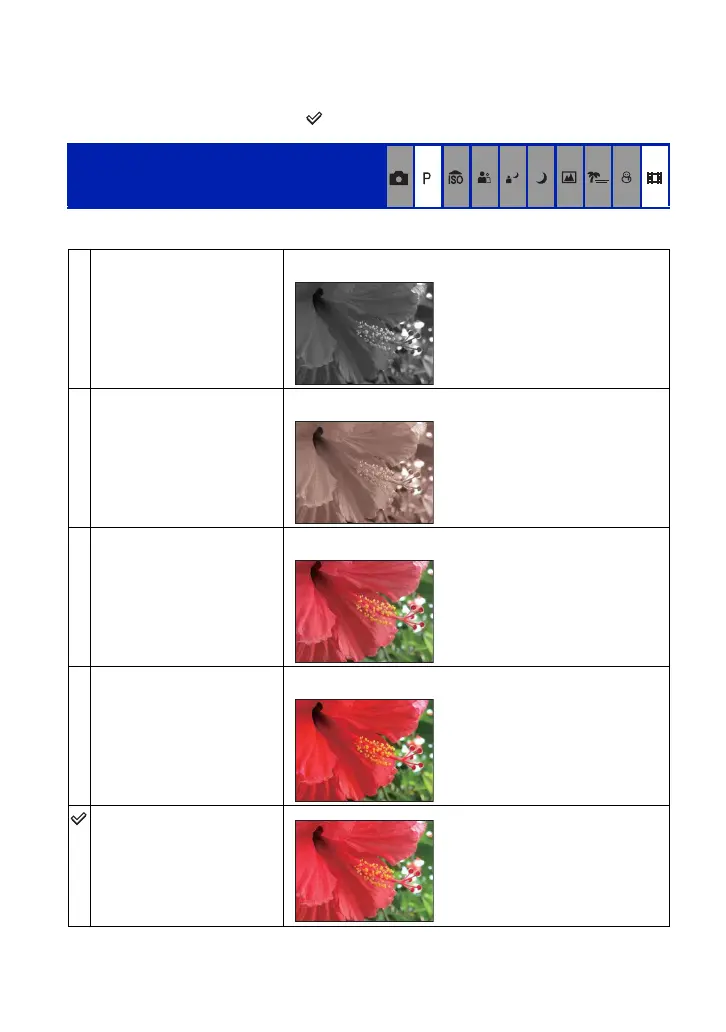
B&W (B & W)
Sets the image to monochromatic color.
Sepia (SEPIA)
Sets the image to sepia color.
Natural (NATURAL)
Sets the image to quiet color.
Rich (RICH)
Sets the image to bright color.
Normal









 To Next Page