47
Using the menu
Viewing menu For details on the operation 1 page 30
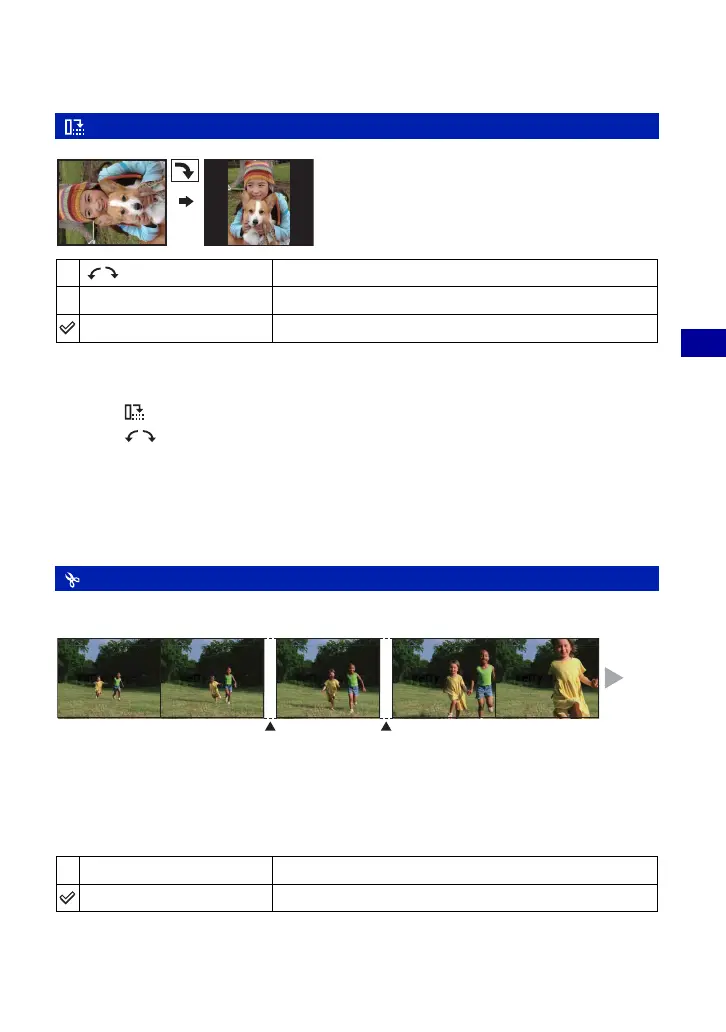
Rotates a still image.
1 Display the image to be rotated.
2 Press MENU to display the menu.
3 Select [ ] (Rotate) with b/B on the control button, then press z.
4 Select [
] with v, then rotate the image with b/B.
5 Select [OK] with v/V, then press z.
• You cannot rotate protected images, movies, or Multi Burst images.
• You may not be able to rotate images shot with other cameras.
• When viewing images on a computer, the image rotation information may not be reflected depending on
the software.
Cuts movies, or deletes unnecessary scenes of movies. This is a recommended function to use
when the internal memory or “Memory Stick Duo” capacity is insufficient, or when you attach
movies to your e-mail messages.
• Note that the original movie is deleted and that number is skipped. Also note that you cannot restore files
once you cut them.
(Rotate): Rotating a still image
Rotates an image. See the following procedure.
OK
Determines the rotation. See the following procedure.
Cancel
Cancels rotation.
(Divide): Cutting movies
OK
See the following procedure.
Cancel
Cancels division.
Divide
Flow of the movie ,
Divide









 To Next Page