37
Using the menu
Shooting menu For details on the operation 1 page 30
• For details on the white balance, see page 8.
• Under fluorescent lights that flicker, the white balance function may not work correctly even though you
select [Fluorescent] ( ).
• Except in [Flash] ( ) modes, [WB] is set to [Auto] when the flash strobes.
• Some options are not available depending on the Scene mode (page 27).
Selects a luminous sensitivity with units of ISO. The larger the number, the higher the
sensitivity.
• For details on the ISO sensitivity, see page 7.
• Note that the image tends to become noisier as the ISO sensitivity number increases.
• [ISO] is set to [Auto] in the Scene mode.
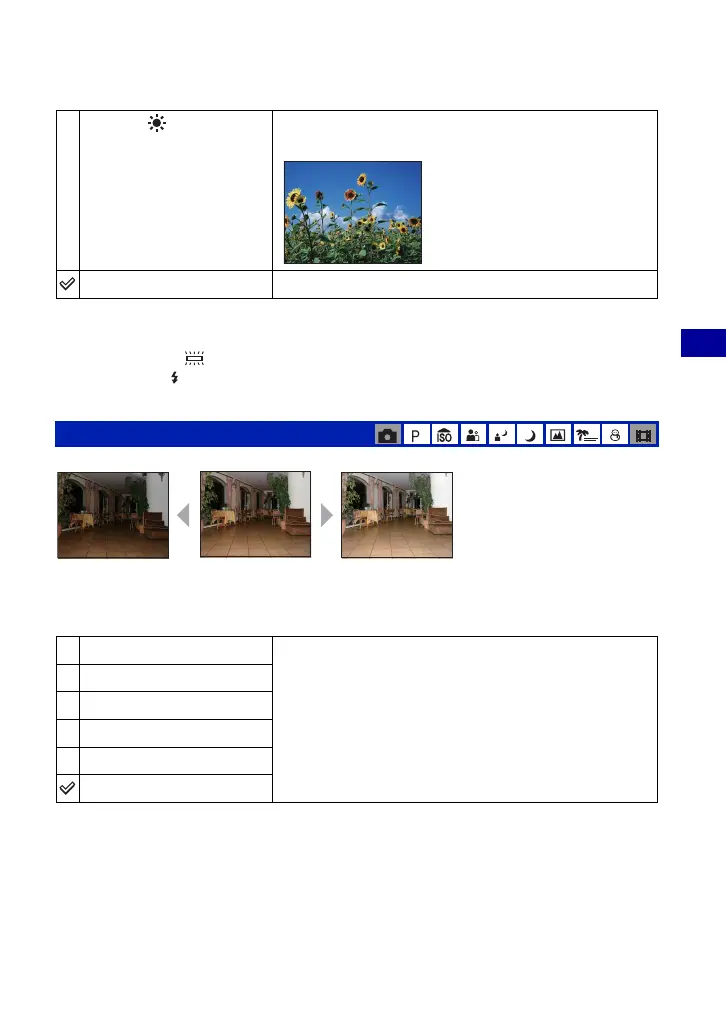
Daylight ( )
Adjust for outdoors on a clear day, evening scenes, night
scenes, neon signs, or fireworks.
Auto
Adjusts the White Balance automatically.
ISO: Selecting a luminous sensitivity
1000
Select a large number when shooting in dark locations or
shooting a subject moving at high speed, or select a small
number to obtain high image quality.
800
400
200
100
Auto
WB
Large numberSmall number









 To Next Page