26 Additional Information
Sony KV-HW21M85 Group A26 (GB_4-097-806-11 (2)
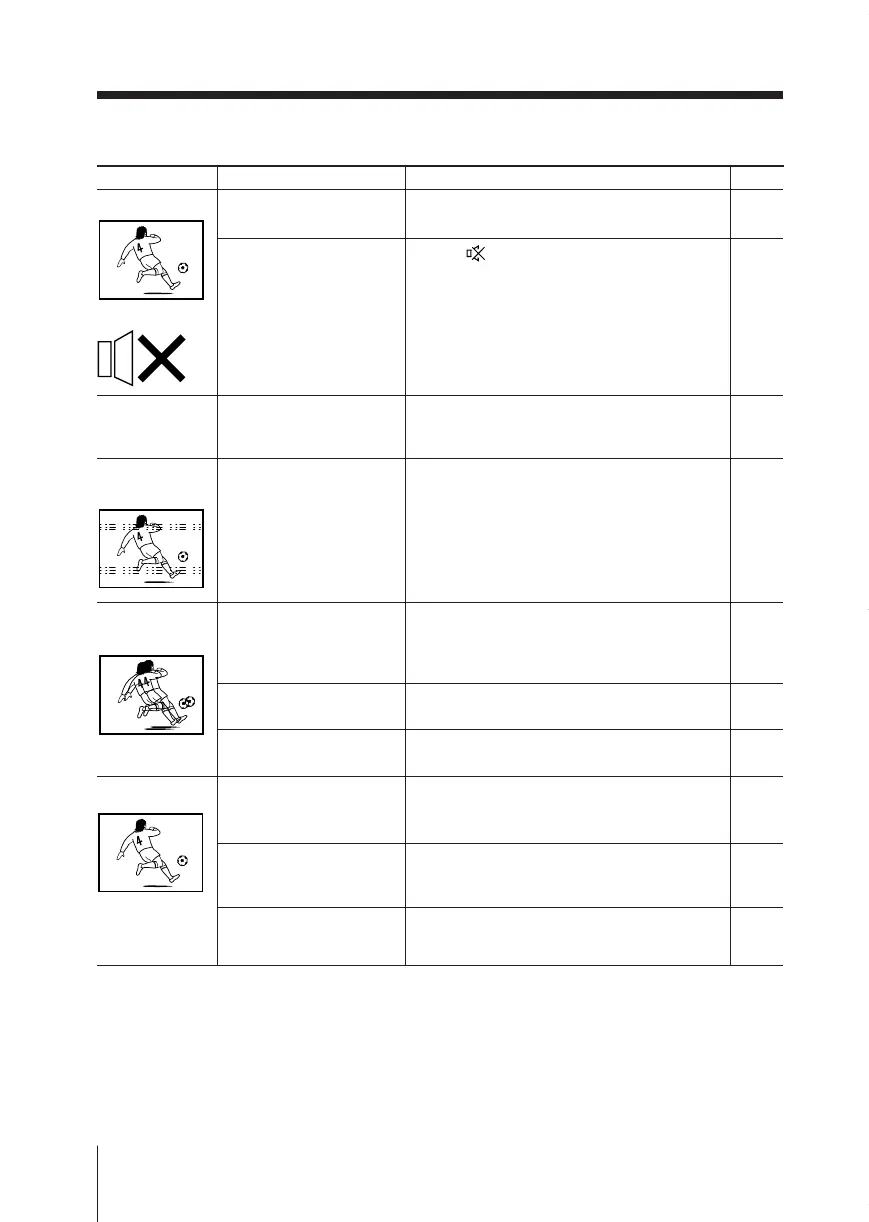
Good picture
No sound
No sound or
inappropriate
sound
Dotted lines or
stripes
Double images or
“ghosts”
No color
Possible causeSymptom Solutions Page
• The volume level is too
low.
• The sound is muted.
• The Portable Audio
Mode is functioning.
• There is local
interference from cars,
neon signs, hair dryers,
power generators, etc.
• Broadcast signals are
reflected by nearby
mountains or
buildings.
• The antenna setup is
inappropriate.
• Use of a booster is
inappropriate.
• The color level setting
is too low.
• The color system
setting is
inappropriate.
• The antenna setup is
inappropriate.
• Press 2 + to increase the volume level.
• Press
to cancel the muting.
• Display the “Setup” menu and set the
“Portable Audio Mode” to “Off”.
• Do not use a hair dryer or other
equipment near the TV.
• Check the antenna setup. Contact a Sony
dealer for advice.
• Use a highly directional antenna.
• Use the fine tuning (“Fine”) function.
• Check the antenna setup. Contact a Sony
dealer for advice.
• Turn off or disconnect the booster if it is in
use.
•
Display the “Picture” menu and select
“Personal” of “Mode”, then adjust the
“Color” level in “Picture Adjustment”.
• Display the “Setup” menu and check the
“Color System” setting (usually set this to
“Auto”).
• Check the antenna setup. Contact a Sony
dealer for advice.
9
9
22
–
–
–
21
–
–
16
22
–
continued
01GB08ADV-SSITHA.p65 12/6/03, 10:39 AM26





 To Next Page