27
Additional Information
Sony KV-HW21M85 Group A26 (GB_4-097-806-11 (2)
Possible causeSymptom
Solutions
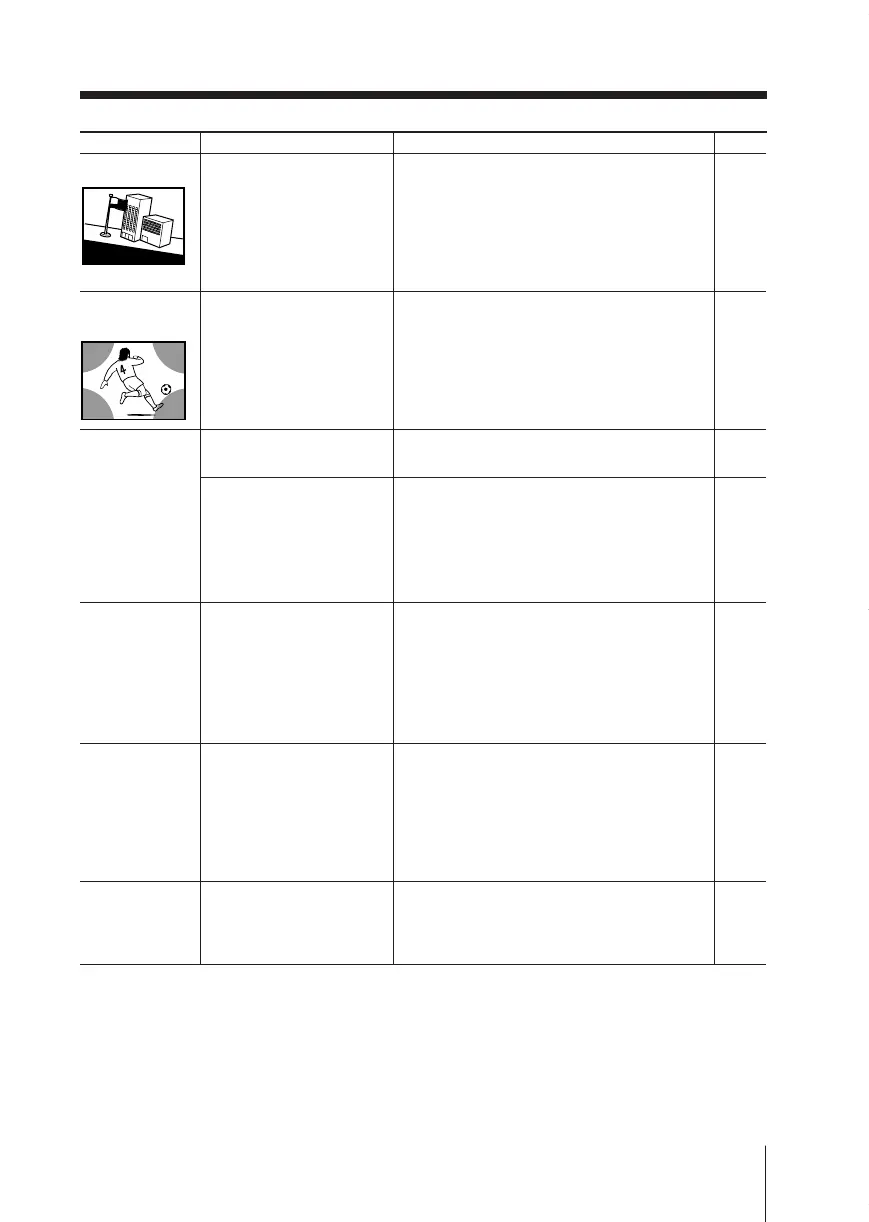
Picture slant
Abnormal color
patches
TV cannot receive
stereo broadcast
sound.
or
Stereo broadcast
sound switches
on and off or is
distorted
.
The 1
(standby)
indicator on
your TV flashes
red several
times after
every three
seconds.
TV cabinet
creaks.
A small “boom”
sound is heard
when the TV is
turned on.
–
22
–
23
–
–
–
–
• The magnetic
disturbance from
external speakers or
other equipment, or
the direction of the
earth’s magnetic field
may affect the TV.
• The magnetic
disturbance from
external speakers or
other equipment, or the
direction of the earth’s
magnetic field may
affect the TV.
• The connection is loose
or the cable is damaged.
• The antenna setup is
inappropriate.
• Your TV’s self-
diagnosis function
indicates the possible
problems.
•
Changes in room
temperature sometimes
make the TV cabinet
expand or contract,
causing a noise. This
does not indicate a
malfunction.
•
The TV’s demagnetizing
function is working.
This does not indicate a
malfunction.
• Keep external speakers or other electrical
equipment away from the TV.
• Display the “Setup” menu and adjust
“Picture Rotation” so that the picture
position is optimal.
• Keep external speakers or other
equipment away from the TV. Do not
move the TV while the TV is turned on.
Press ! (main power) on the TV to turn
off the TV for about 15 minutes, then turn
it on again to demagnetize the TV.
• Check the antenna cable and connection
on the TV, VCR and at the wall.
• Check the antenna setup. Contact a Sony
dealer for advice.
• Count the number of times the 1
(standby) indicator flashes. Press !
(main power) to turn off your TV.
Contact your nearest Sony service center.
—
—
Page
Good morning!
01GB08ADV-SSITHA.p65 12/6/03, 10:39 AM27





 To Next Page